Designer's guide to Dribbble
Learn how designers can use Dribbble to showcase work, build visibility, attract clients, and improve portfolio presentation.


Summary
Expect 6 to 18 months of steady posting on Dribbble before clients reach out. Use clear titles and at least 10 relevant tags. Dribbble keeps 4% to 10% of each project unless you pay yearly for Pro Standard at $8 a month.
On this page
- What Dribbble is in 2026: Realistic expectations
- Profile setup: What actually matters
- Understanding shots: Dribbble’s primary format
- Shot titles, descriptions, and tags: The SEO layer
- Case studies: Beyond the single shot
- Community engagement: How the algorithm works
- Getting clients through Dribbble: Four realistic pathways
- Dribbble Pro: An honest assessment
- Which design disciplines benefit most from Dribbble
- A note on Dribbble’s 2025 platform shift
- Putting it together: Your Dribbble strategy
Dribbble has been part of the design world since 2009. A lot has changed since then. What started as an exclusive, invitation-only showcase for top designers has become something considerably more complex: part portfolio platform, part inspiration feed, part client marketplace. Understanding what Dribbble actually is in 2026, and what it is not, is the difference between using it strategically and wasting months of effort.
This guide covers everything: profile setup, shot optimization, community mechanics, client acquisition pathways, and an honest look at Dribbble Pro. It will not tell you that posting on Dribbble will land you clients next week. It will tell you how to build something that works over time.
What Dribbble is in 2026: Realistic expectations
From invite-only to open marketplace
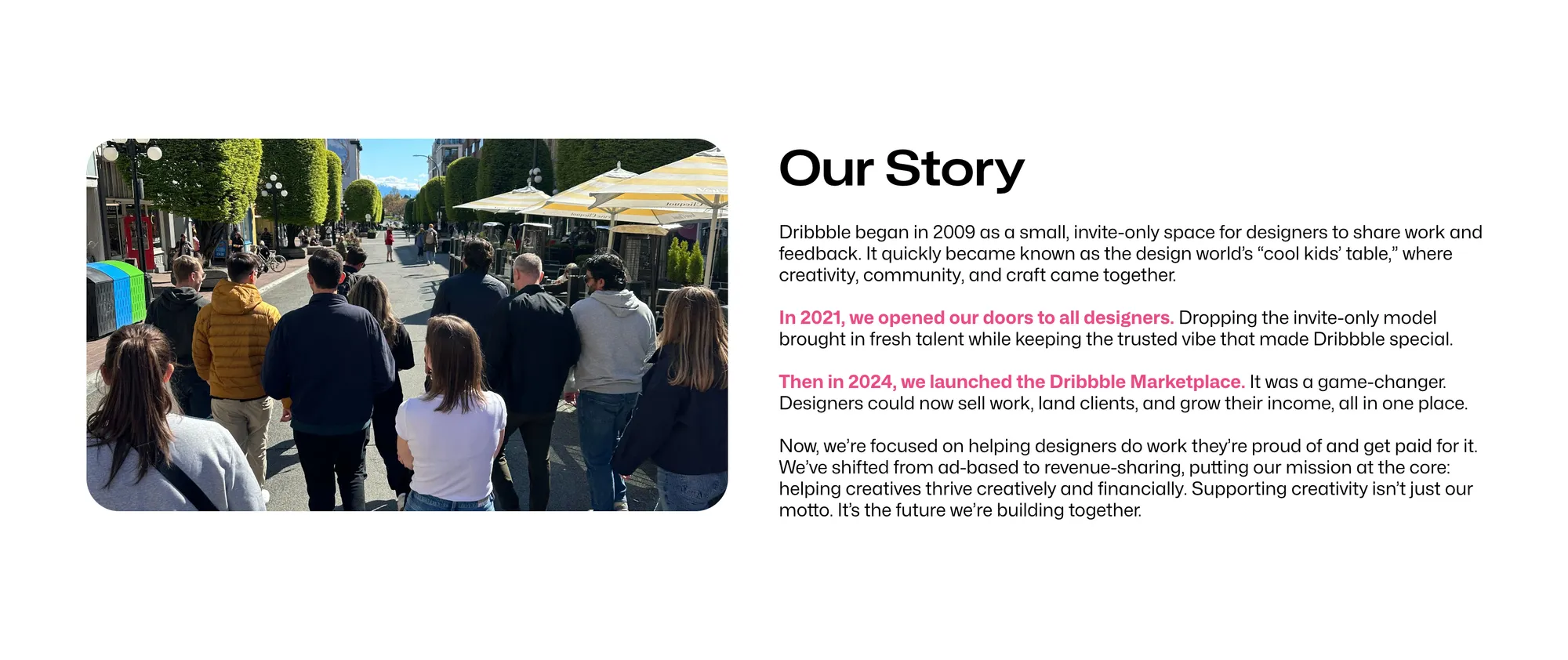
Dan Cederholm and Rich Thornett launched Dribbble in 2009 as an invitation-only community. Getting a Dribbble account felt like a credential. Only working designers could share work, and only by invitation. That exclusivity created genuine quality signaling.
In 2021, Dribbble opened its doors to all designers, retiring the invite-only model. According to Dribbble’s own announcement, the invite system had become a barrier that restricted tens of thousands of designers from finding community and opportunity on the platform each month.
Then came a more fundamental shift. Dribbble launched its marketplace in 2024, and in March 2025 it pivoted from an advertising-supported community to a revenue-sharing marketplace. Clients and designers who meet on Dribbble now have to pay and get paid through the platform, and they can’t swap contact details until the client has paid. This change split the community. Some designers embraced it. Others scaled back their activity or left.
What the platform looks like today
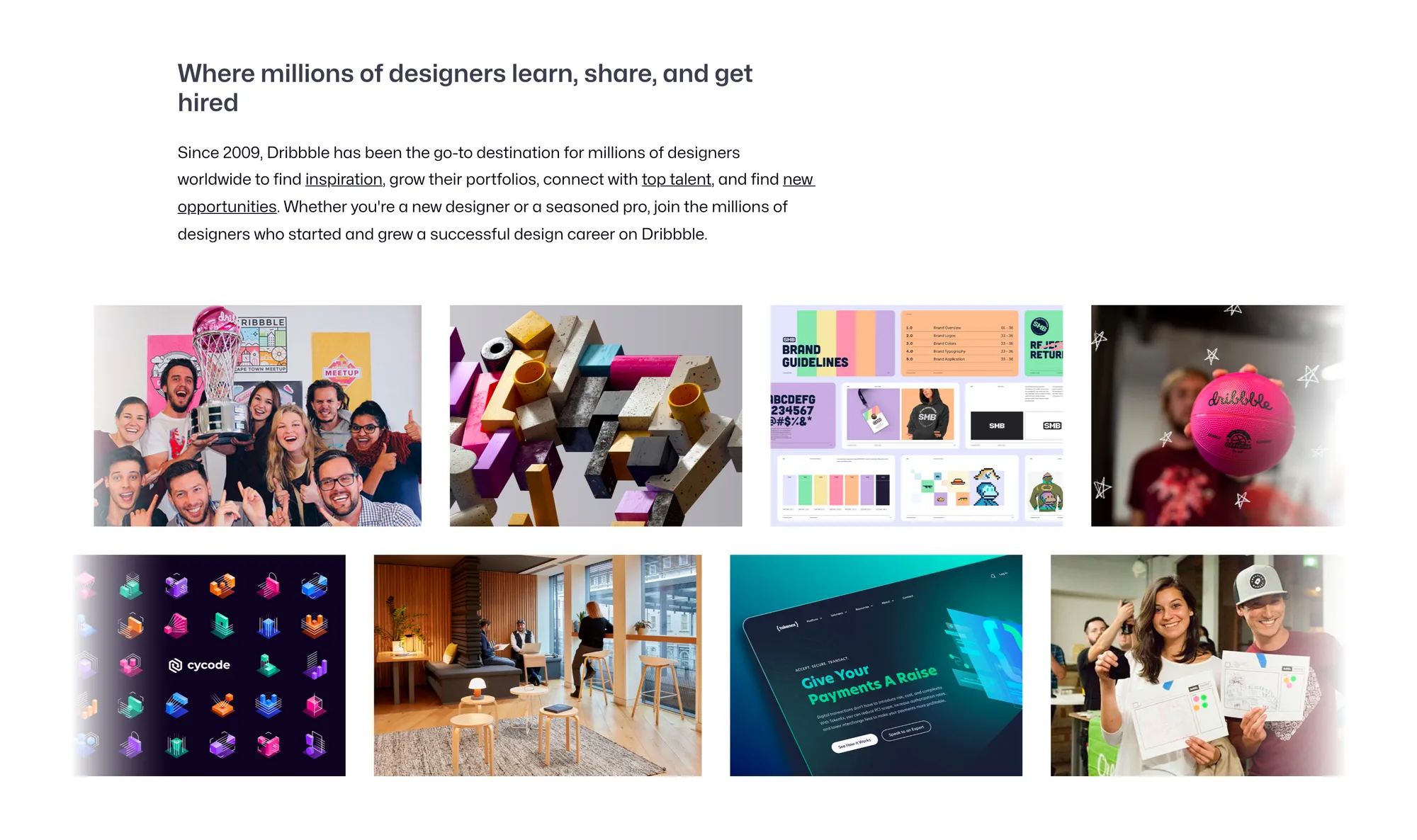
Dribbble in 2026 serves four purposes simultaneously: a portfolio showcase where you display your work, a design inspiration feed for other designers, a hiring marketplace where clients browse and contact designers, and a jobs board where companies post design roles.
The audience matters here. The majority of people scrolling Dribbble on any given day are other designers. They are there for inspiration, to follow peers, to learn from visual examples. Clients represent a smaller segment, but they exist, and they are typically more design-literate than clients you would find on generalist platforms. A client who comes to you through Dribbble already understands visual quality. That changes the conversation.
The honest baseline
Dribbble is a long-term credibility builder and passive discovery channel. Post once and wait for clients: it does not work that way. Build a consistent, high-quality presence over 6 to 18 months and you create the conditions for inbound inquiries. That is the actual timeline. Expect it and plan accordingly.
Profile setup: What actually matters
Profile photo and name
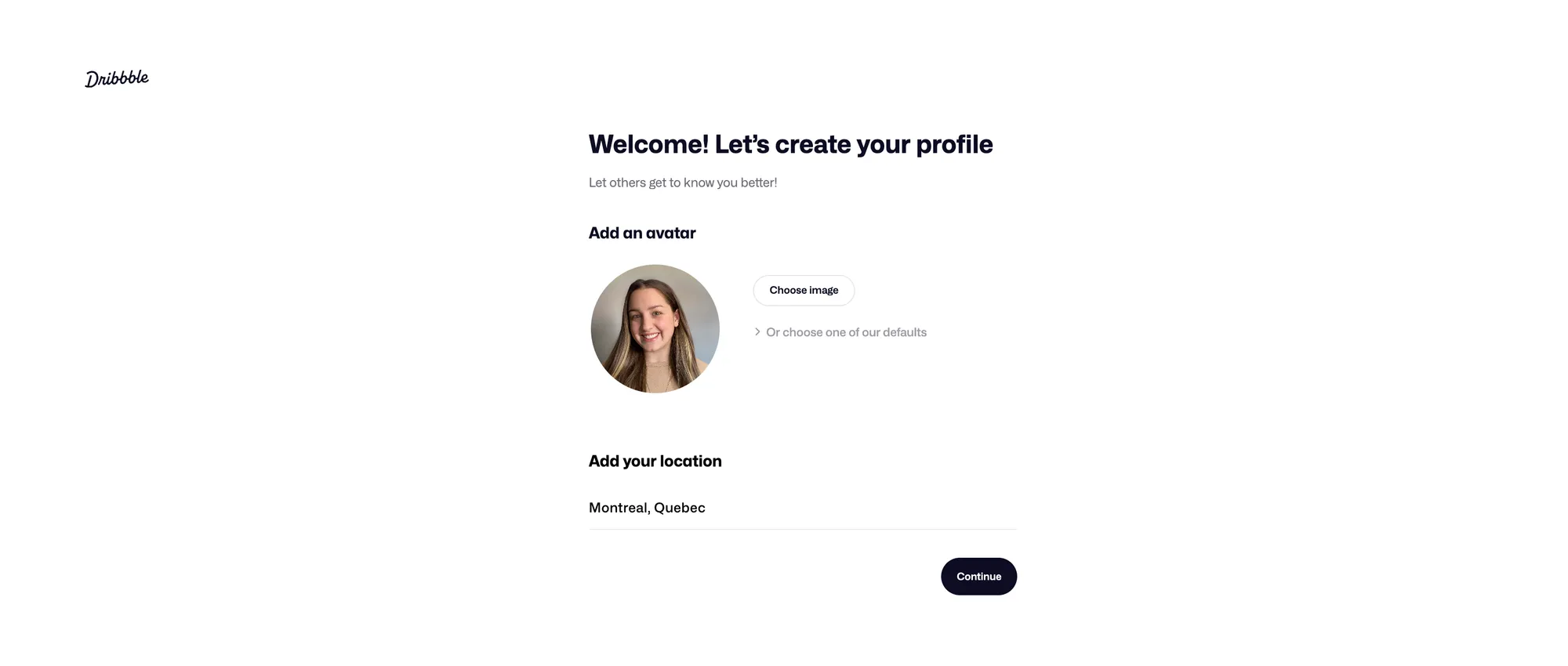
Use a professional headshot. Dribbble is a professional portfolio platform. A real photo signals approachability and accountability. Real names also tend to outperform brand names for individual freelancers: clients searching for a designer to hire want to know who they are dealing with.
Your bio
Short. Specific. Actionable. Your bio should tell a visitor what type of design you do, who you do it for, and what to do next. “UI/UX designer for SaaS and fintech products. Available for freelance work. Send me a message to start a project” is more useful than three sentences about your passion for thoughtful design. Leave your email out: Dribbble doesn’t allow contact details in bios and removes them.
Mention your location if your target clients care about geography. Some do.
Include an availability signal. “Available for freelance” is a CTA. Clients who are actively looking use this as a filter.
Skills and specializations
Dribbble lets you list design skills on your profile, and these affect how you appear in Dribbble’s designer search. Be specific. “Product Design” outperforms “Design.” “UI Design for Mobile Apps” is better than “UI Design.” Clients searching for help with a specific problem use specific terms.
Links and contact details
Dribbble no longer lets you show contact details on your profile or shots: no email, phone number, social handles, or links to a site that lists them. Only Designer Advertisers, who buy ads on Dribbble, are exempt. Put the depth on Dribbble itself instead, with case-study shots and, from Pro Lite up, a portfolio website (Playbook). Clients reach you through the Get in touch button.
Availability status
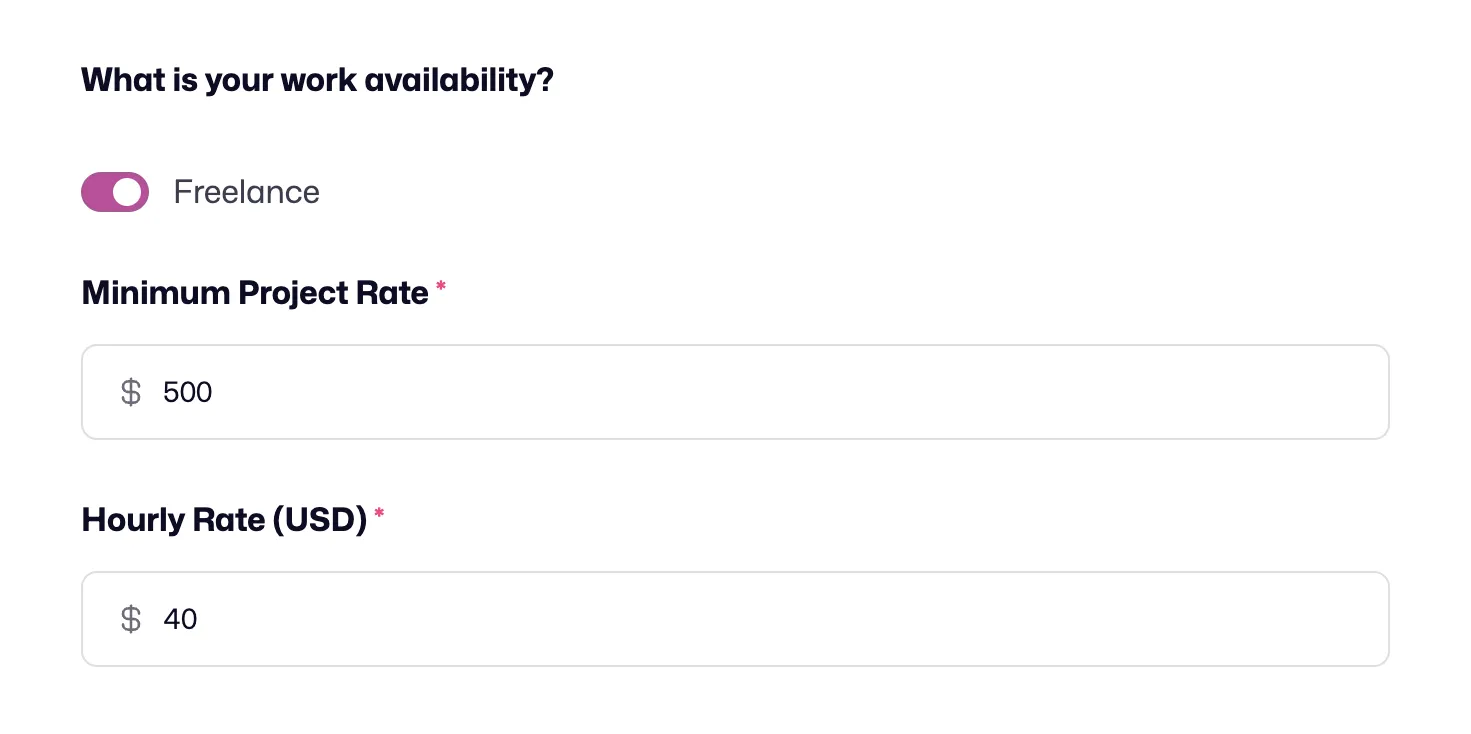
Dribbble allows you to set your availability for work. Keep it current. InstantMatch only recommends designers who are marked available for work and have a minimum project rate set. If yours says “not available” and you are, you have already lost the lead.
Understanding shots: Dribbble’s primary format
What a shot is
A shot is a single image or short animation representing a piece of design work, optimized for visual impact at a specific display size. Shots appear in feeds and in search results as thumbnails first. The first impression happens at small scale. Your shot either stops the scroll or it does not.
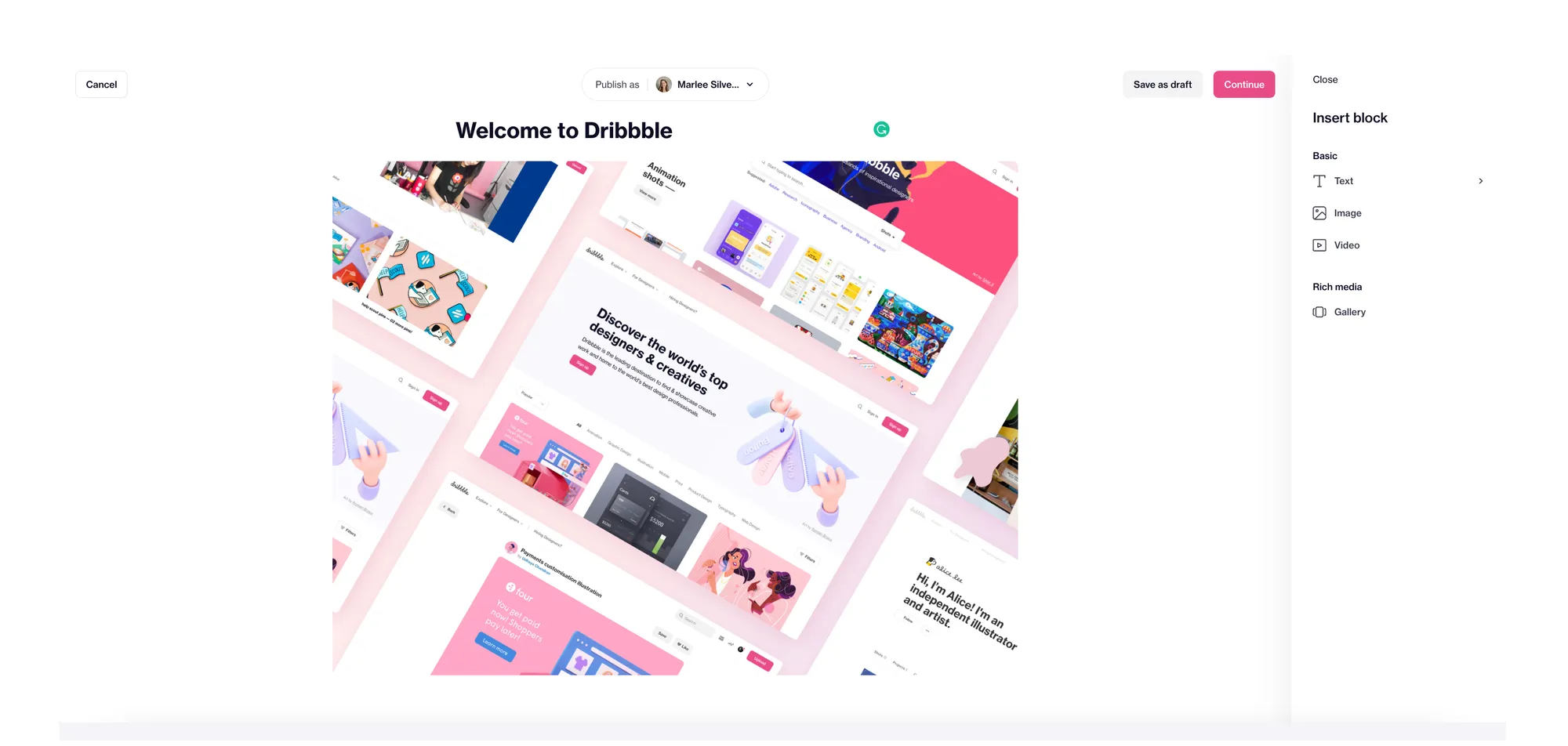
Dribbble recommends uploading images, GIFs and videos at least 1,600 pixels wide, and shots no longer need a fixed ratio or height. Images (PNG, JPG or GIF) can be up to 10MB, and videos (MP4 or MOV) up to 20MB.
What makes a shot perform
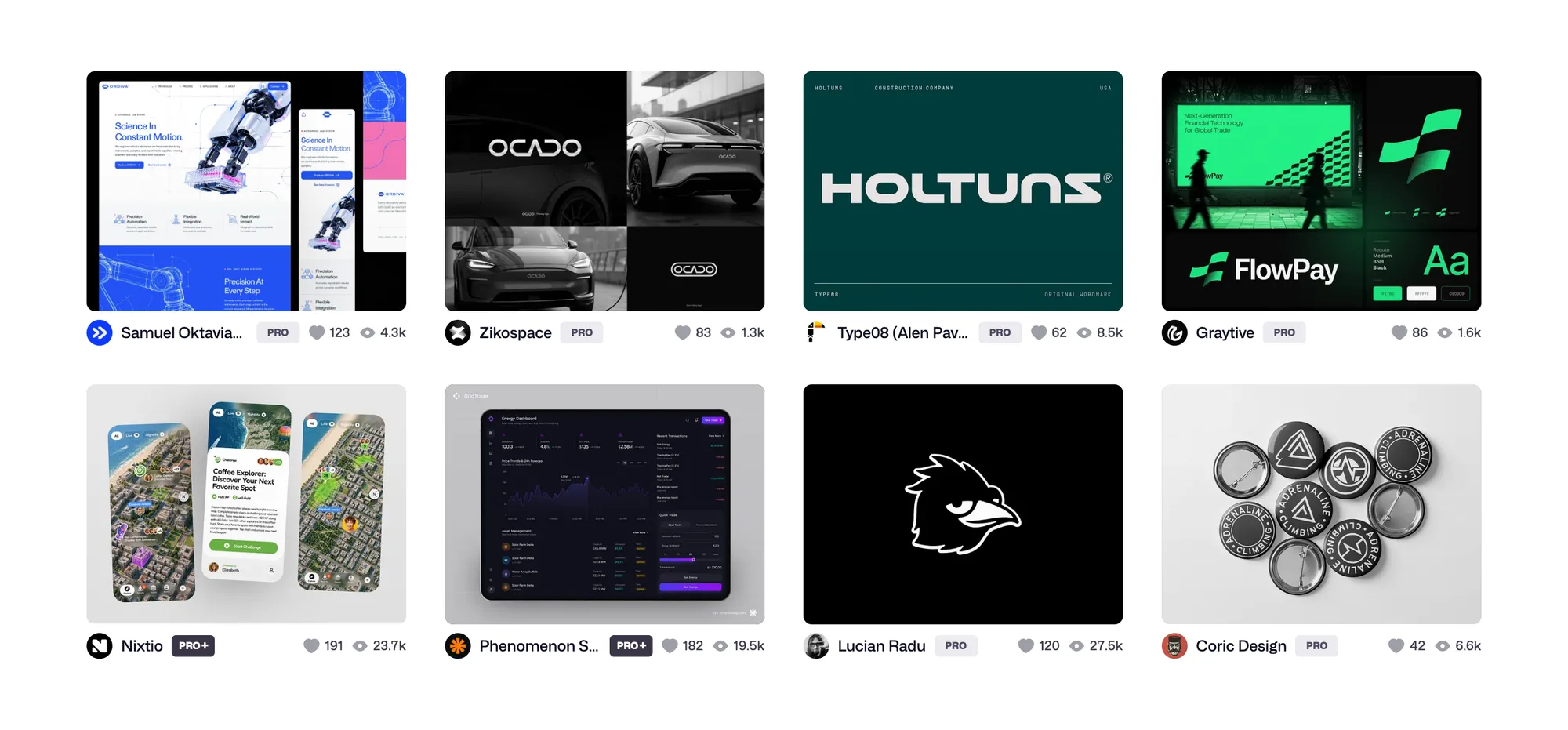
Visual impact at thumbnail size comes first. High contrast, a clear focal point, and a single dominant element outperform cluttered compositions. Ask yourself: does this shot read in two seconds? If not, simplify.
Context increases engagement. A UI screen shown in a realistic device mockup performs better than the same screen presented as a flat file. The mockup answers the unspoken question every viewer has: “What would this actually feel like?”
Polish matters on Dribbble. This is not the platform for rough sketches or in-progress work unless the roughness is intentional and well-presented. Refined work communicates professional standards.
Short animations outperform static images when done with restraint. A 3 to 6-second loop showing a microinteraction, a hover state, or a loading sequence outperforms a long video reel. The key word is restraint: motion that serves a purpose, not motion that performs busyness. Dribbble supports GIF and video formats.
What works and what does not
UI screens, icons, illustrations, typographic compositions, logo presentations, and branded mockups translate well to the shot format. These disciplines communicate quality in a single image.
Complex systems work, multi-page documents, research findings, and process-heavy deliverables do not. These require explanation. A single shot cannot carry them. For this type of work, case studies are the right format.
Shot titles, descriptions, and tags: The SEO layer
This section is where most designers leave value on the table. Dribbble has internal search. Google also indexes Dribbble shots. A well-tagged, well-titled shot can appear in Google search results for design-related queries. That is free, passive discoverability.
Titles
Include a relevant keyword in your title. “Mobile Banking App UI” is findable. “New project” is not. “Minimalist Brand Identity for a Healthcare Startup” tells a viewer and a search engine exactly what they are looking at.
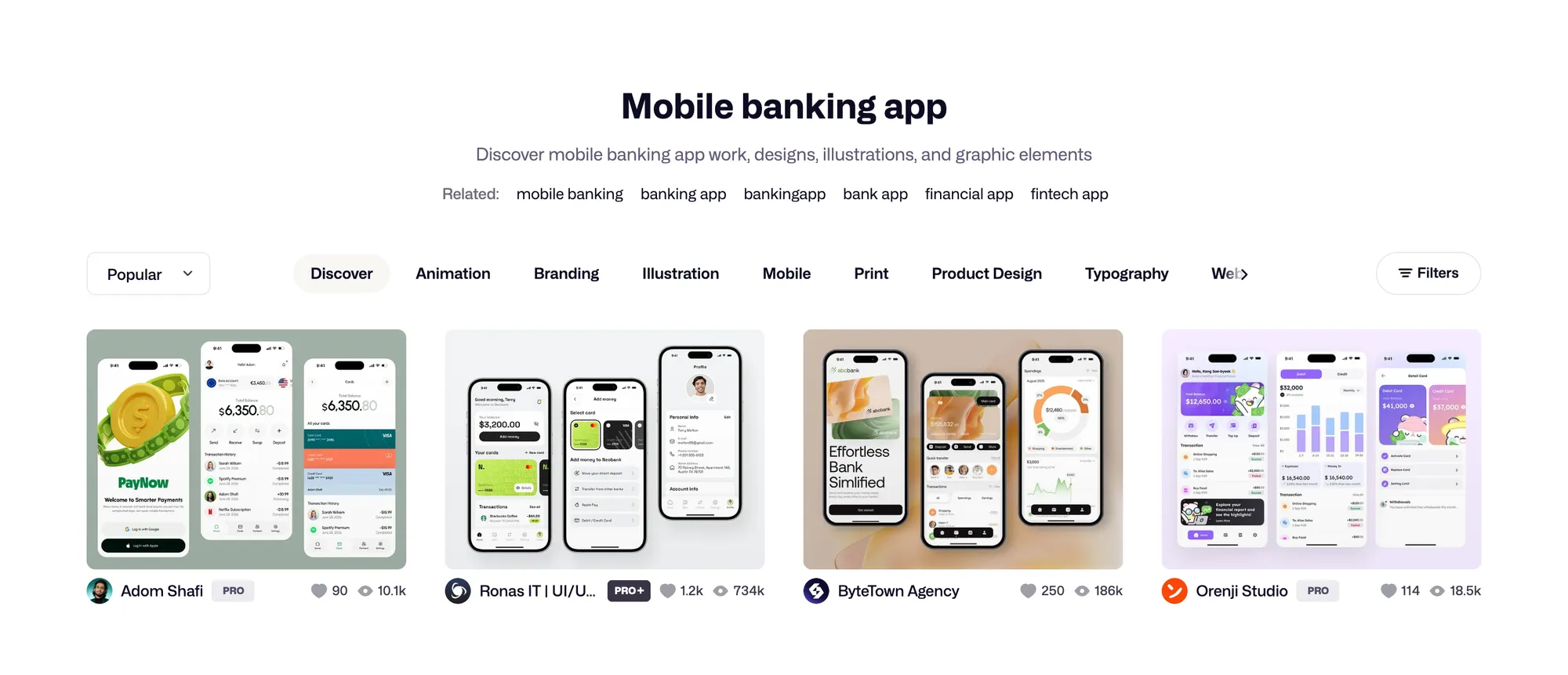
Think like a client. What would someone type into Google when they need what you do?
Descriptions
Write 1 to 3 sentences of context. What is the design for? What problem does it solve? What tools did you use? Brief but informative. A description gives search engines text to index and gives clients the context they need to evaluate fit.
Include a soft CTA: “Open to freelance inquiries” or “Send me a message if you have a project in mind.” This costs nothing and occasionally converts a viewer.
Tags
Use as many relevant tags as you can. Dribbble suggests at least 10 and pushes shots with irrelevant tags down in search. Use specific terms: ui, ux, mobile, ios, fintech, saas, logo, typography, branding, illustration. Avoid generic terms like “design” or “minimal” on their own: no client searches those.
Dribbble’s help center says titles, descriptions and tags help its own search match your shot to what people look for. Google is a bonus on top: one design agency reports shots that doubled their views three months after posting because they ranked in search.
One honest note: Behance projects show up in Google too, so keeping both profiles current covers more searches. They serve different but complementary roles in a designer’s visibility strategy.
Case studies: Beyond the single shot
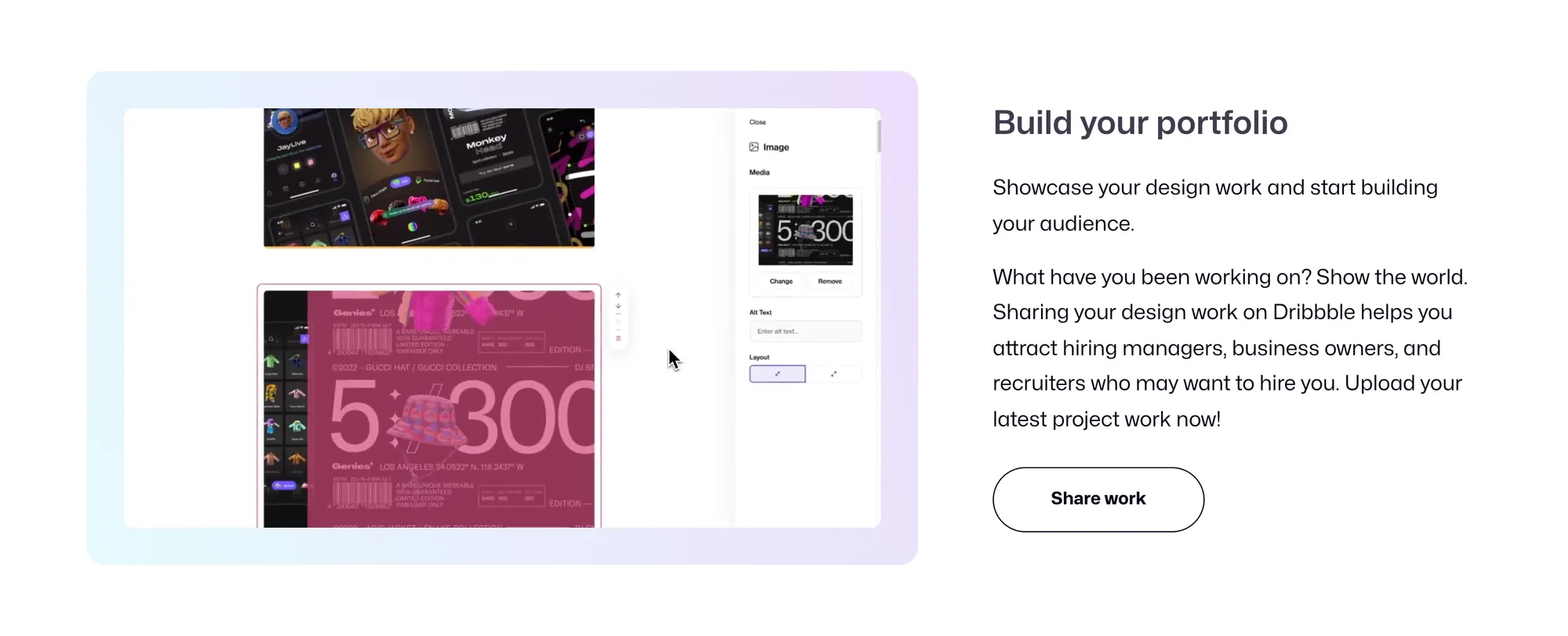
Dribbble allows uploading multiple images in a single shot, which means you can build a case study directly on the platform. Use it strategically.
Structure your case study shot like this: lead with your strongest visual, the one that performs in the feed. Follow with process images, wireframes, multiple applications of the design, and final outcomes. Use the description field to write full project context, including the problem statement, your design decisions, and measurable results where available.
A single-image shot attracts likes from other designers. A case study converts clients who are evaluating whether to hire you. The distinction matters. Likes are not leads.
Maintain a mix in your profile. Some single-impact shots to stay visible in feeds and build community recognition. Some case studies for client conversion. The ratio depends on your goals, but do not let your profile be all one or the other.
Community engagement: How the algorithm works

Engagement signals and feed visibility
Dribbble is not a chronological feed. Its help center says engagement can lift a shot in search, and one agency that tracked its own posts found the first 15 minutes matter most. Shots that gain engagement quickly tend to reach a broader audience. Shots that land quietly tend to stay quiet.
If peers already follow you, let them know when a new shot is up and leave the rest to them. Dribbble’s guidelines ban likes, follows and comments used only to draw attention, so skip engagement swaps.
Post timing matters too. One design agency that tested it found Wednesday its busiest day, with Tuesday and Friday close behind. Posting when both your local audience and US-based designers are active maximizes early engagement.
Building engagement authentically
Follow designers whose work you genuinely admire. Many will follow back, and a follower base means your shots appear in their feeds.
Leave specific comments. “Love the color palette” does nothing. “The contrast between the primary action and secondary options here makes the hierarchy immediately clear” signals that you actually looked at the work. That kind of comment gets noticed and remembered.
Ask questions at the end of your shot descriptions. “Would you use this interaction pattern?” or “What would you change about the hierarchy?” These prompts invite responses, which boost the shot’s engagement signals.
The engagement reality in 2026

Dribbble’s community engagement is less vibrant than its peak period, roughly 2010 to 2017. The platform’s 2025 shift toward a paid marketplace model changed the culture. Some longtime designers stepped back. New designers arrived with different expectations.
This does not make engagement efforts worthless. It means you should weight your effort toward portfolio quality and search discoverability more than chasing feed virality. A well-tagged, client-relevant shot that ranks in Google search delivers long-term value regardless of how many likes it earns on day one.
Getting clients through Dribbble: Four realistic pathways
Dribbble is not a primary client acquisition channel for most designers in the way that a referral network or direct outreach is. It contributes to a pipeline in specific, identifiable ways. Here are the four pathways that actually produce work.
Pathway 1: Google search discovery
A potential client searches “fintech app UI designer” or “minimalist brand identity freelancer” on Google. A well-tagged Dribbble shot appears in image search results. The client clicks through to your profile, sees your portfolio, and contacts you through Dribbble.
This is a common Dribbble-to-client pathway for designers without a Pro membership. It requires no active effort after the initial shot is published. It compounds over time as more shots accumulate and Google continues indexing them. The investment is upfront quality and keyword strategy. The return is ongoing.
Pathway 2: Dribbble services (marketplace)
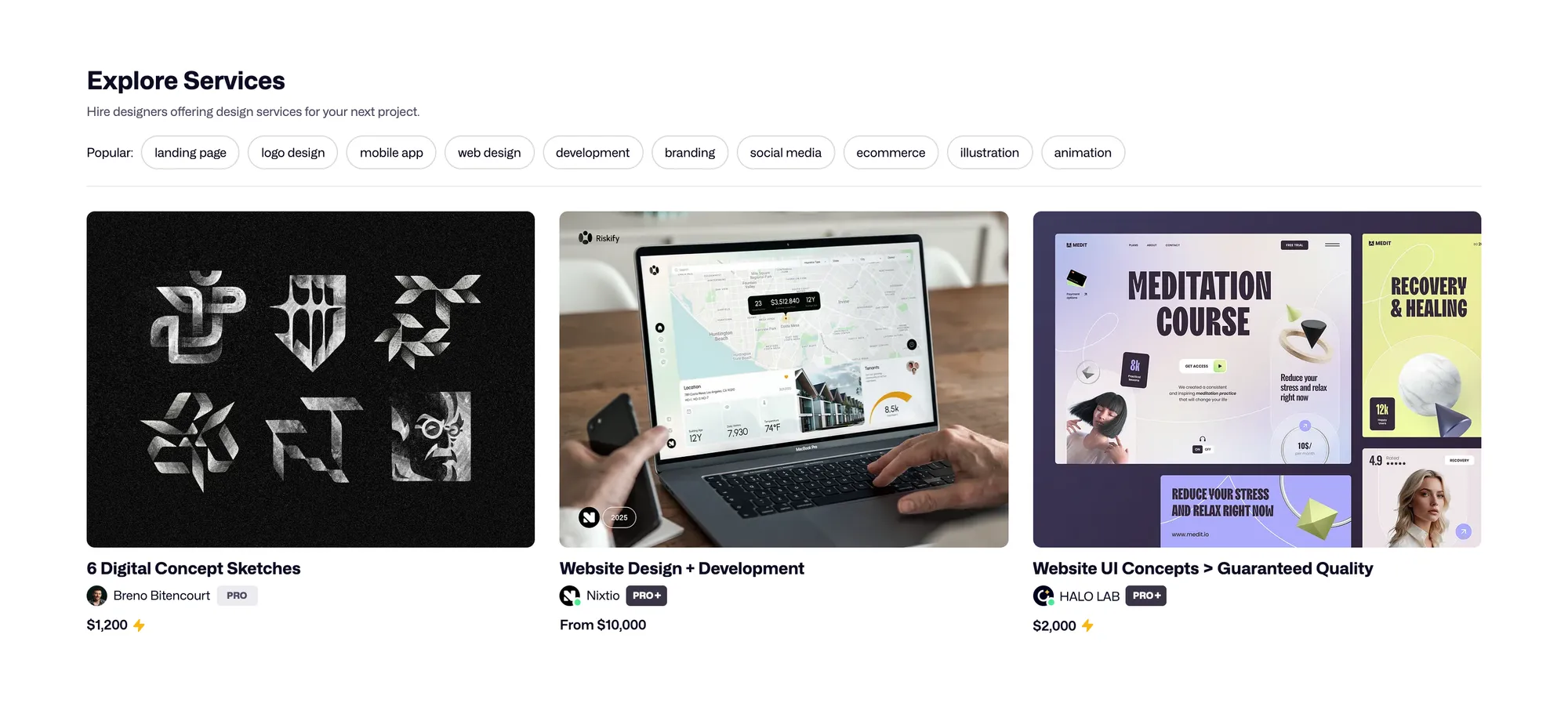
Dribbble’s Services feature allows clients to purchase design services directly on the platform. You create service packages, for example a “Landing Page Design” or “Brand Identity Package,” and clients can request and pay for them without leaving Dribbble. Without a Pro plan, Dribbble keeps a graduated designer fee from each payment: 10% of the first $500, 7% of the next $500 and 4% of anything above $1,000. Pro Standard on the yearly plan, $8 a month, waives it.
This pathway is newer and more transactional than traditional Dribbble client acquisition. It suits designers who want to productize their offerings and have clients who are comfortable booking services without a lengthy back-and-forth. It is the most direct client pathway currently on the platform.
Pathway 3: InstantMatch and project briefs (Pro)
Pro Standard and Pro Plus unlock Project Briefs: specific client requests, checked by Dribbble’s moderators, that designers can respond to. Each response uses one credit. Pro Standard includes 30 credits a month on the yearly plan, or 15 if you pay monthly. Standard and Plus members also appear in InstantMatch, Dribbble’s AI-assisted matching feature that recommends designers to clients who create a project brief, as long as they are marked available for work and have a minimum project rate set.
This is an active pathway. You need to pitch thoughtfully. Generic proposals lose. Proposals that reference the client’s specific brief, match your relevant work to their needs, and include a clear next step win.
Pathway 4: Community recognition leading to inbound
A designer who posts consistently high-quality work and builds genuine community engagement receives direct messages from potential clients. This pathway is real. It is also slow and unpredictable. It requires sustained presence and happens on no fixed timeline.
The designers who benefit most from this pathway have a clearly defined niche, a recognizable visual style, and a multi-year presence on the platform. It is the least actionable of the four pathways in the short term and the most durable in the long term.
The timeline you should expect
Building a Dribbble presence that generates meaningful inbound typically takes 6 to 18 months of consistent, intentional activity. This is not pessimism. It is the actual experience of designers who have built real pipelines from the platform. Plan for it. Build Dribbble as one piece of a broader client acquisition strategy, not as a standalone solution.
Dribbble Pro: An honest assessment
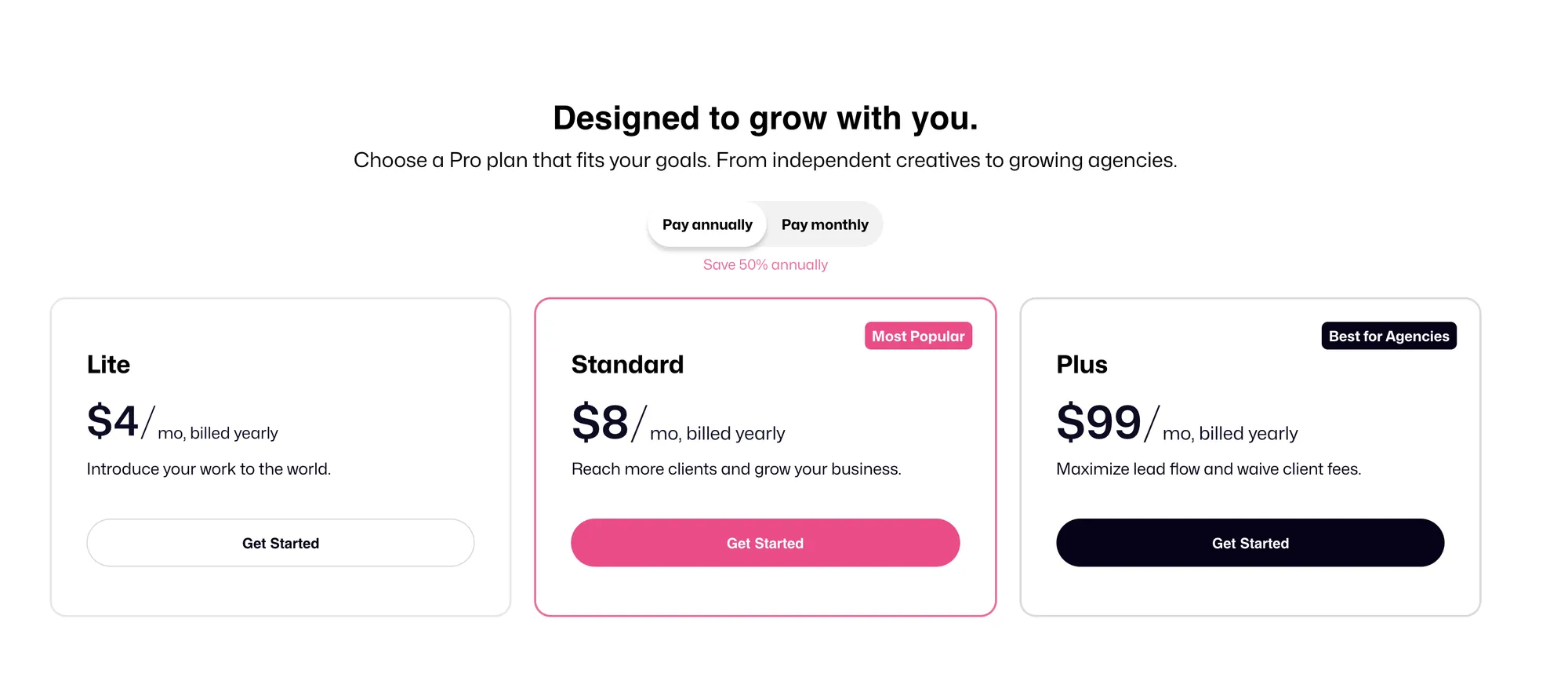
Dribbble currently offers three Pro tiers. The prices below are per month on a yearly plan. Paying month to month costs about twice as much: $8, $16 or $199.
- Pro Lite at $4/month: enhanced profile layout, lite search ranking boost, up to 3 Services, a portfolio website (Playbook), and no wait for Dribbble’s designer approval.
- Pro Standard at $8/month: standard search ranking boost, no designer platform fee, a place in Recommendations and InstantMatch, 30 Project Brief credits per month, a $30 monthly Boosted Shot credit, 3 team seats, advanced analytics, and a Pro badge. The monthly plan keeps the platform fee, cuts credits to 15 and drops the Boosted Shot credit.
- Pro Plus at $99/month: designed for agencies, with no client platform fee, plus-tier ranking boosts, 300 Project Brief credits per month, featured proposals, 10 team seats, and VIP support.
When Pro is worth it
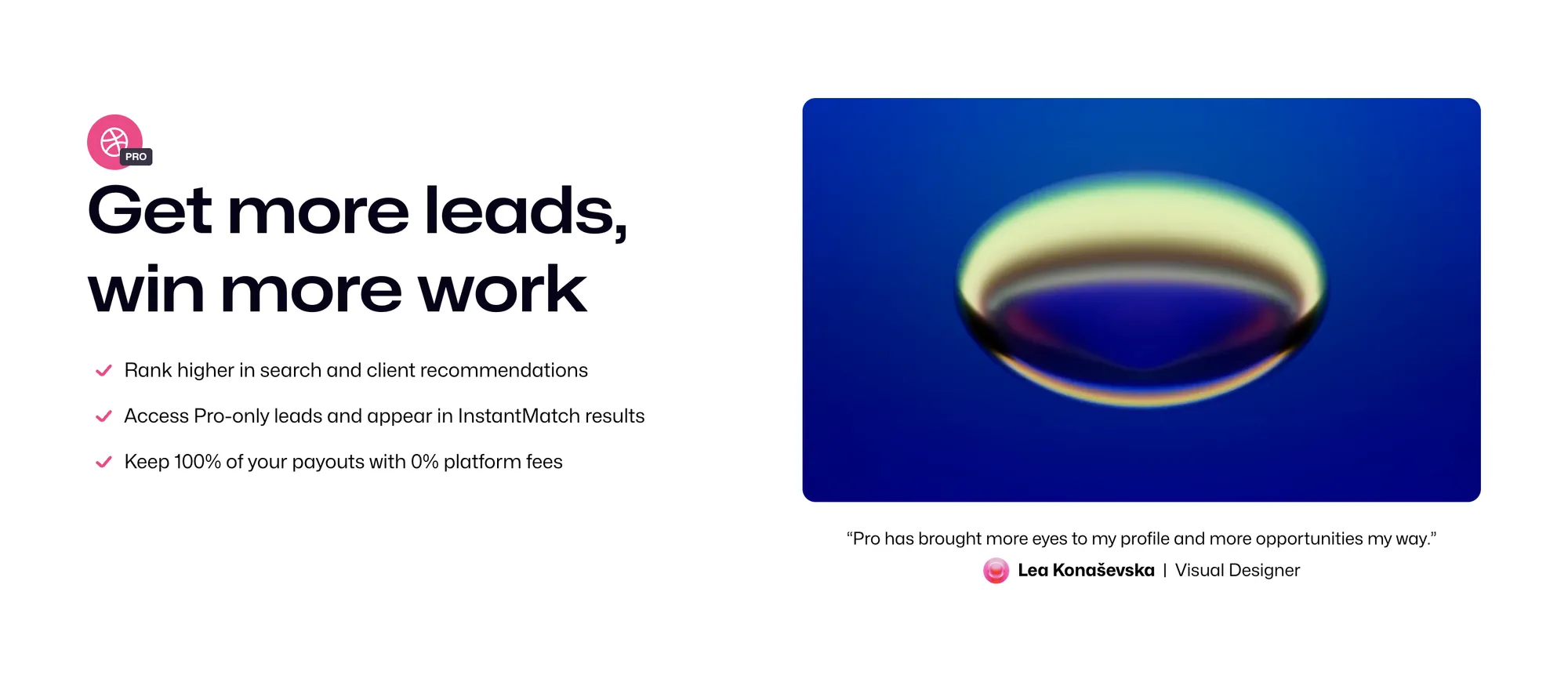
Pro Standard makes sense if your portfolio is already strong enough to convert a client who finds you, and you want to be visible to clients actively searching for design help through InstantMatch and Project Briefs. The 0% platform fee is significant if you plan to close work through Dribbble: on a $2,000 project, it saves you $125 in designer fees.
Pro is also worth it if you want access to Project Briefs. These are moderated client requests, and the yearly plan’s 30 credits a month mean 30 chances to pitch real clients on specific design projects, assuming you write strong proposals.
When Pro is not worth it
Do not pay for Pro if your portfolio is still developing. The ranking boost amplifies what is already there. If your profile does not yet convert a viewer into a lead, spending on visibility accelerates nothing.
Do not pay for Pro if your primary Dribbble goal is community engagement and organic Google discoverability. A free account covers both once Dribbble approves you as a designer. Until then, your shots are visible only on your profile, and Pro Lite and above skip that application.
Start with a free account. Build the portfolio. Then evaluate Pro based on whether the Project Briefs and Services revenue would justify the cost.
Which design disciplines benefit most from Dribbble
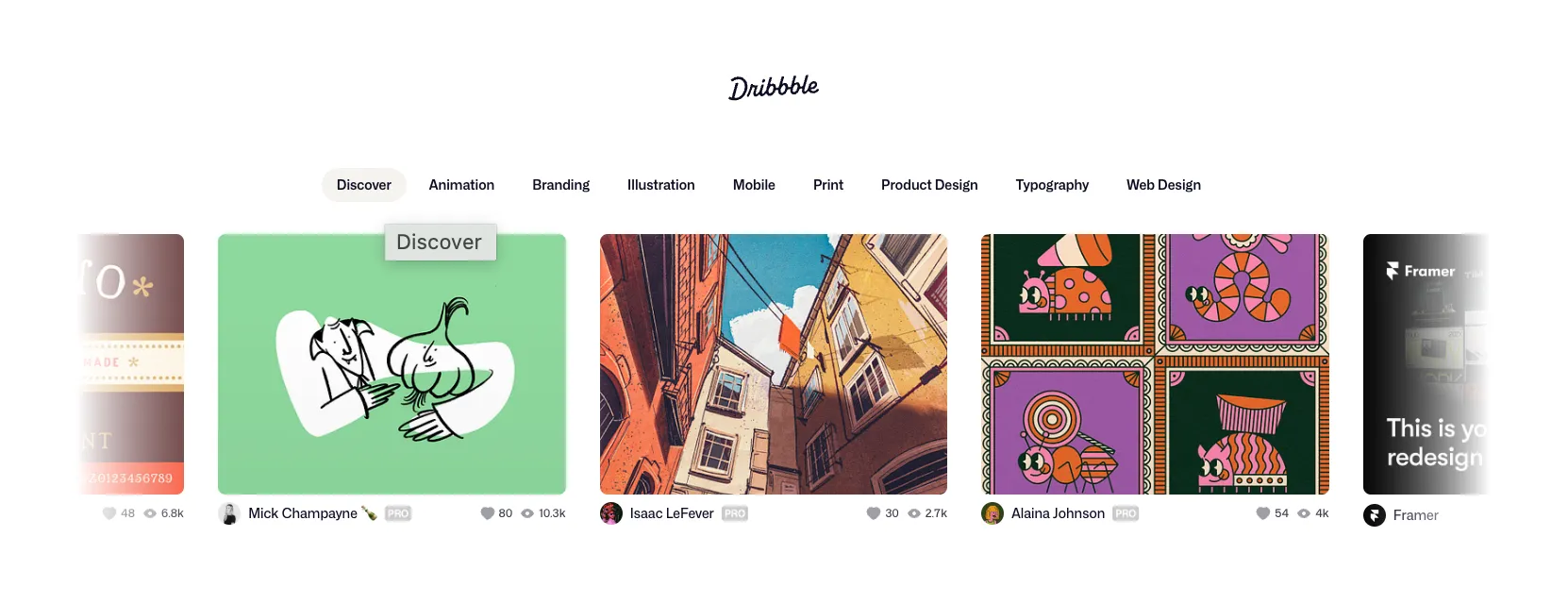
Not all design work translates equally to Dribbble’s format.
Strong fit: UI/UX design, product design, icon design, illustration, typography, motion design, and branding. These disciplines communicate quality in a single image. A well-composed UI screen or a sharp logo presentation tells a client everything they need to know in two seconds.
Moderate fit: web design and graphic design. These can work well on Dribbble but require more curation to show the right slice of a larger project.
Weaker fit: print design, photography, architectural visualization, and complex document design. Behance serves these disciplines significantly better. The format mismatch is fundamental: Dribbble rewards visual clarity at thumbnail scale, and these disciplines often require context that a single shot cannot deliver.
The platform’s client base skews heavily toward digital product and brand design. Designers in these disciplines get the most from Dribbble. If your work sits outside them, Dribbble can still contribute to your visibility, but it should not be the centerpiece of your portfolio strategy.
A note on Dribbble’s 2025 platform shift
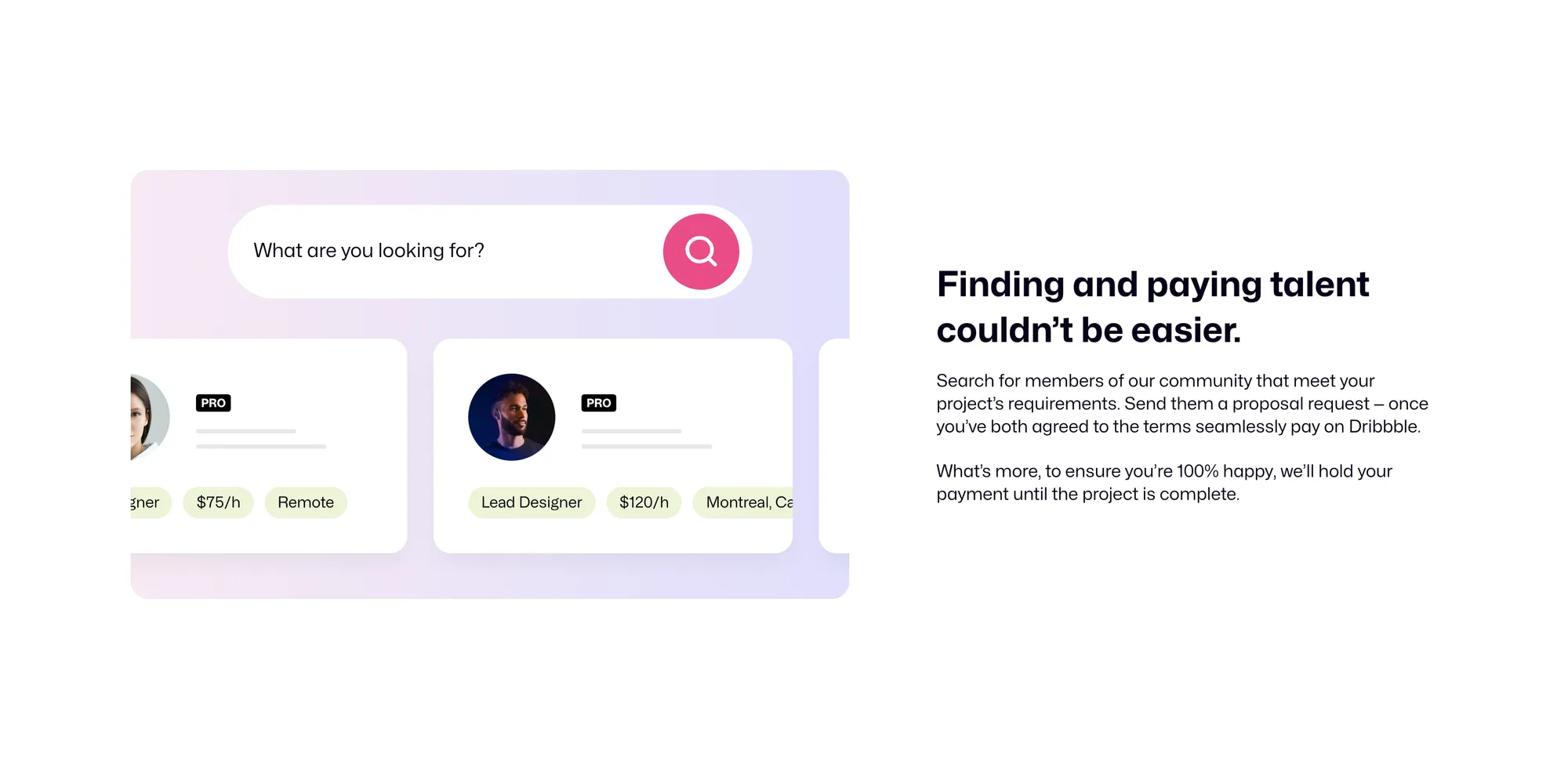
This guide would be incomplete without naming what changed. In March 2025, Dribbble moved from an advertising-supported community model to a revenue-sharing marketplace. Clients and designers who meet on Dribbble have to pay and get paid through it. Neither side may share emails, phone numbers, social handles or personal website links before the client makes the first payment, and profiles and shots may not show them at all. This was a significant change in how the platform operates.
The business rationale was clear: Dribbble’s CEO Constantine Anastasakis explained publicly that the shift tied Dribbble’s revenue to designers getting paid for their work and protected both sides from scams and non-payment. The community response was mixed. Some designers found the change reasonable. Others saw it as a fundamental shift in the platform’s character and moved their primary presence elsewhere.
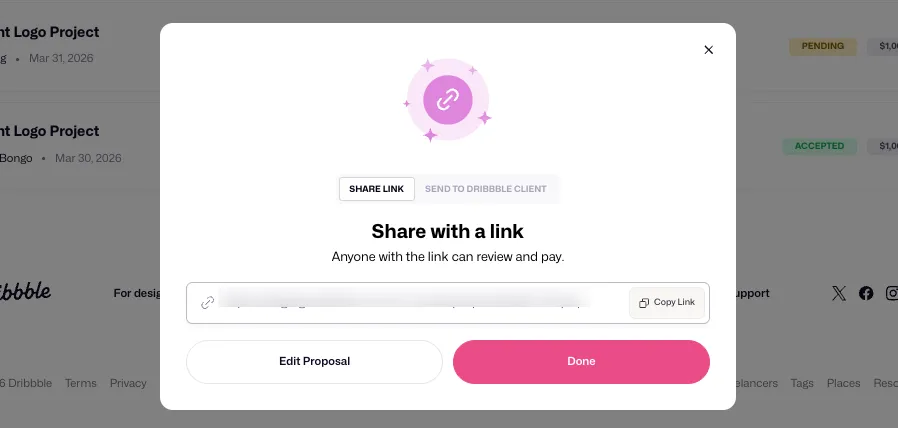
For freelancers using Dribbble in 2026, the practical implication is this: the platform now operates as an active marketplace, not just a showcase. Work that happens through Dribbble happens within Dribbble’s payment and proposal system. That is worth factoring into your strategy. If you rely on Dribbble primarily for discovery that converts off-platform, the dynamics are different than they were before 2025. Since April 2026, you can also send Dribbble proposals to clients you met elsewhere, and neither side pays platform fees as long as the client didn’t already have a Dribbble account.
Putting it together: Your Dribbble strategy
A clear Dribbble strategy has three layers.
First: build the foundation. Optimize your profile completely. Write a bio that positions you and signals availability. Link to your best portfolio destination. Keep your availability status accurate.
Second: build the portfolio. Post consistently, prioritizing quality over frequency. Use keyword-rich titles and descriptions. Tag every shot fully. Mix single-impact shots with case studies. Aim for shots that perform at thumbnail scale.
Third: activate the pathways. If your portfolio is strong, explore yearly Pro Standard for Project Brief access and no designer fee on Dribbble projects. If your portfolio is still developing, invest the time in building it before investing in visibility.
Repeat this for 12 months. Not one or two. Twelve.
A well-built Dribbble presence creates inbound client inquiries over time. When those clients are ready to work, especially internationally, you need an equally professional system on the back end. Ruul handles professional invoicing and payment collection in 190 countries, without requiring a registered company. You send an invoice, Ruul acts as the legal counterparty, collects payment from the client, and pays you within 1 business day. A 5% commission, no setup costs, no monthly fees. It handles the business infrastructure so your Dribbble presence can focus on what it does best: showing the work.
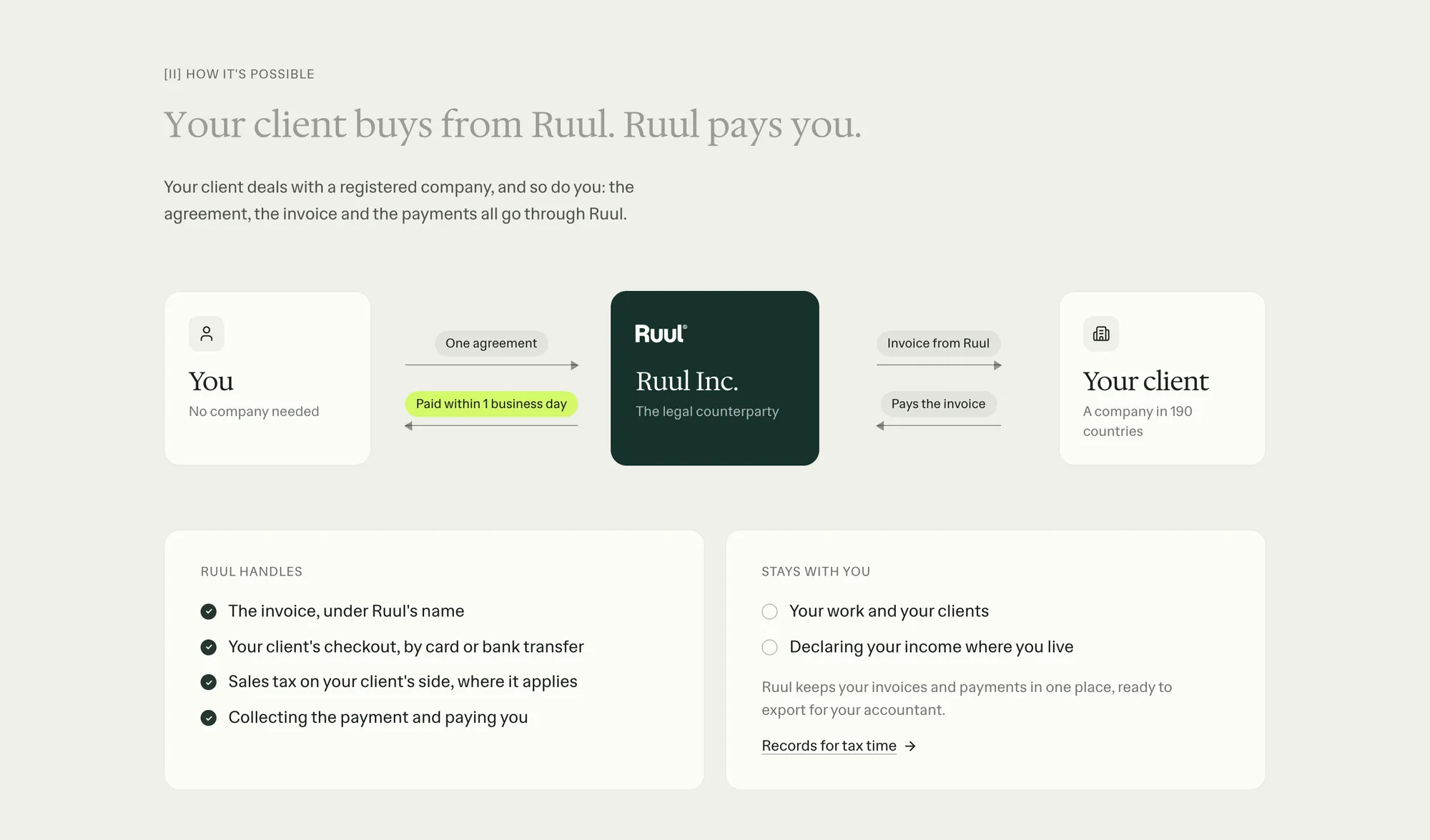
If you invoice clients in different countries or want to invoice without a company, that is exactly what Ruul is built for. For retainer clients or ongoing design work, Ruul’s subscriptions charge your client’s card on the schedule you set and create the invoice each time, so you are not issuing the same invoice by hand every month. Ruul also keeps your invoices, payments and tax documents in one place, which makes tax time considerably less painful. And if you want to withdraw your earnings in USDC rather than fiat, Crypto Payout lets you do that without asking your clients to change how they pay.
Written by · CTO