









Real human support
Talk to a real person when you need help, from onboarding to payout.
[SUBSCRIPTIONS]
Trusted by thousands of teams & organisations
[01] HOW IT WORKS
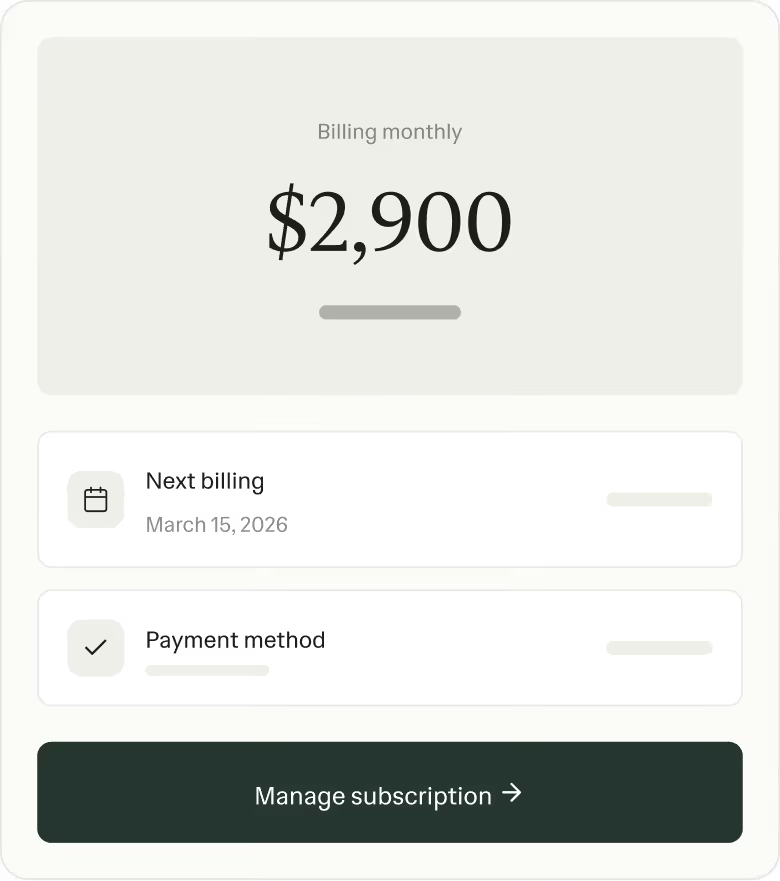
Create a subscription by adding your client, services, and billing schedule.
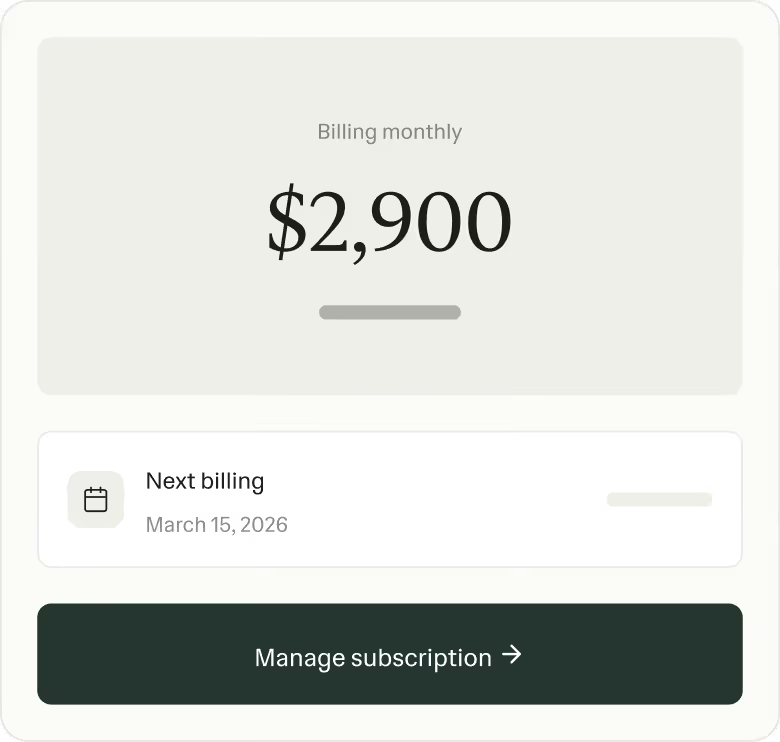
Send the subscription link to your client in seconds.
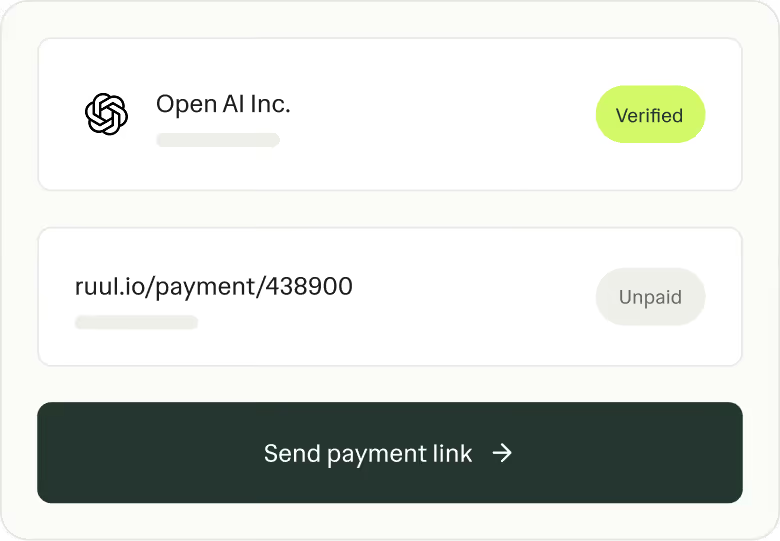
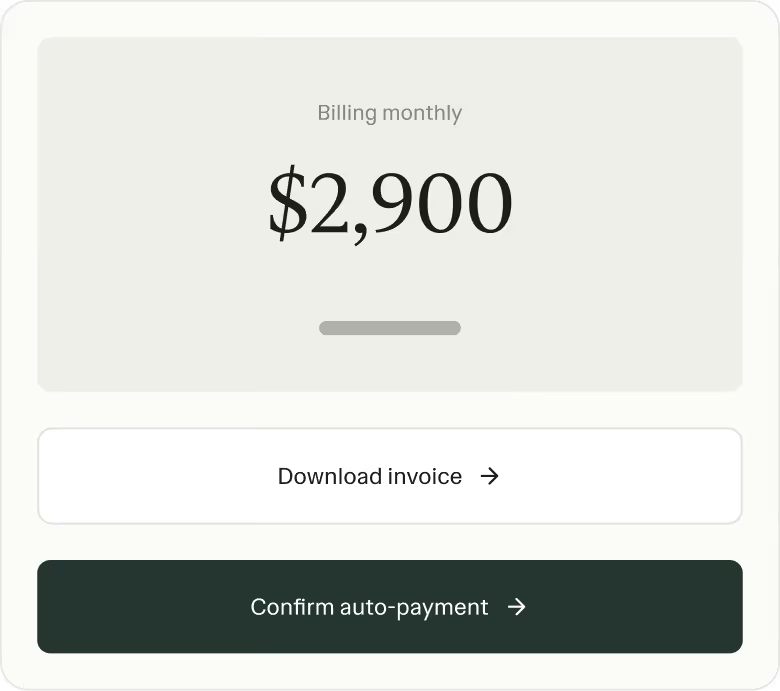
Your client adds a card once, then payments run automatically.
[02] PLATFORM
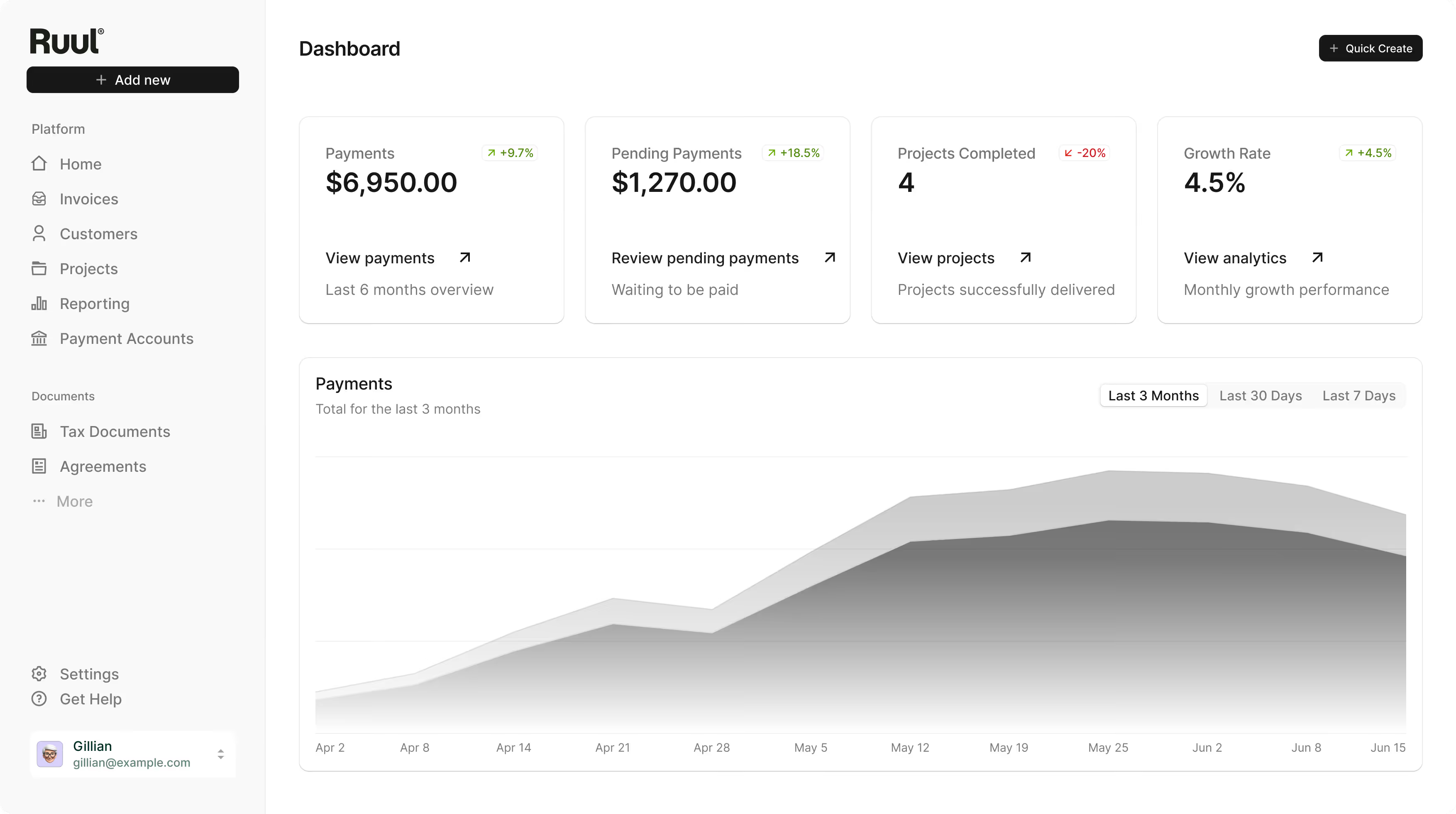
Works for you and your clients globally, with payments in 140 currencies.
Talk to a real person when you need help, from onboarding to payout.
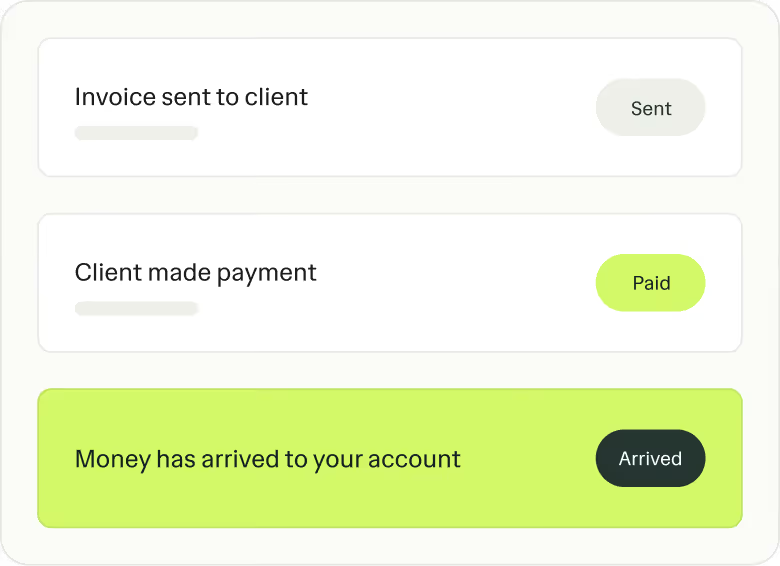
Use Ruul to invoice clients and get paid, even without a registered company.
Receive a payout in as little as one business day after your client pays.
Works with the wallets and bank accounts you already use.
[03] EXCLUSIVE TO RUUL
Crypto Payout
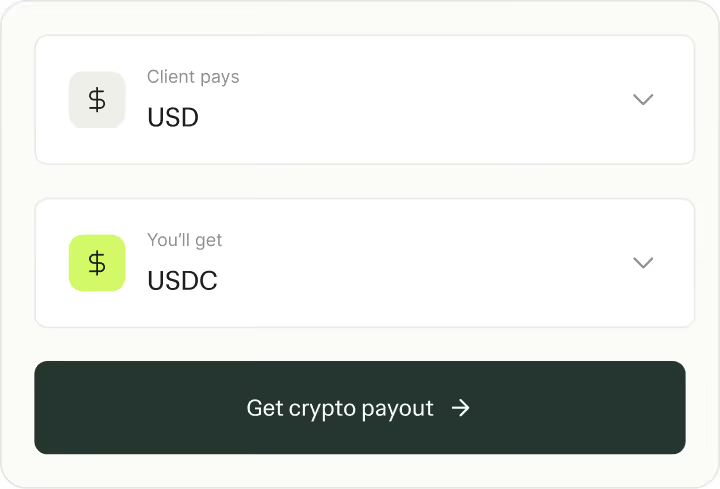
Let clients pay as they prefer and withdraw your earnings in crypto whenever you want.
Early Pay
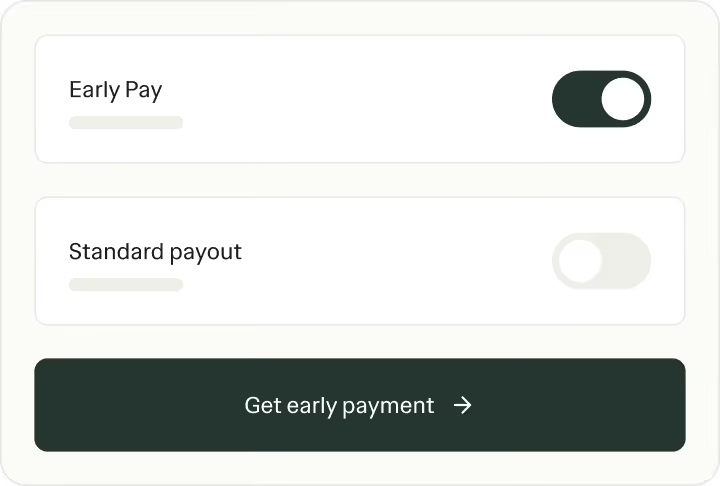
Access your earnings before your client pays, so you can keep cash flow steady.
Common questions
Not on the list? Just ask.
Beta Ruul AI can make mistakes. Check the articles it links.
From the Ruul blog