Free invoice templates for freelancers (download)
Download free invoice templates for freelancers and learn how to customize them with client details, payment terms, and services.


Summary
Pick a template by how you charge, then by profession. It needs an invoice number, a due date, itemized work, totals, payment terms and payment details. Edit in Word or Sheets and send a PDF. Templates never chase payment.
On this page
- What every freelance invoice template must include
- Freelance invoice templates by profession
- Freelance invoice templates by pricing model
- How to choose the right template for your situation
- How to customize your template
- Which format works best?
- When a template is not enough
- Invoicing without a registered company
- Get started
You finished the work. The client is happy. Now you need to get paid. The gap between those two moments is your invoice, and the document you send matters more than most freelancers realize.
A professional invoice template does three things: it makes a strong first impression, it ensures nothing essential is missing, and it saves you from rebuilding the same document from scratch every time. This page covers what a freelance invoice template needs, by profession and by how you charge, and where to get free ones.
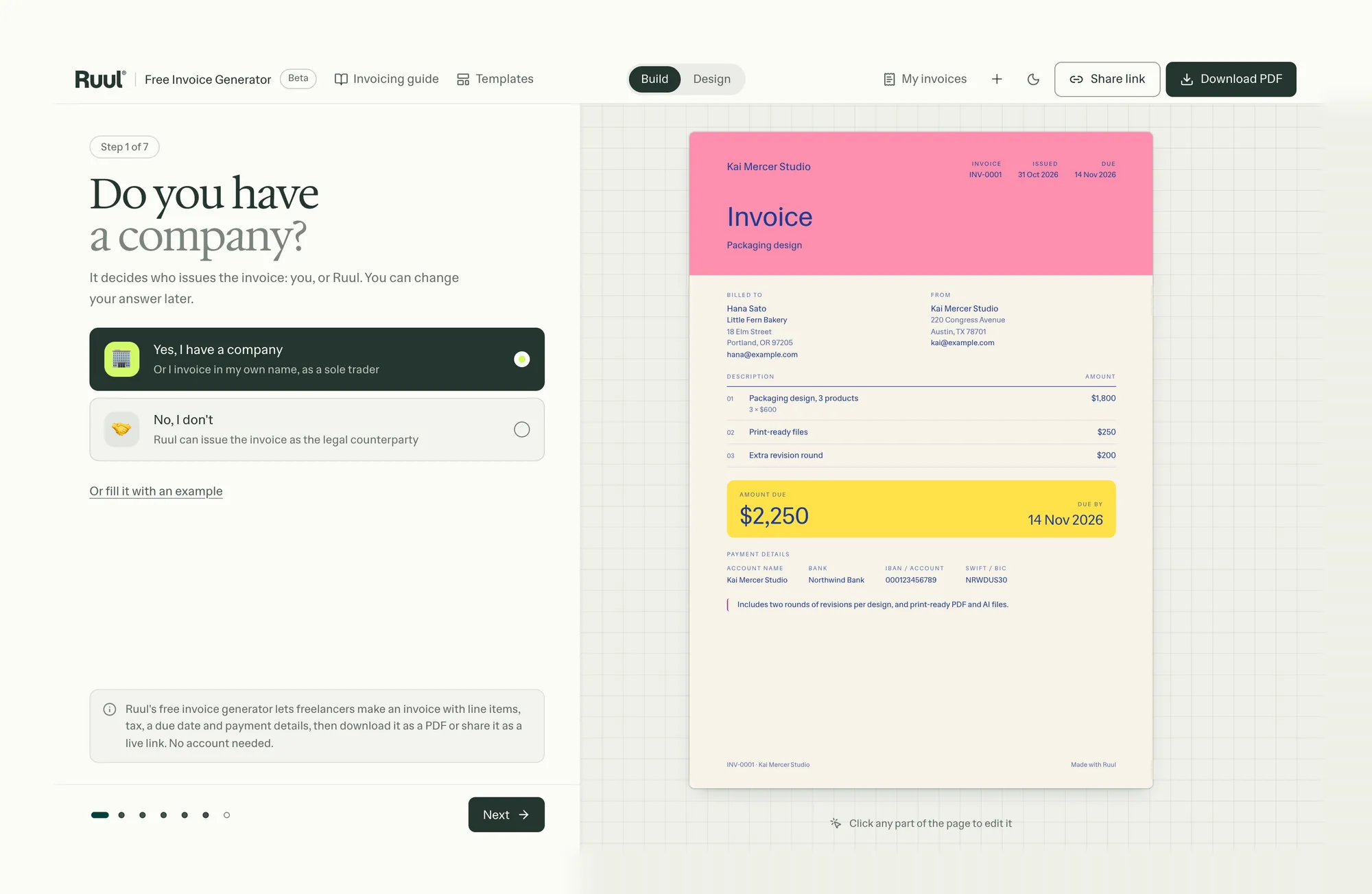
Ruul has free invoice templates in eight designs for Word, Excel and PDF, with no sign-up, and a free invoice generator that adds up the totals and gives you a PDF to send. If you don’t have a registered company, Ruul can be the company on the invoice.
What every freelance invoice template must include
Before you download any free invoice template, confirm it has these fields. A missing detail can hold up your payment.
- Your name or business name
- Your contact details (email, phone, address)
- Client name and contact details
- Invoice number
- Invoice date
- The date or period of the work
- Payment due date
- Line items with description, quantity or hours, and rate
- Subtotal, applicable taxes, and total amount due
- Payment terms (net 30, net 15, due on receipt)
- Payment method and account details
That is the baseline. For full guidance on what each field means, how to set payment terms, and when to send your invoice, see our guide on how to invoice as a freelancer.
Freelance invoice templates by profession
Freelancers in different fields invoice differently. A developer invoicing for a sprint does not need the same template as a writer charging per article. Browse by your profession below. Where Ruul has a ready-made template for your field, it’s linked.
Writers
Writer templates need to accommodate per-word, per-article, flat project, and revision-based pricing. The structure is simple but the line items vary significantly depending on the engagement.
Designers
Designer templates often invoice by project with milestone breakdowns: initial concept, revisions, final delivery. A well-built design invoice separates deliverable phases clearly so clients understand exactly what each payment covers. Ruul’s graphic design invoice template prices design deliverables and revision rounds one by one.
Developers
Developer templates need to handle hourly pricing, sprint-based engagements, fixed project scopes, and retainer arrangements. The pricing model shapes the entire template structure. On hourly invoices, list the work by task and point to the statement of work: “Frontend development, React dashboard, SOW v2, 32 hours at $150” leaves far less room for dispute than “Frontend development, 32 hours”.
Consultants
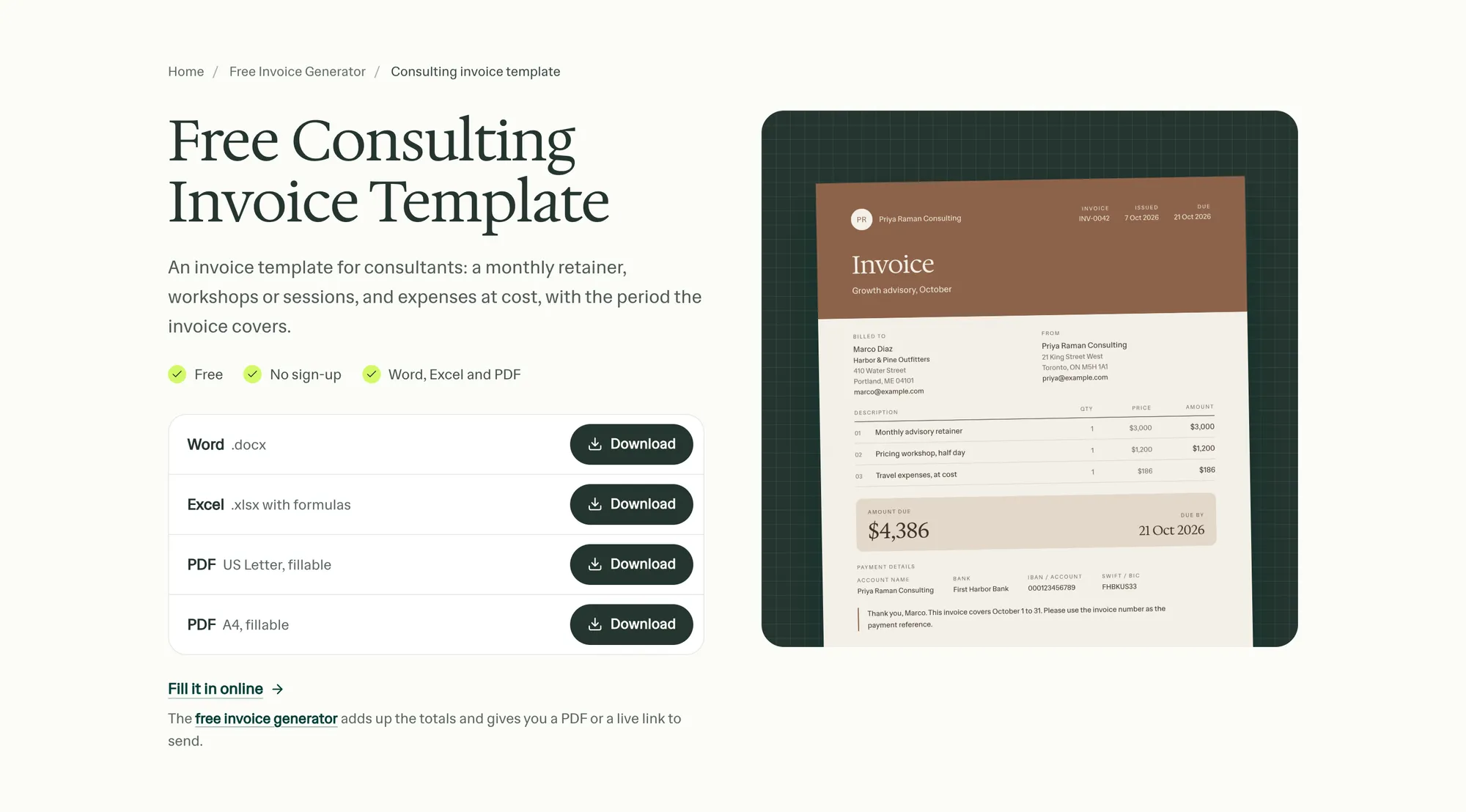
Consulting invoices often cover retainer fees, day rates, or project-based engagements that include both advisory time and deliverables. The line items need to reflect what was agreed, not just what was done. Ruul’s free consulting invoice template has lines for a retainer, sessions and expenses, with the period the invoice covers.
Creators
Creator templates frequently need fields for content type, platform, usage rights, and licensing terms, especially when work will be repurposed or distributed. If you license photos, the photography invoice template puts the session, edited images and usage rights on one page.
Digital marketers
Digital marketing templates often need fields for campaign scope, channels covered, and deliverables tied to specific platforms or reporting periods. Generic templates miss this context.
Social media marketers
Social media management invoices typically combine a monthly management fee with additional line items for content production, ad spend reporting, or platform-specific deliverables.
AI consultants
AI consulting is a growing category, and the pricing structures are still taking shape across the industry. Engagements can span discovery, prompt engineering, integration work, and ongoing optimization.
Freelance invoice templates by pricing model
How you charge decides which template fits. These categories go deeper than profession: a designer on retainer needs a different template than a designer charging per project.
Hourly templates
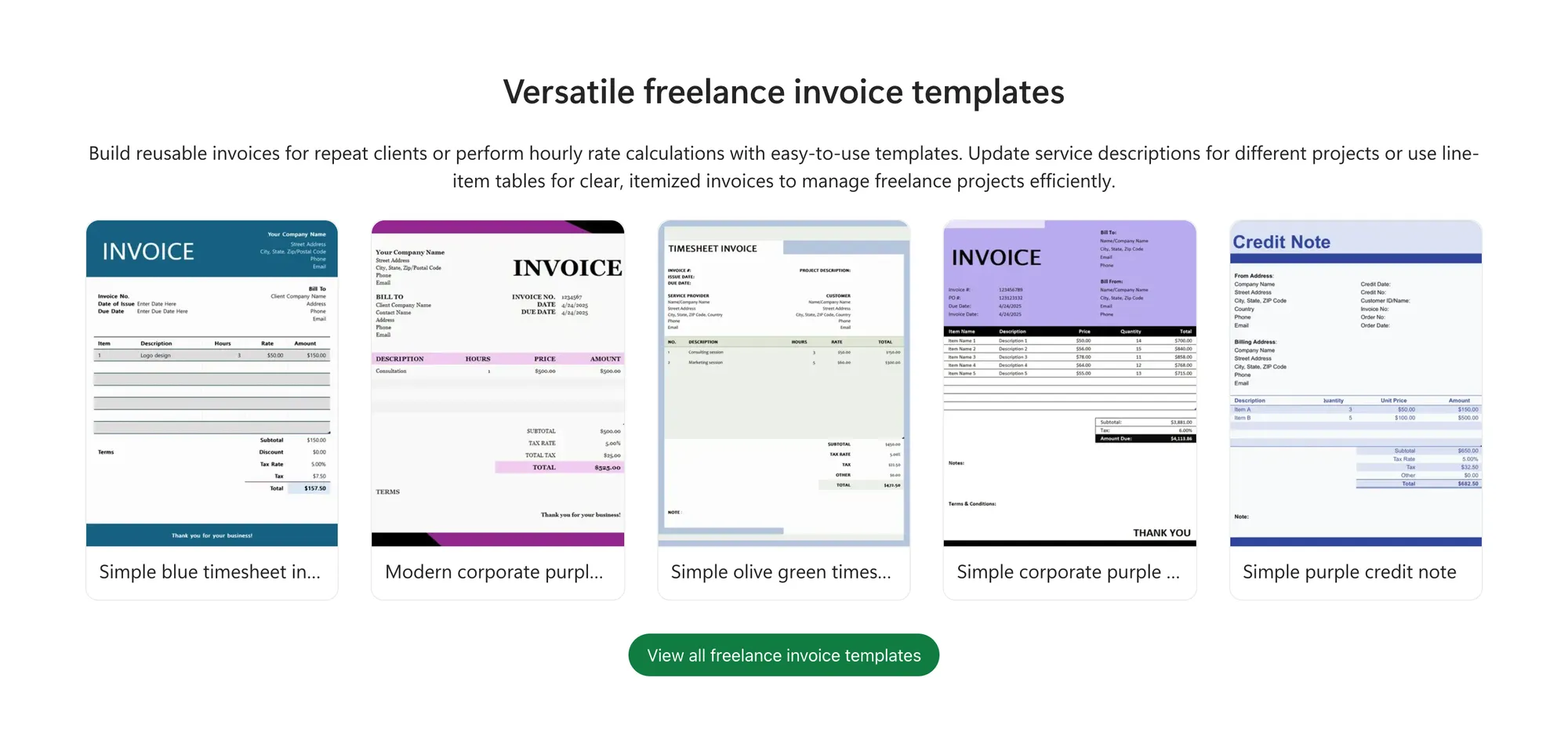
Hourly templates need dedicated fields for time tracking: the task, the hours worked, the rate, and the calculated total. Some hourly invoices include a timesheet summary directly on the document. Ruul’s hourly invoice template shows hours times your rate, line by line, with the dates of the work.
Project and milestone templates
Flat-fee project invoices are simple to calculate but need clear labels: each deliverable gets its own line. If you charge in milestones, the template needs a line for the deposit already paid and the balance due. “50% deposit paid: -$2,000. Balance due: $2,000” is clearer than a single total with an explanation buried in the footer.
Retainer and recurring templates
Retainer templates cover ongoing monthly arrangements where the scope and fee are agreed in advance. The invoice is largely the same each period, with room for adjustments when out-of-scope work occurs. Show the service period and put extra work on its own line: “Monthly retainer, June 2026: $3,500. Additional deliverables beyond scope: $750. Total due: $4,250.” That keeps each invoice transparent and reduces scope disputes over time. If you invoice the same client the same amount every month, Ruul’s subscription invoicing charges your client’s saved card on schedule and issues the invoice each time.
Hybrid templates
Some engagements mix models: a consultant charging a flat setup fee plus an hourly rate, or a developer with a fixed project price and time-and-materials overages. The template has to hold both on one invoice without forcing two layouts together, so the format matters as much as the template: the hourly part still needs formulas.
International client templates
International invoices require currency specification, occasional VAT or tax exemption notes, and sometimes SWIFT or IBAN details. Write the currency as its three-letter ISO code, not just a symbol, and add your bank’s name and address next to the SWIFT/BIC code and IBAN. Your client may also need your tax identifier. When a field is missing, payment stalls, not because the client won’t pay but because their finance team can’t process an incomplete international transfer. The template fields differ from a domestic invoice, as covered in our guide to invoice templates for international clients.
How to choose the right template for your situation
The short answer: match the template to your pricing model first, then to your profession. A retainer agreement between a consultant and a long-term client calls for a recurring template. A one-time project delivered to a new overseas client calls for an international project template.
The longer answer comes down to four questions:
- How do you charge: hourly, per project, or on retainer? This decides how the invoice calculates.
- What kind of work do you do? This decides what your line items describe.
- Are your clients in your country or abroad? International invoices need extra payment fields.
- Do you need formulas, or is plain text enough? This decides the format you edit in.
Put together, the answers point to a template:
| Your work | How you usually charge | Edit in | Fields to check |
|---|---|---|---|
| Writer | Per word, per article, or per project | Word or Google Docs | Word count as the quantity, usage rights |
| Designer | Per project or by milestone | Word or Google Docs | Each deliverable, revision rounds, usage rights |
| Developer | Hourly or per sprint | Excel or Google Sheets | Task, hours, rate, statement of work reference |
| Consultant | Day rate, project, or retainer | Word or Google Docs | Days worked, scope of services, retainer period |
| Digital marketer | Monthly flat fee | Word or Google Docs | Service period, add-ons apart from the base fee |
| Creator | Per deliverable or licensing deal | Word or Google Docs | Platform and deliverable, usage rights, exclusivity |
For a client abroad, add the international fields above to whichever row fits.
How to customize your template
A downloaded template is a starting point. Before you send it to a client, work through these updates:
Replace every placeholder with your real information: your name or business name, your address, your email, and your phone number. Set your default payment terms. If you expect payment within 14 days, every template should reflect that from the start, not be adjusted invoice by invoice.
It also helps to know your rights when a business client pays late. In the UK you can charge interest at 8% plus the Bank of England base rate, and a fixed £40 to £100 recovery fee depending on the amount (GOV.UK). EU rules give you interest and at least €40 per late invoice (Your Europe).
Add your preferred payment methods and the account details needed to receive them. If you work with international clients, include all relevant account information upfront, such as bank details or PayPal. Or get paid through Ruul: your client pays Ruul’s invoice by card or bank transfer, and you get paid in your own currency.
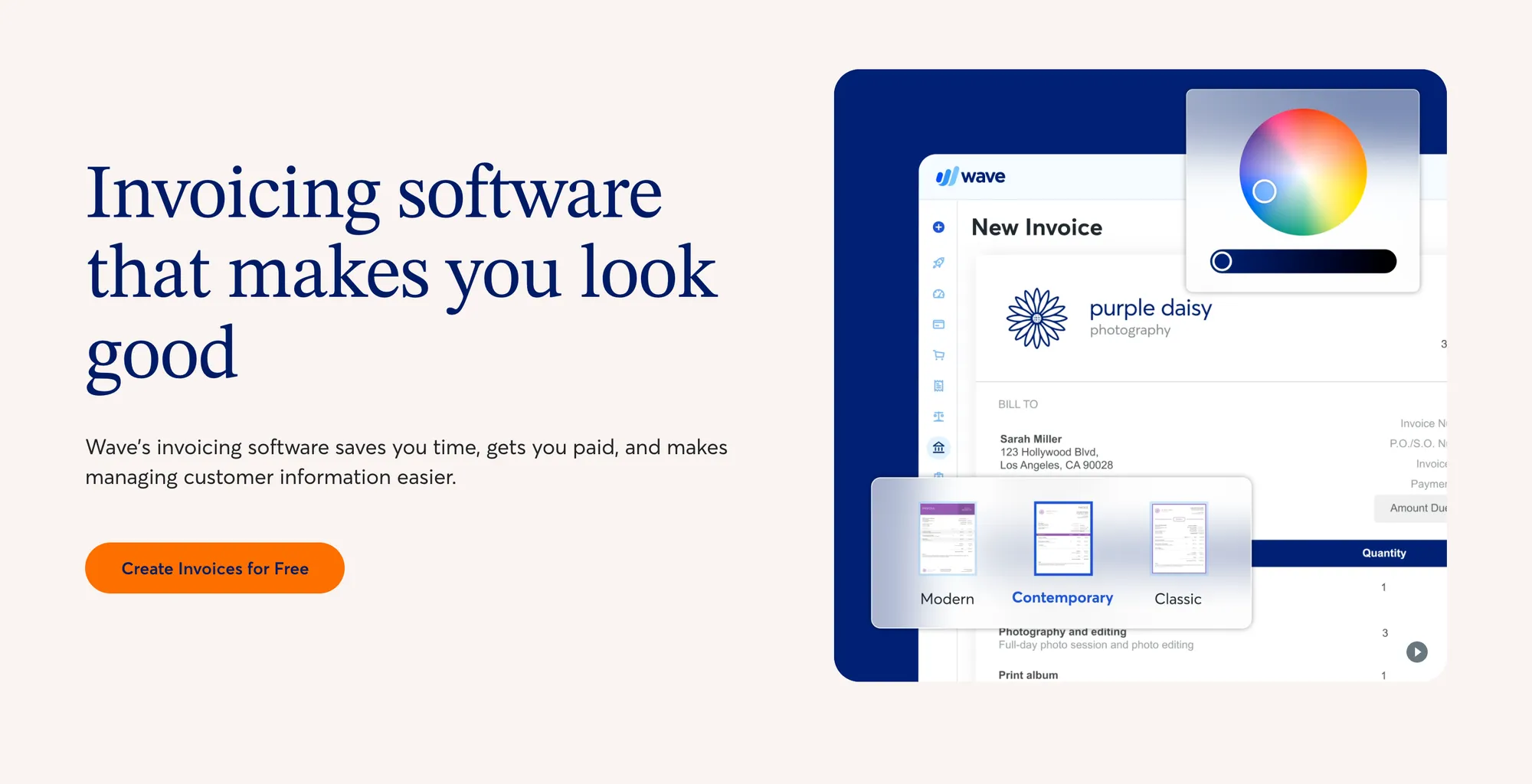
Apply your branding where the template allows it: your logo, your brand colors, and a professional font if the template supports it. This is not vanity. A branded invoice reinforces that you run a real operation.
Save the customized version as your master template. Every future invoice starts from there, with only the job-specific details changed.
Which format works best?
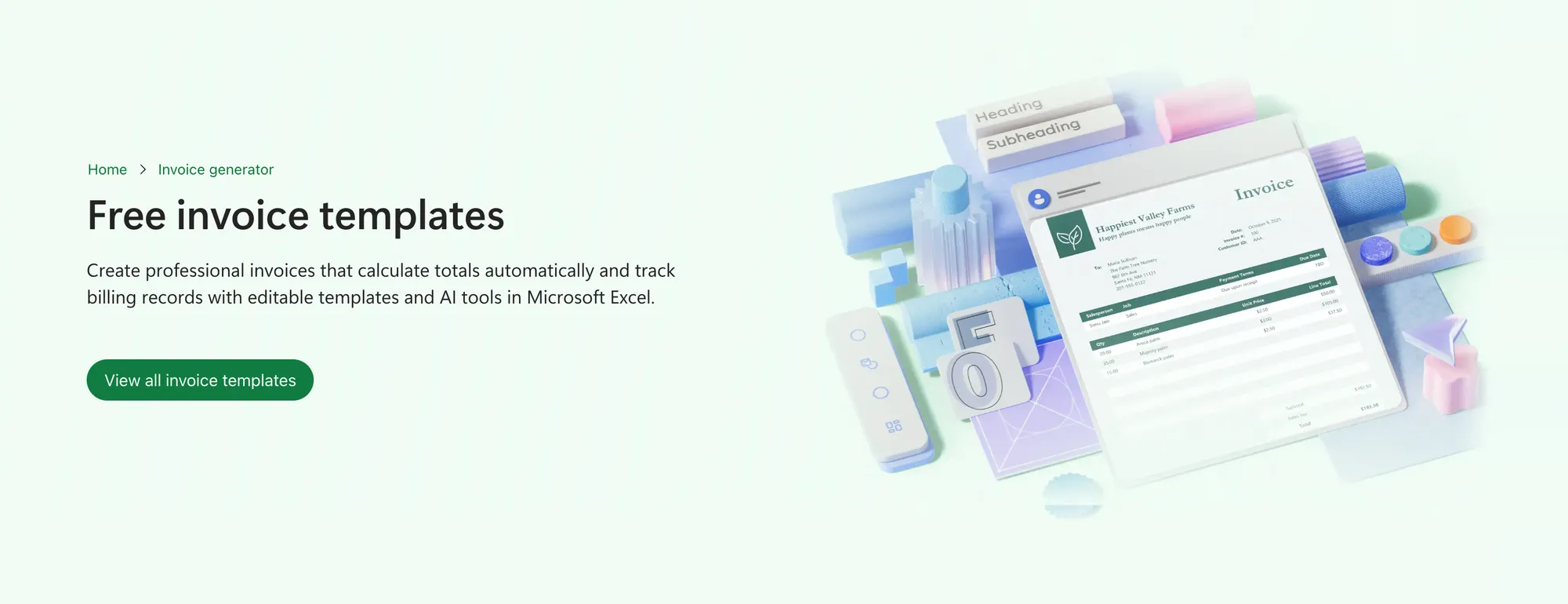
Three formats cover most situations. Each has a clear use case.
Word or Google Docs gives you a fully editable invoice template: you can adjust layout, add or remove fields, and customize text without restrictions. It is the most flexible starting point for freelancers who want a template that adapts to their work. What it can’t do is calculate: for hourly or milestone math, you work out the numbers separately and type them in, which is where errors creep in.
Excel or Google Sheets is best when you charge by the hour or have multiple line items with varying rates. The formulas do the math as you type, so you don’t add up totals and tax by hand. The trade-off is looks: a spreadsheet takes more effort to brand consistently.
PDF is the format to send to clients. A printable invoice template exported as a PDF locks the layout, makes accidental edits unlikely, and looks the same on every device. Most freelancers build in Word or Sheets, then export to PDF before sending.
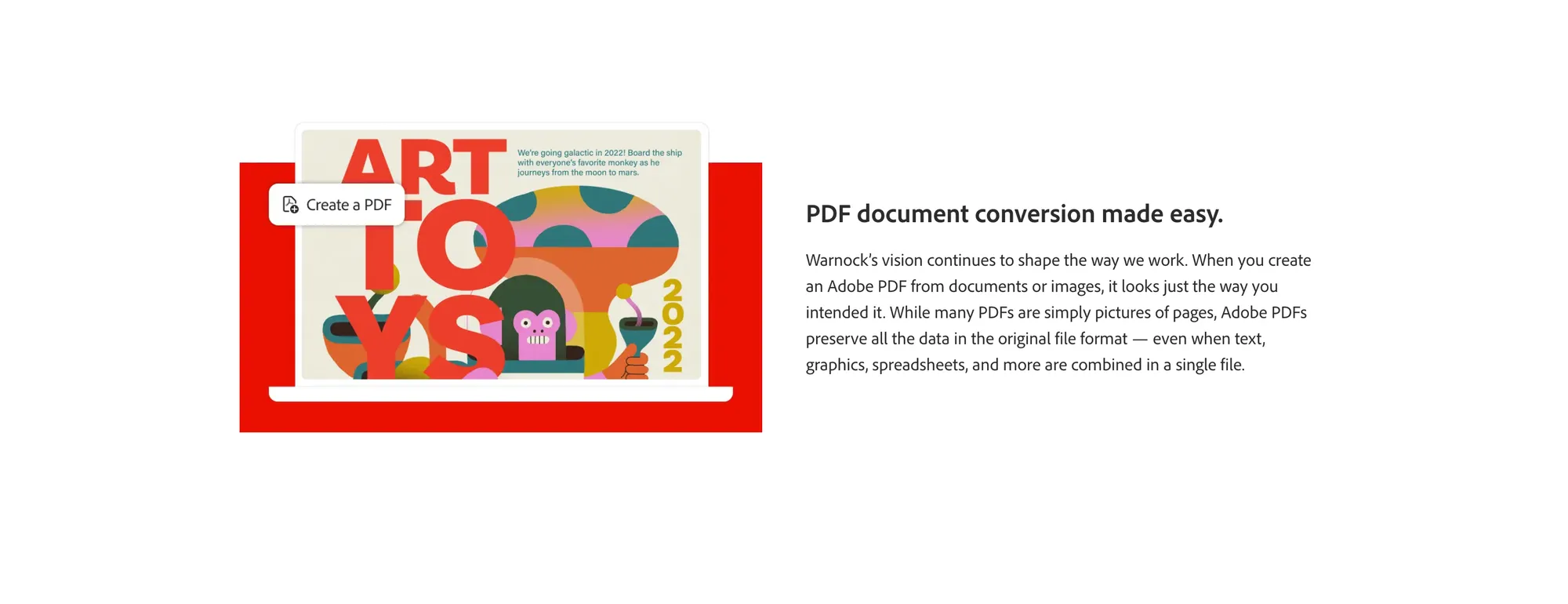
Start in the format that suits how you work. Export to PDF before it leaves your outbox.
When a template is not enough
A free invoice template does one thing: creates the document. It does not send payment reminders, track whether the invoice has been opened, follow up on overdue amounts, or collect the payment itself.
For many freelancers starting out, a template is sufficient. You build the document, send it, chase it manually, and mark it paid. The friction is real, but manageable at low volume.
The point where templates fall short is predictable. It arrives when you have multiple clients with overlapping due dates, when late payments start requiring multiple follow-up emails, or when you need a consolidated record for tax purposes. It also shows when you spend more than 20 minutes a month recreating the same invoice, or when typing currency codes and SWIFT details by hand starts causing errors. That is the practical ceiling of a static document.
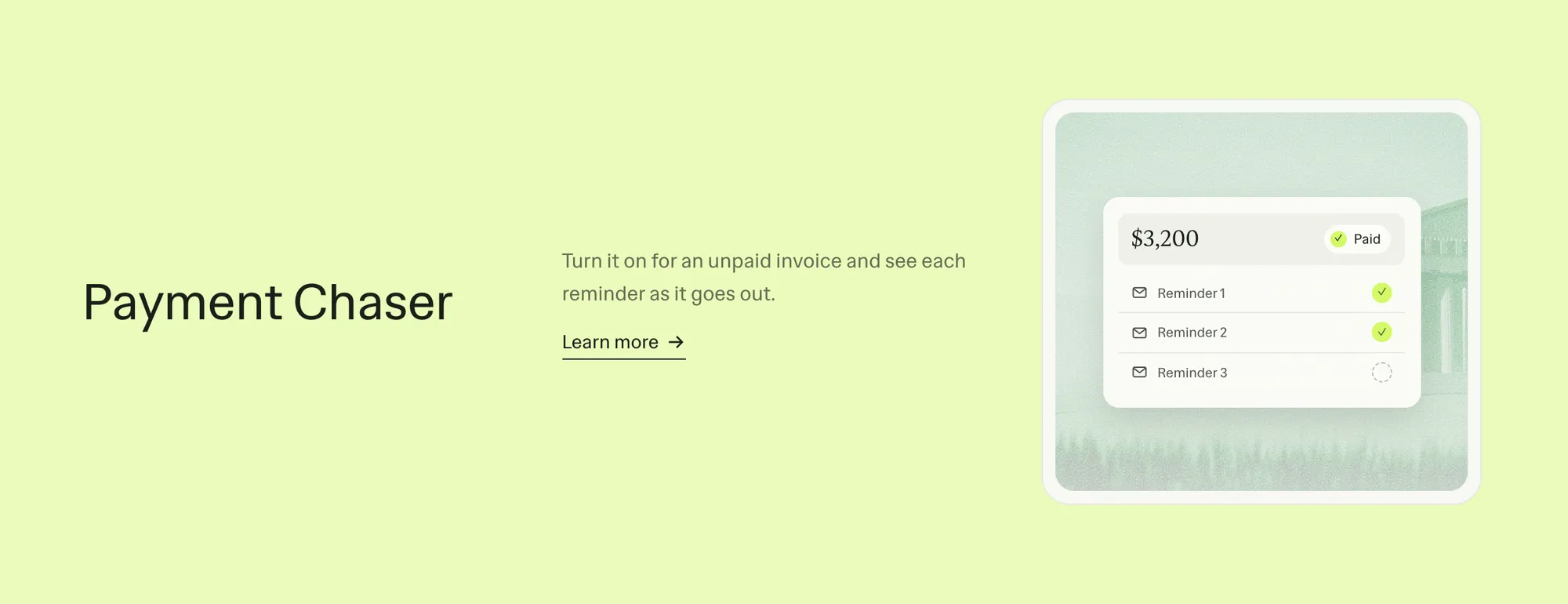
If you want invoicing that also collects the payment, Ruul covers the full workflow. It sends up to three reminders when an invoice is late, shows where every payment stands, and keeps your invoices and tax documents in one place.
Invoicing without a registered company
One barrier that stops freelancers from invoicing professionally is the assumption that you need a registered company to issue an invoice. In many countries you can invoice under your own name, but the rules differ, and some clients can only pay a registered business.
Ruul lets you invoice clients without a company. Ruul is the legal counterparty: it contracts with you, issues the invoice to your client under its own name, collects the payment and pays you within one business day after your client pays. There are no setup costs or monthly fees, just 5% per paid invoice. More than 240,000 freelancers use Ruul to invoice clients in 190 countries and get paid in 140+ currencies, or in USDC if they prefer crypto.
If your client is overseas, pays in another currency, or needs an invoice from a registered company, the invoice comes from Ruul’s company, with tax and format set by your client’s country, so you don’t have to form a company first.
Get started
Templates get you started. When you are ready for invoicing that also collects payment, sends reminders automatically, and works across 190 countries, Ruul is the next step. No company registration required, no monthly fees.
Create your first invoice on Ruul or sign up at app.ruul.io.
Written by · Co-founder