
MiniPay × Ruul
Invoice clients worldwide, get paid into MiniPay.
Add a free MiniPay USD or EUR account to Ruul. Your payments arrive as stablecoins, with no fee to receive them.
No setup cost · No monthly fees
Trusted by teams at the UN, McKinsey, Toyota, Klarna and MIT








[I] The partnership
Dollars or euros, wherever you are
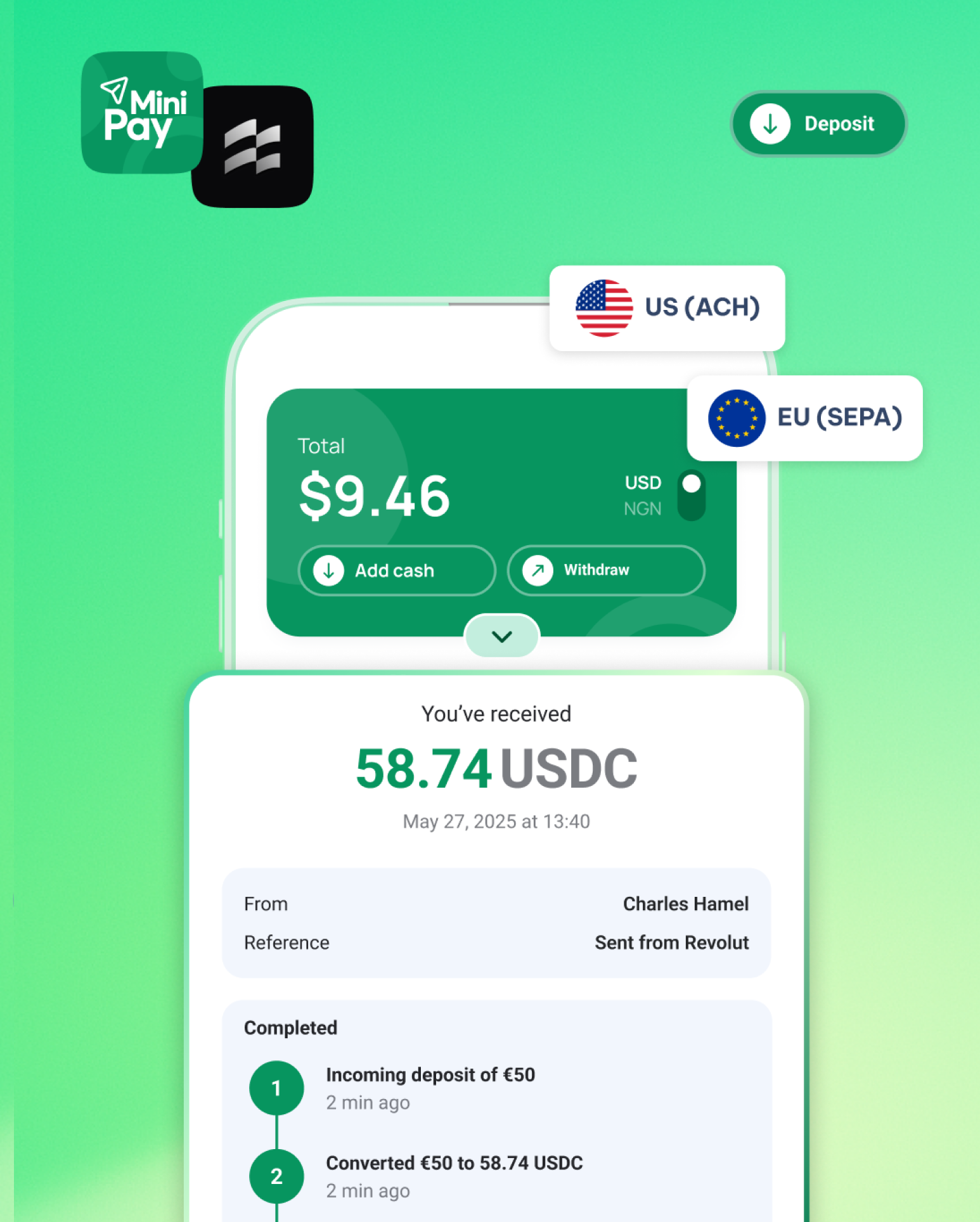
MiniPay gives you a virtual USD or EUR account, provided by its licensed partner NOAH. Add it to Ruul as a way to get paid, and your clients' payments arrive there as stablecoins.
- Free to open, no fee to receive
- USD or EUR, held as stablecoins
- Withdraw to local currency in 60+ countries
- Keep your other ways to get paid
[II] How it works
Three steps to your first payment
-
Step 1
Set up MiniPay
Download MiniPay and open your free USD or EUR account.
-
Step 2
Add MiniPay to Ruul
In your Ruul dashboard, open Payment Accounts and add MiniPay.
-
Step 3
Get paid into MiniPay
Once your client pays, Ruul pays you into MiniPay within one business day, with nothing to pay to receive it.
[III] Questions
Everything you need to know
Beta Ruul AI can make mistakes. Check the articles it links.
Questions
-
Ruul helps freelancers and independent professionals invoice clients in 190 countries without a registered company. As the legal counterparty, Ruul issues the invoice, collects the payment and pays you.
-
MiniPay is a stablecoin wallet for receiving, holding and withdrawing digital dollars and euros. Connected to Ruul, it gives you a virtual USD or EUR account to get paid into, with no fee to receive.
-
Download MiniPay and open your free USD or EUR virtual account, provided by MiniPay's licensed partner NOAH. Then, in your Ruul dashboard, open Payment Accounts, add MiniPay and paste your account details. Your next payment goes there.
-
MiniPay charges no fee to receive your Ruul payments into your virtual account. Ruul's own fee still applies to each payment.
-
You get paid in USD or EUR into your MiniPay virtual account. From there you can withdraw to your local currency through MiniPay's payment partners in 60+ countries.
-
Yes. MiniPay isn't available to users from Afghanistan, Algeria, Bangladesh, Belarus, Bolivia, China, Cuba, Egypt, Ethiopia, Hong Kong, Iran, Iraq, Macao, Libya, Nepal, North Korea, North Macedonia, Pakistan, Qatar, Russia, Sudan, Syria, Saudi Arabia, Tunisia, and Ukraine's Russian-occupied regions (DNR, LNR, Zaporizhzhia, Crimea).
-
Yes. MiniPay is one more payout method on Ruul: keep the ones you have and switch between them any time from your dashboard.
Ready to get paid into MiniPay?
Free to open · No fee to receive · USD or EUR