

Free Word Invoice Templates
Eight invoice templates for Microsoft Word, each in its own design. Download the .docx, replace the text in brackets with your details and your client's, and send it as a PDF.
- Free
- No sign-up
- US Letter .docx
Or fill one in online with the free invoice generator: it adds up the totals and gives you a PDF or a live link to send.
Choose a Word invoice template
-
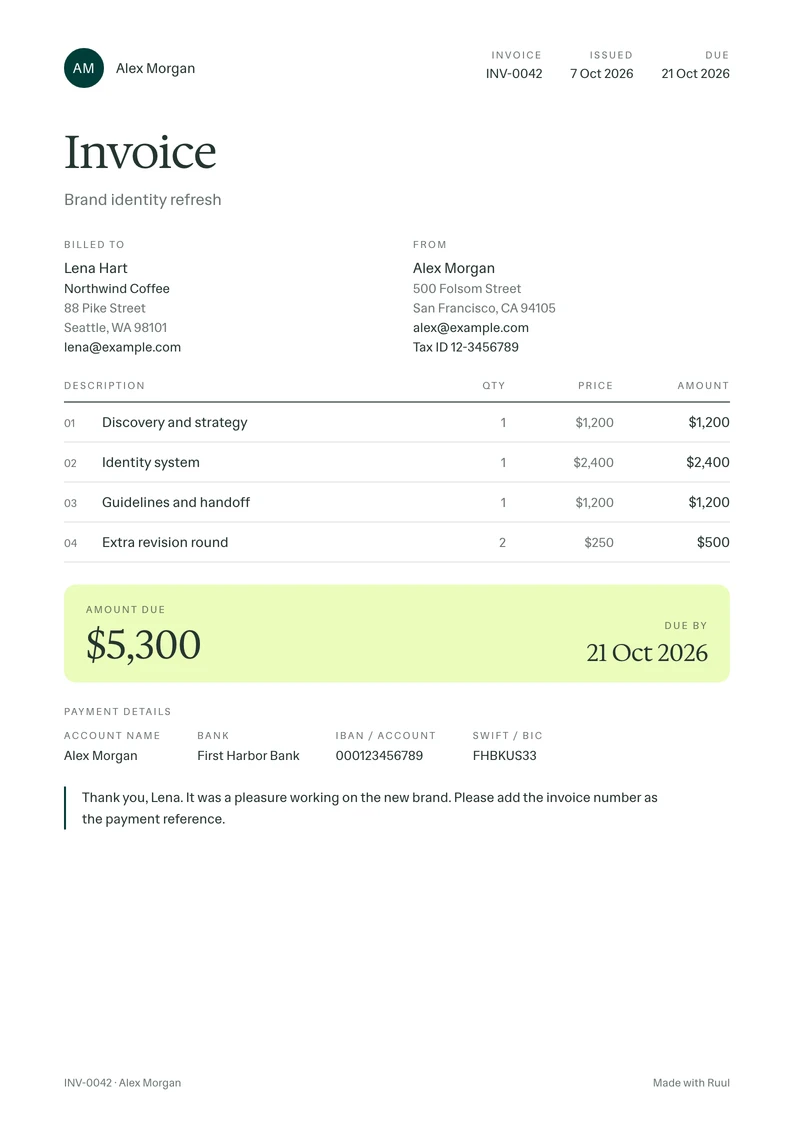
Editorial · Ruul
Freelance invoice template
For project work: what you delivered, what it costs and when it's due.
-
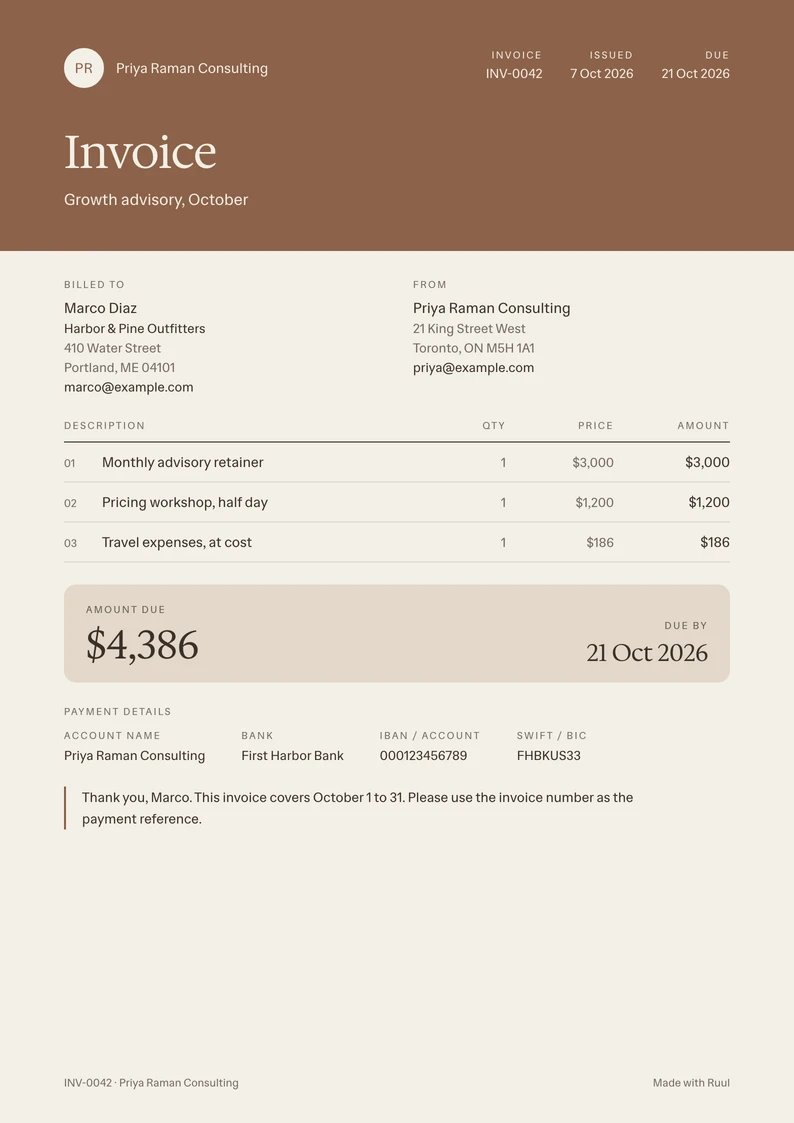
Statement · Linen
Consulting invoice template
For retainers, sessions and expenses, with the period they cover.
-
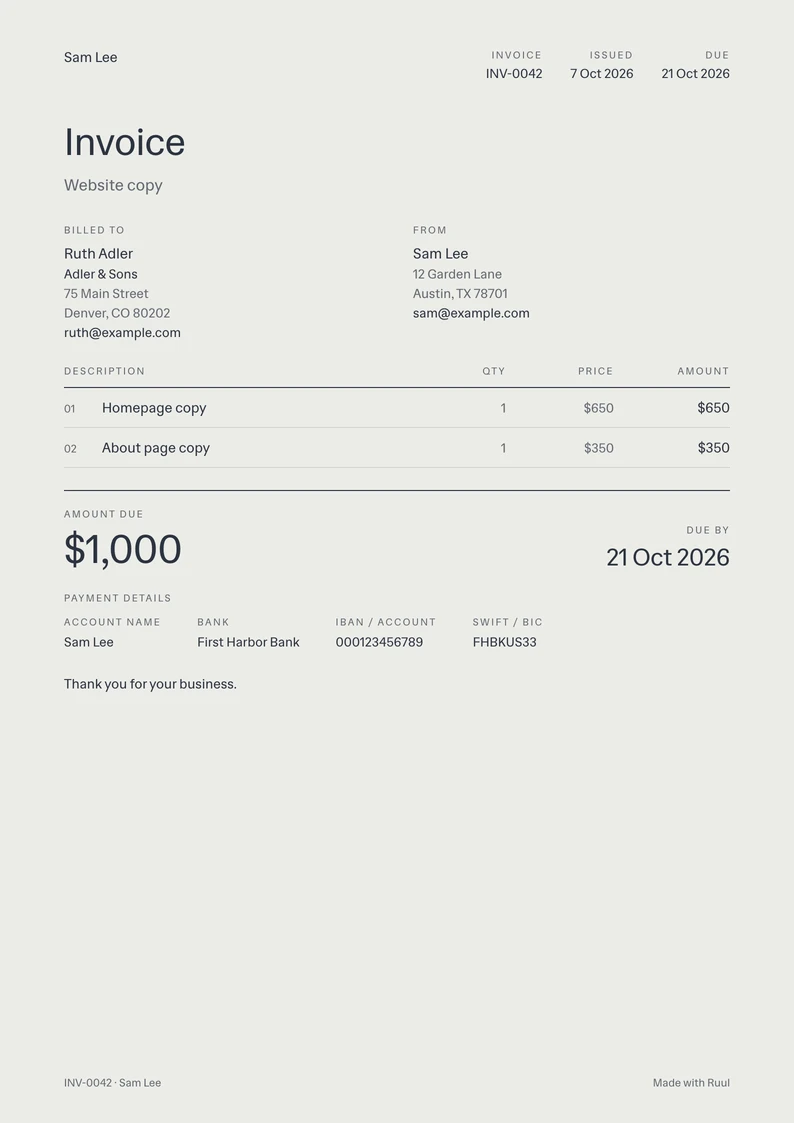
Minimal · Concrete
Simple invoice template
Just the essentials: who, what, how much and by when.
-
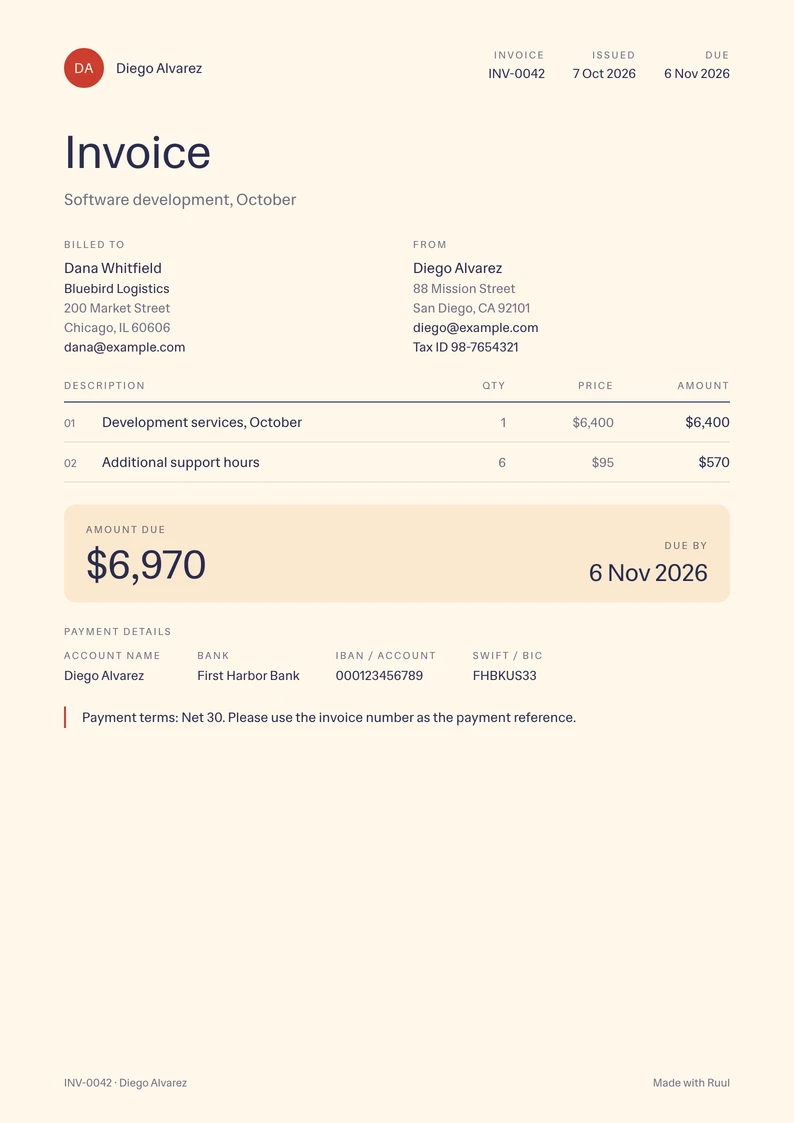
Editorial · Tomato
Contractor invoice template
For contractors: work by period, your tax ID and clear terms.
-
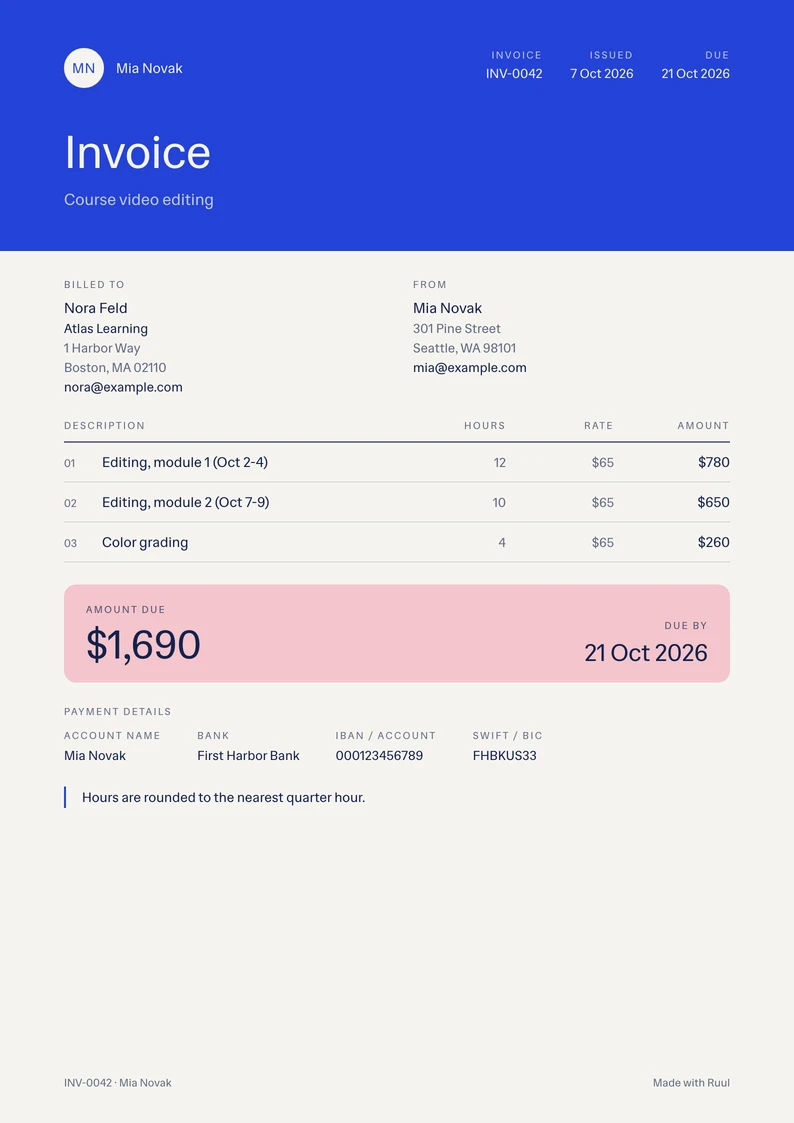
Statement · Cobalt
Hourly invoice template
Hours times your rate, line by line, with the dates of the work.
-
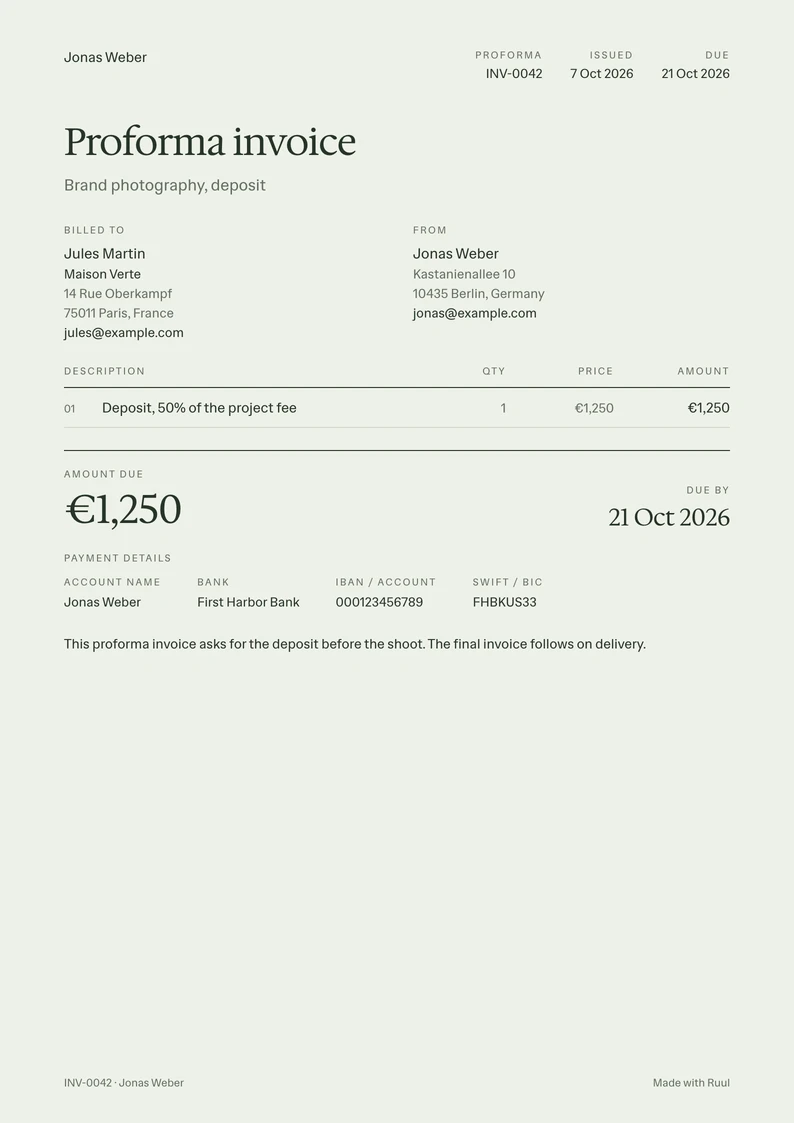
Minimal · Sage
Proforma invoice template
An advance invoice before the work starts, for a deposit or your client's approval.
-
-
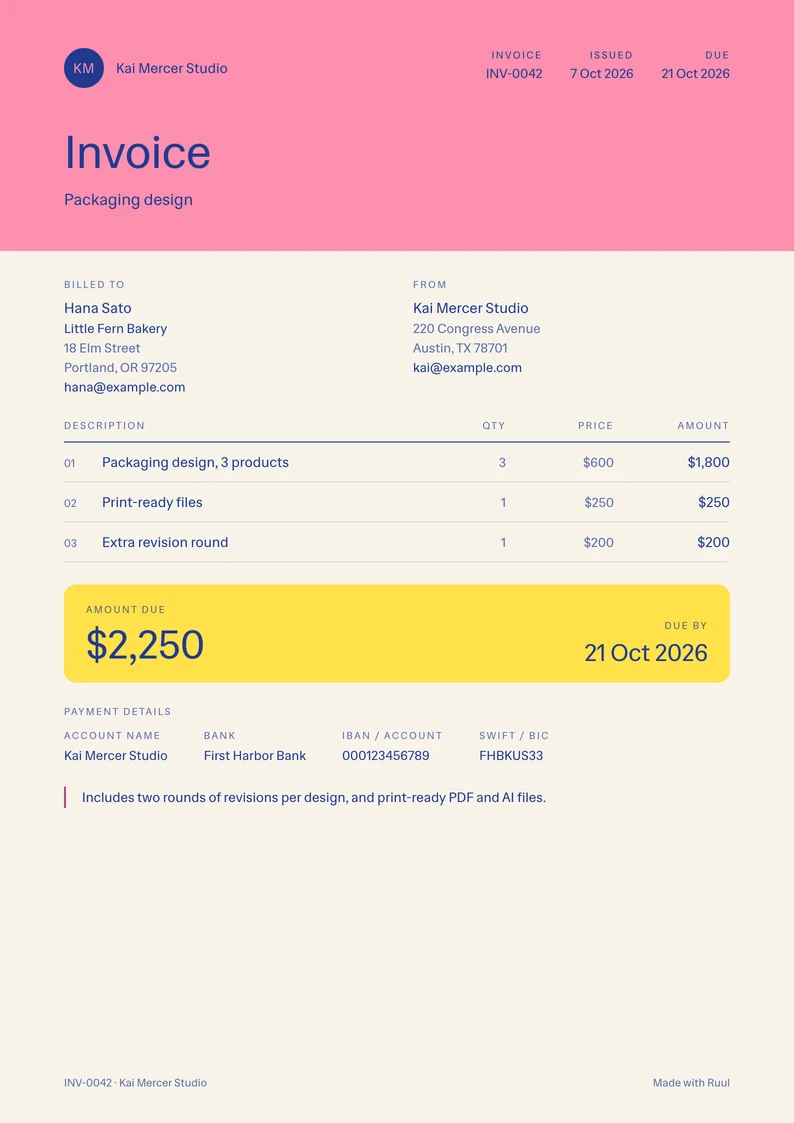
Statement · Riso
Graphic design invoice template
Design deliverables and revision rounds, priced one by one.
How to make an invoice in Word
-
Download a template and open it in Word.
-
Replace the text in brackets: your name and address, your client's, the invoice number and the dates.
-
List the work, one line each, with a quantity, a price and the amount.
-
Add up the lines and fill in the subtotal, tax and amount due. Word doesn't do the math; the Excel template and the invoice generator do.
-
Check your payment details, save the invoice as a PDF from File, Save As, and send it to your client.
Questions
Are these Word invoice templates free?
Yes. Download any of the eight as often as you like. No account needed.
Can I open them in Google Docs?
Yes. Upload the .docx to Google Drive and open it with Google Docs. When it's ready, download it as a PDF from File, Download.
Does Word add up the totals?
No. A table in Word doesn't calculate, so check the subtotal, tax and amount due before you send. The free invoice generator works them out as you type, and so does the Excel template.
Can I invoice a client without a registered company?
Yes. Ruul becomes the legal counterparty on the invoice, so you can invoice clients in 190 countries without a company of your own.
How do I get paid for an invoice?
Put your bank details in the template's payment section, or let your client pay online by card or bank transfer and get paid through Ruul: you receive your payout within 1 business day after your client pays.
More invoice templates
- Excel invoice templates All eight designs, with formulas that do the math.
- PDF invoice templates All eight designs as fillable PDFs, in US Letter and A4.
- Consulting invoice template For retainers, sessions and expenses, with the period they cover.
- Contractor invoice template For contractors: work by period, your tax ID and clear terms.
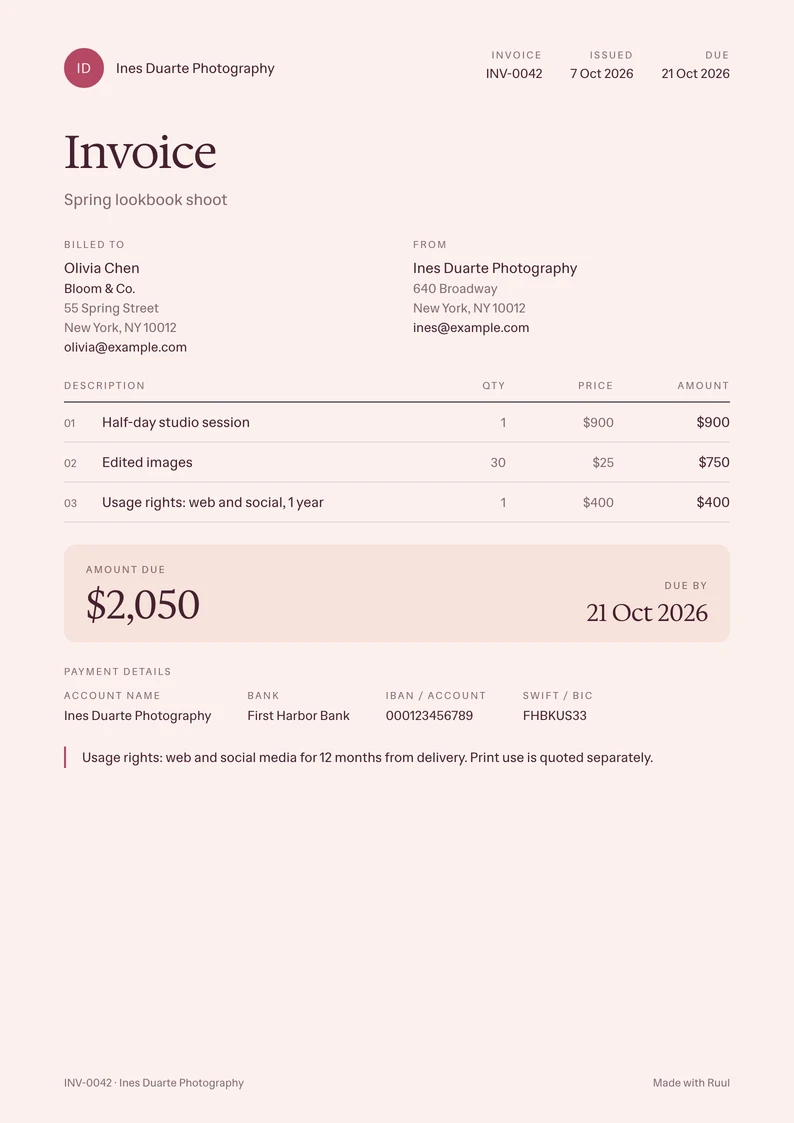
- Photography invoice template Session, edited images and usage rights on one page.