

Opening a Ruul account takes a few minutes, and you don’t need a registered company to start. This guide covers the whole path in and out of your account: signing up, signing in, and what to do when a password goes missing.
Create your account
Go to the sign-up page to begin.
1. Enter your details
On the Create an account screen, enter your Email and Password, tick the box to accept the agreements shown, then click the button to create your account.
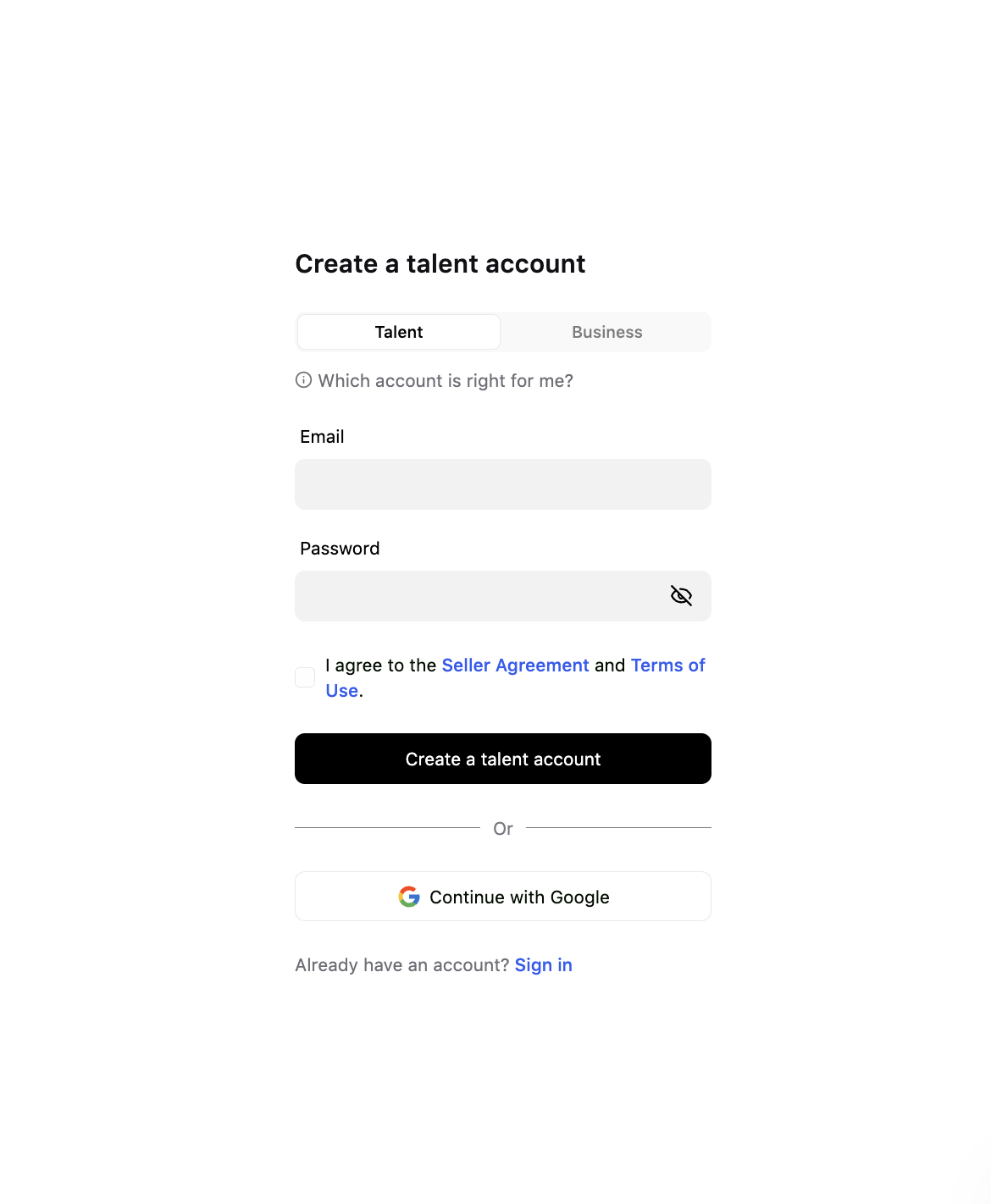
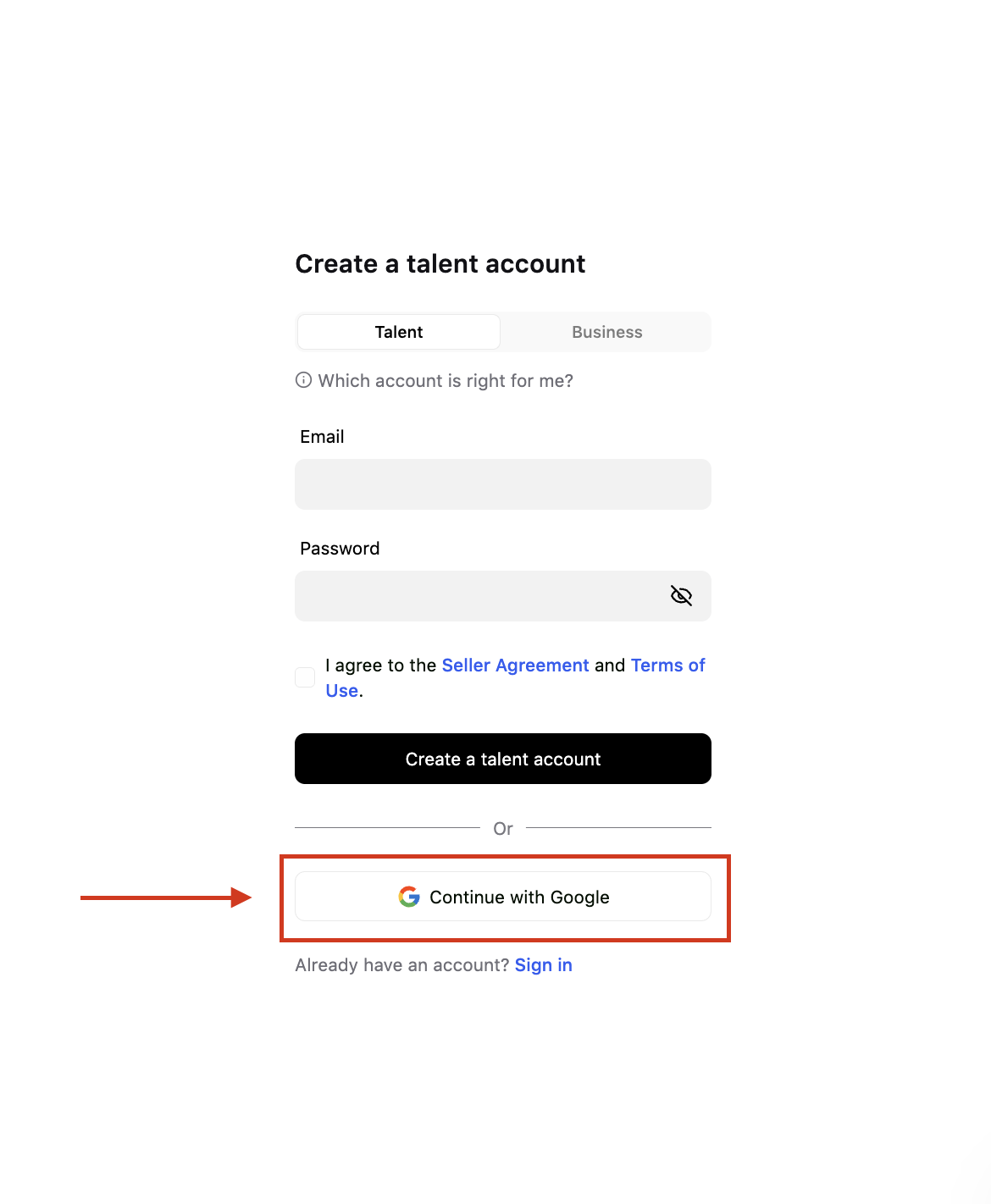
You can also click Continue with Google and sign up with your Google account instead.
2. Tell Ruul who you are
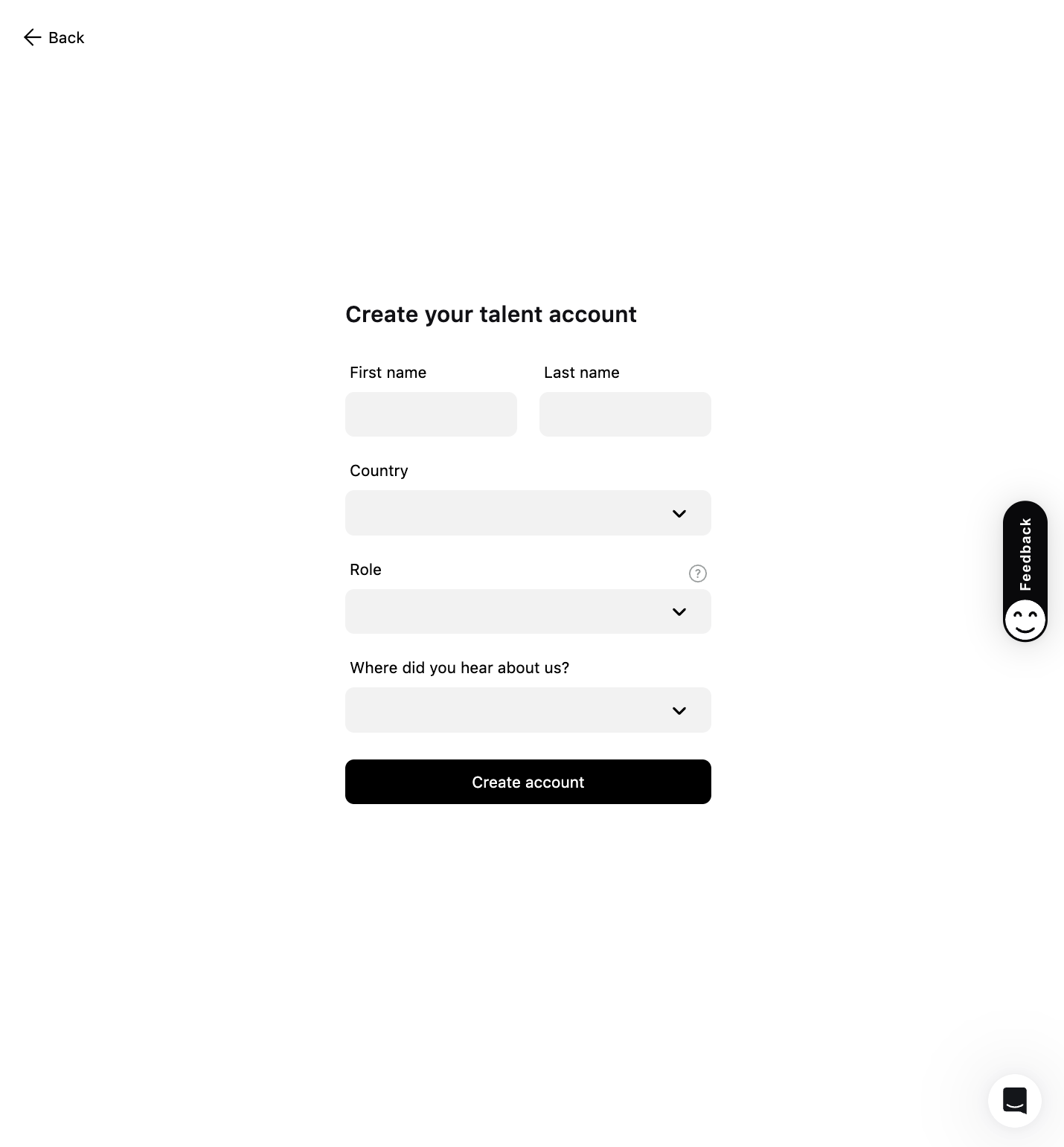
Fill in your First name and Last name, choose the Role that fits your work, and answer Where did you hear about us?
3. Confirm your email address
Ruul sends a Please verify your email message to the address you signed up with. Open it and click the link.
If you signed up with Google, skip this step. Your address is already confirmed.
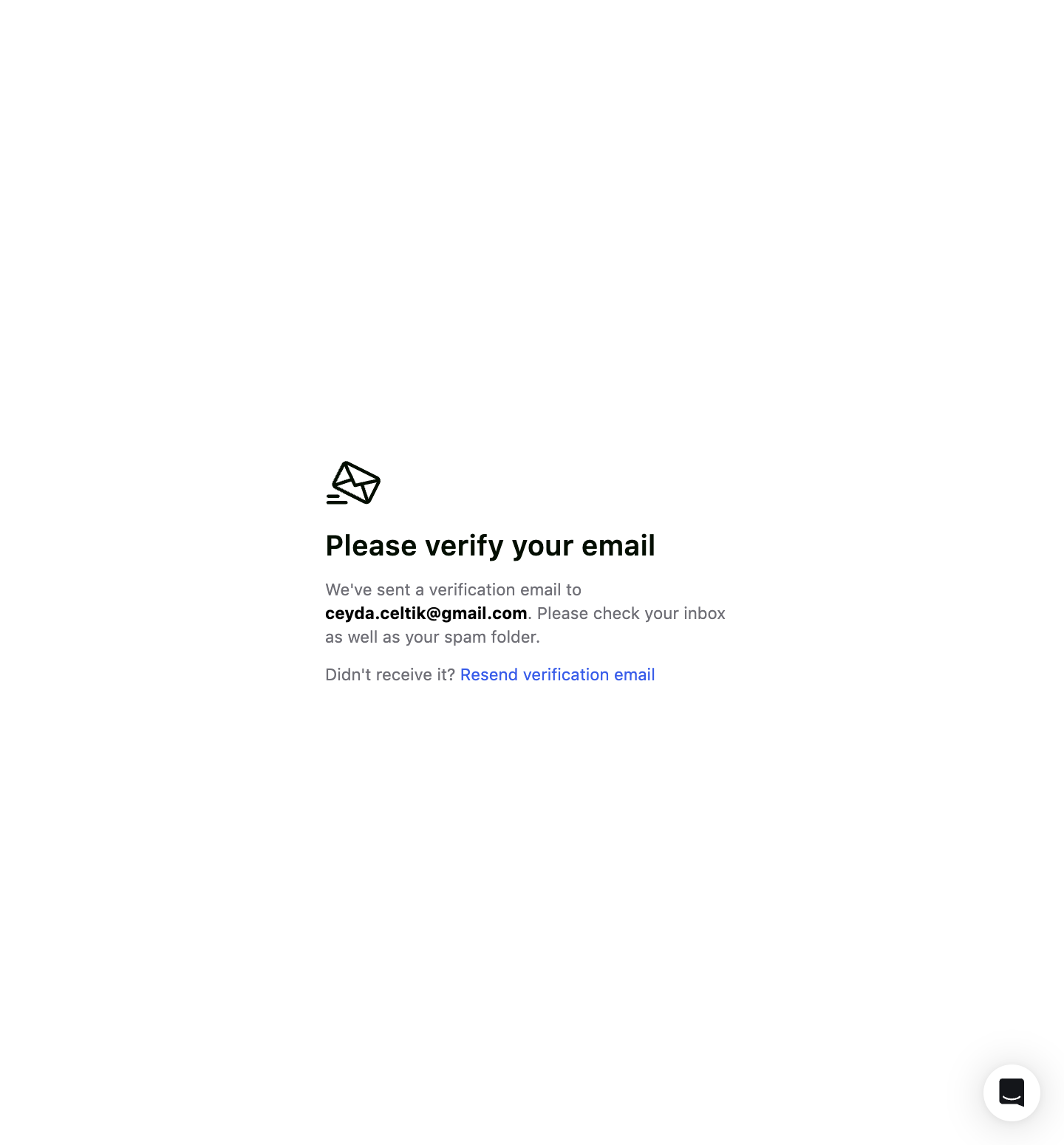
If the email doesn’t arrive, check your spam or junk folder and make sure your inbox can receive new messages. Click Resend verification email to send a fresh link.
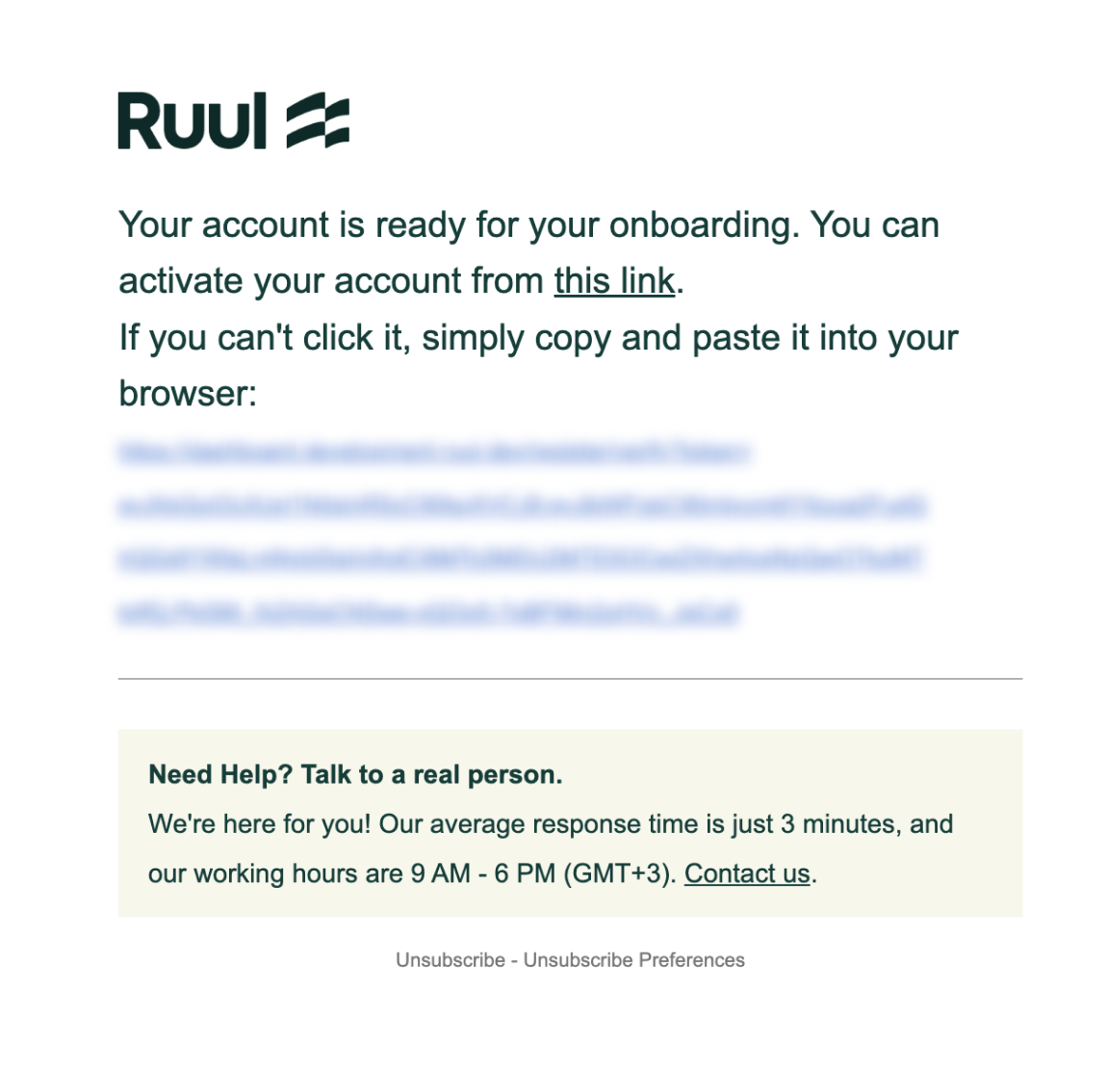
Your dashboard opens as soon as your address is confirmed.
Sign in
Go to the sign-in page, enter your email and password, and click Sign In.
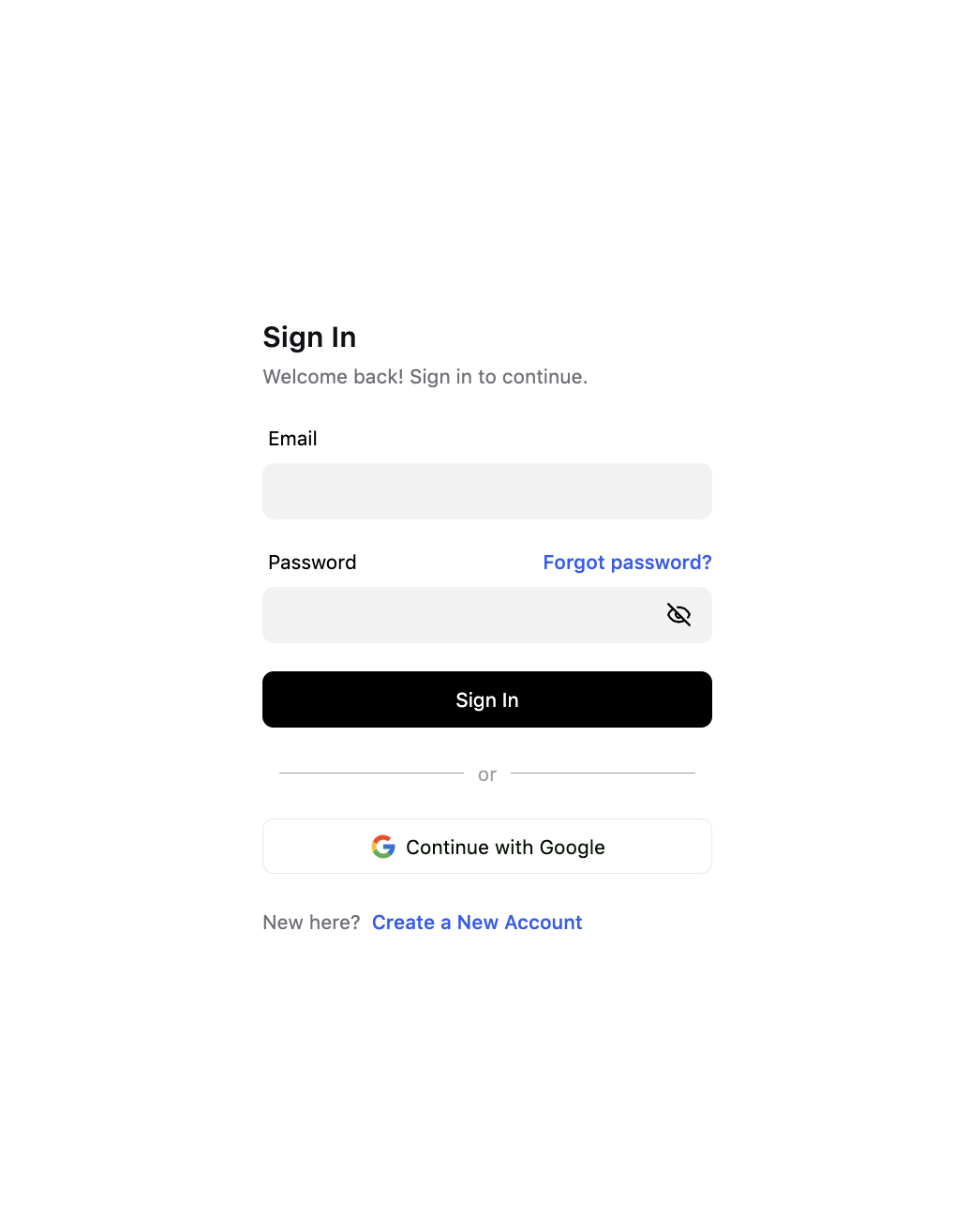
Ruul then emails you a code and shows the Enter Code screen. Type the code in to finish signing in. This second step runs on every sign-in, so a password on its own is never enough to reach your account.
If you signed up with Google, click Continue with Google instead. There is no password step.
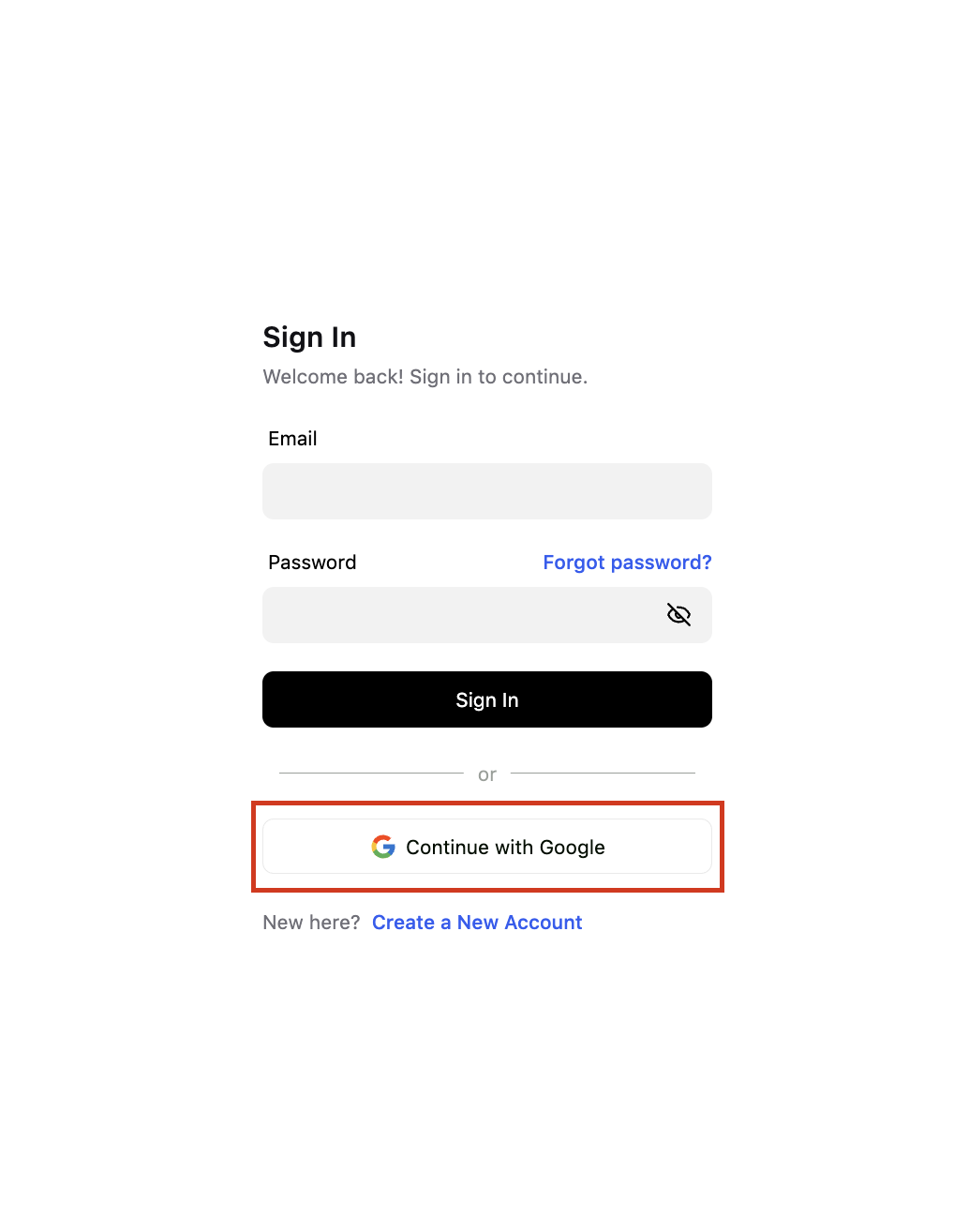
If you forgot your password
Click Forgot password? on the sign-in page, enter your email address, and Ruul sends you instructions for setting a new one.
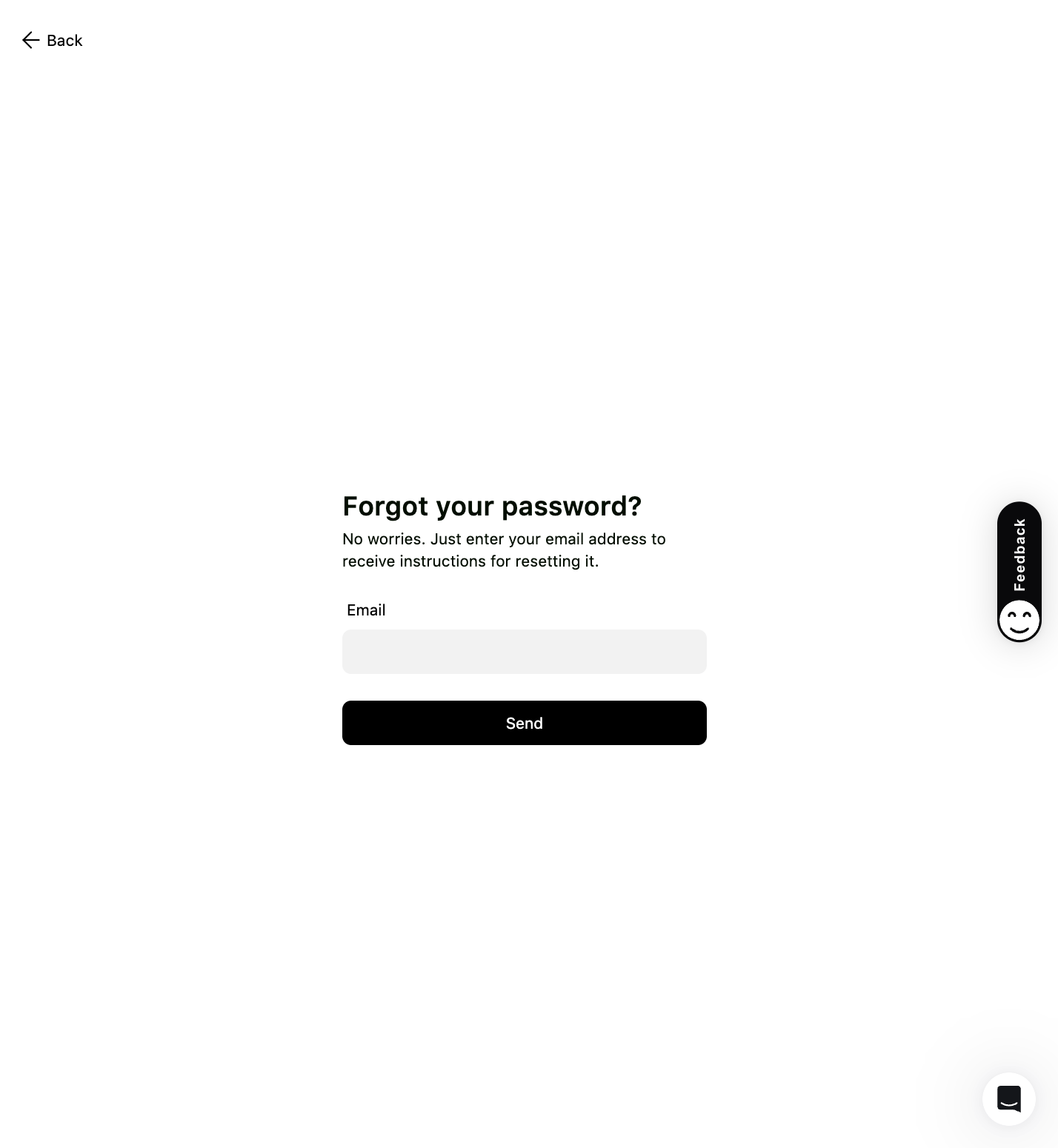
Changing your password
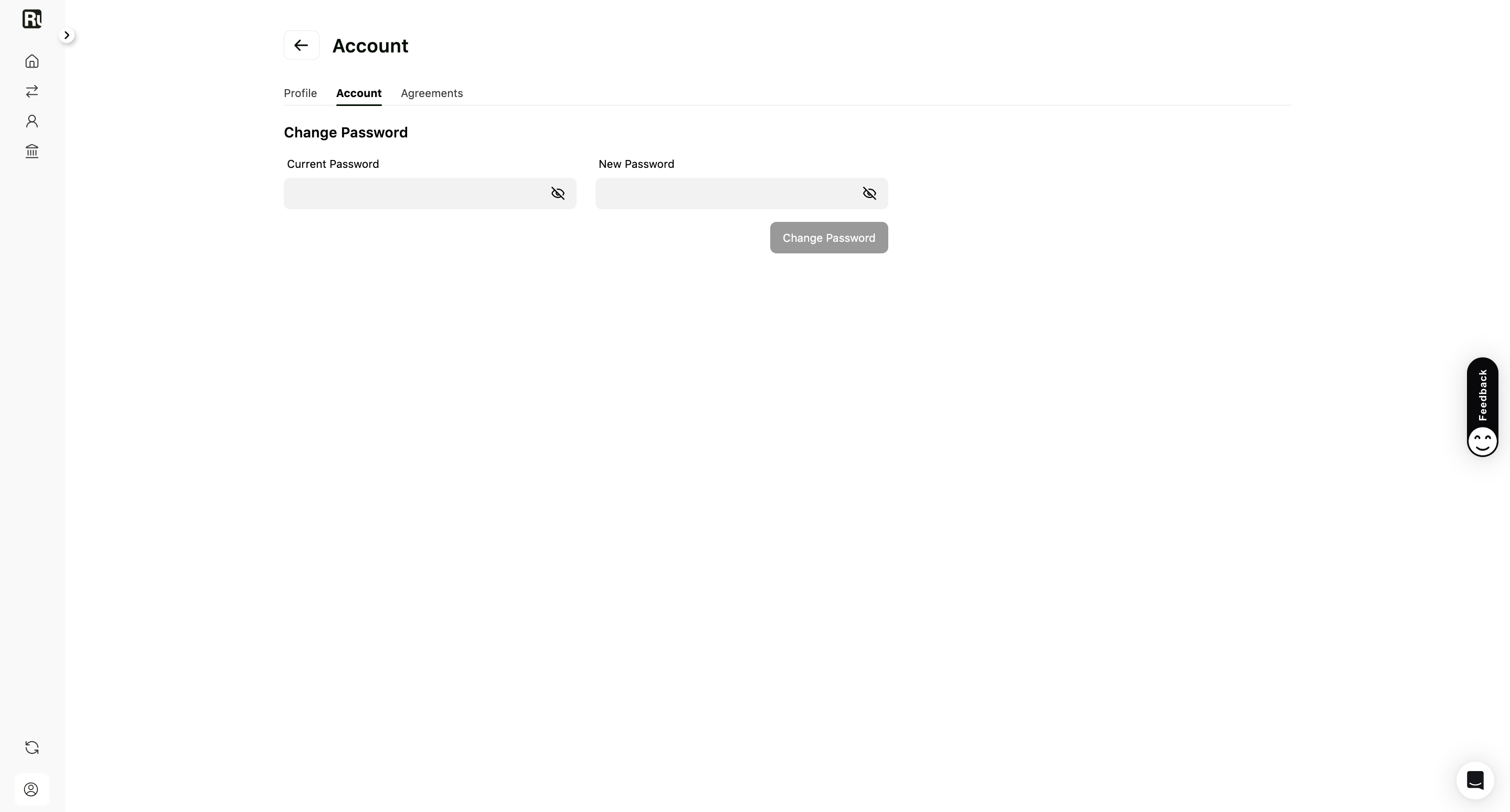
If you still know your password and just want a new one, open Settings and go to the Account tab. Enter your Current Password, then your New Password, and click Change Password.
Good to know
- Your name, date of birth, and address are set during identity verification and can’t be edited from Settings afterwards. Contact Ruul if any of them is wrong.
- Before you can receive a payout you need to complete identity verification and add a payment account. Both are one-time steps.
Frequently asked questions
Do I need a registered company to open a Ruul account?
No. Ruul acts as your Agent of Record, so you can invoice clients and get paid as an individual without setting up a company.
I didn't get the verification email. What should I do?
Check your spam or junk folder first and make sure your inbox can receive new emails. If it still hasn't arrived, click Resend verification email to get a new link.
Why am I asked for a code every time I sign in?
The code is a second check on top of your password. Ruul emails it to you at sign-in, and you enter it on the Enter Code screen. It keeps someone who has your password from reaching your money.
I signed up with Google. Do I still need a password?
No. If you registered with Google, click Continue with Google to sign in. There is no separate password to remember.
Does signing up cost anything?
No. There are no setup or monthly fees. Ruul charges a commission only when you get paid.
Was this article helpful?
Thanks for the feedback! 🙌