

A bank account is the most direct option: Ruul pays into it and the money arrives the way any transfer does. Start from Payment Accounts, click Add New, select Bank Account and click Next.
If you haven’t added a payment account before, the main guide covers what happens before this point.
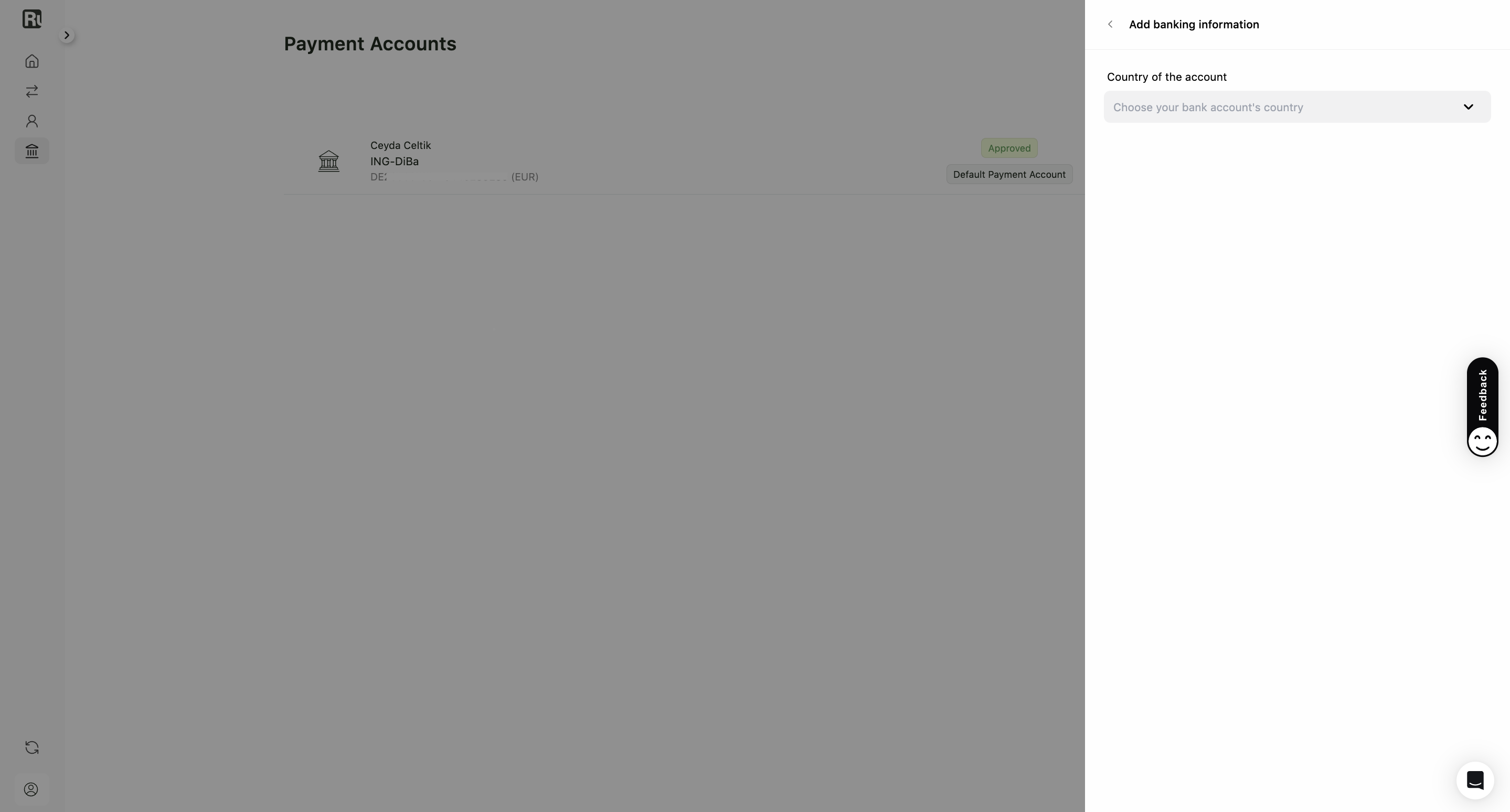
1. Choose the country
Select the country where your bank account is registered. This is what decides which details you’ll be asked for next.
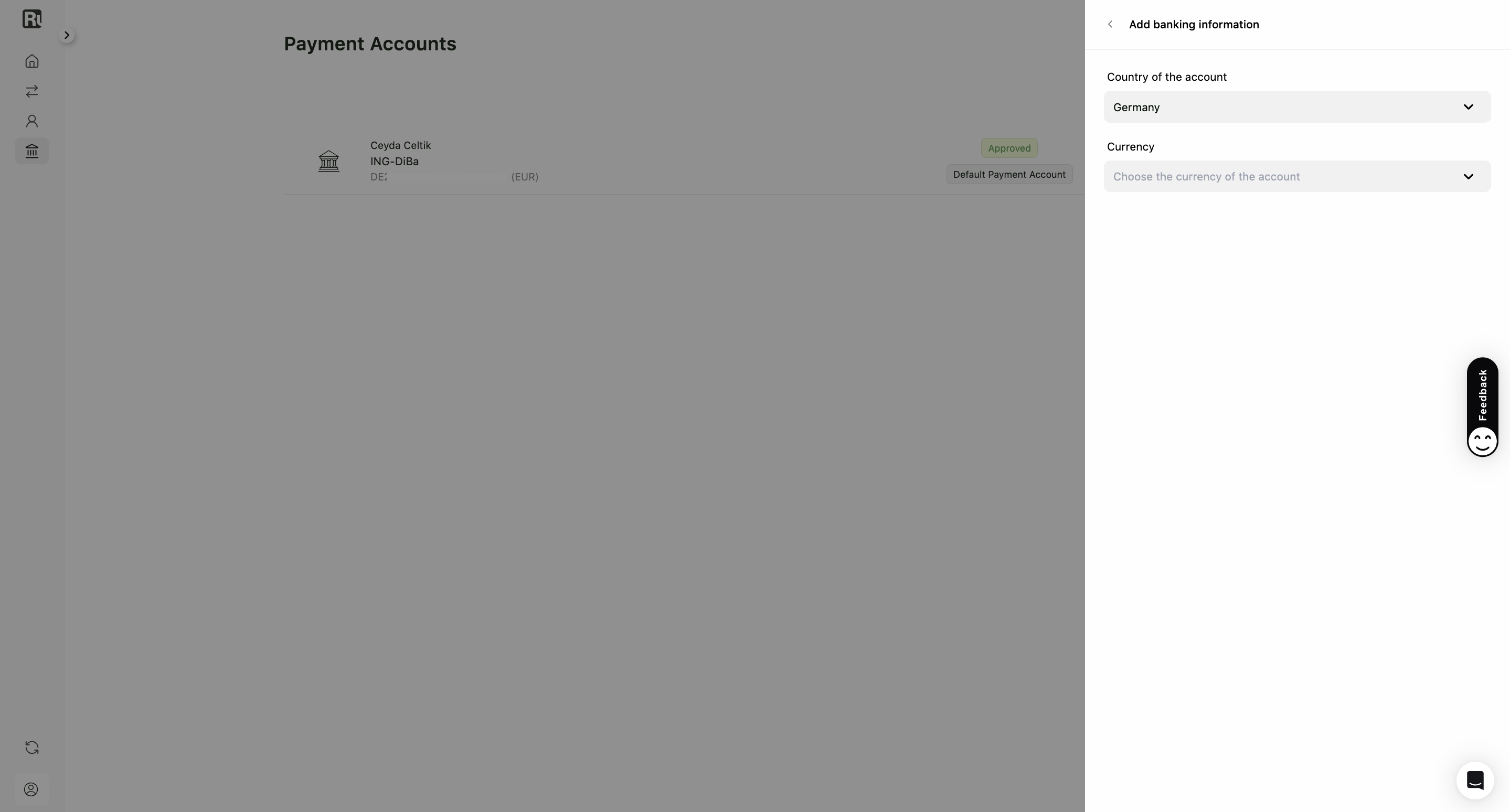
2. Choose the currency
Select the currency of the account. This is the currency you’ll be paid out in, and it doesn’t have to match the currency you invoice in.
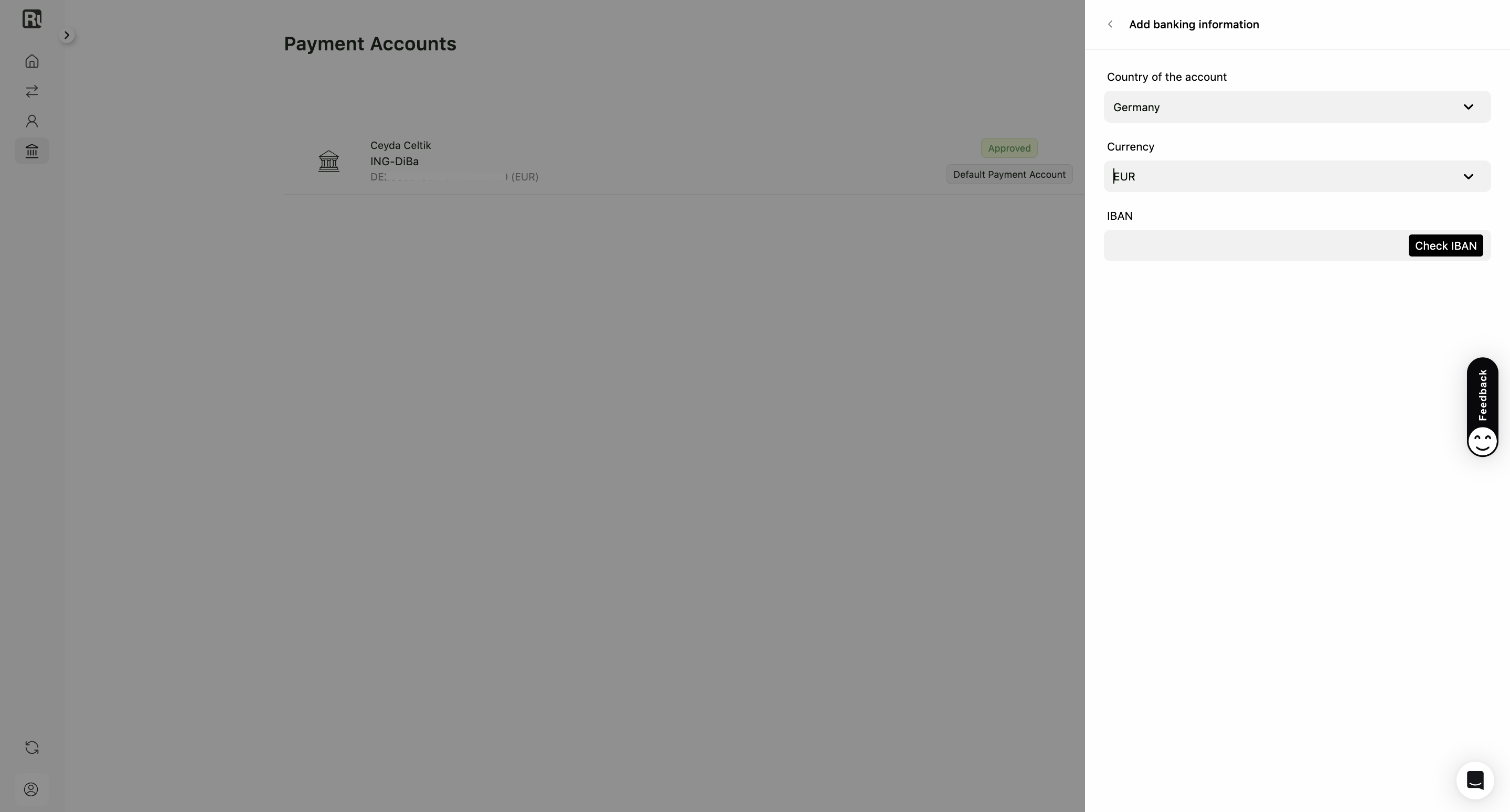
3. Enter the account details
If the account is in a country that uses IBAN, you’ll be asked for the IBAN. Other countries ask for the details they use instead, so the form changes to match the country you picked.
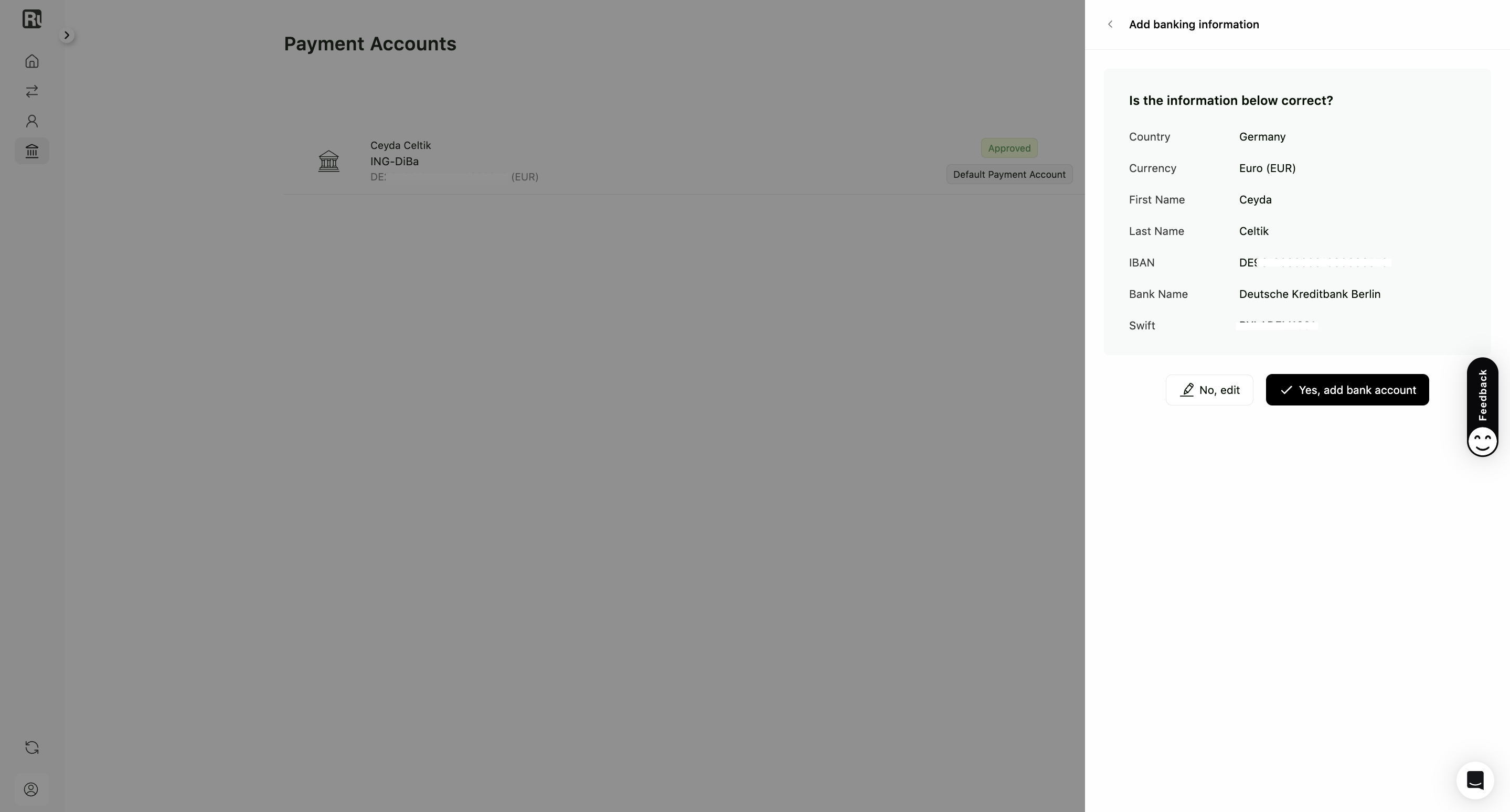
Ruul fills in the rest from what you entered: bank name, SWIFT code and account holder name. Check them on the confirmation screen.
- No, edit takes you back to correct something.
- Yes, add bank account confirms it.
4. Done
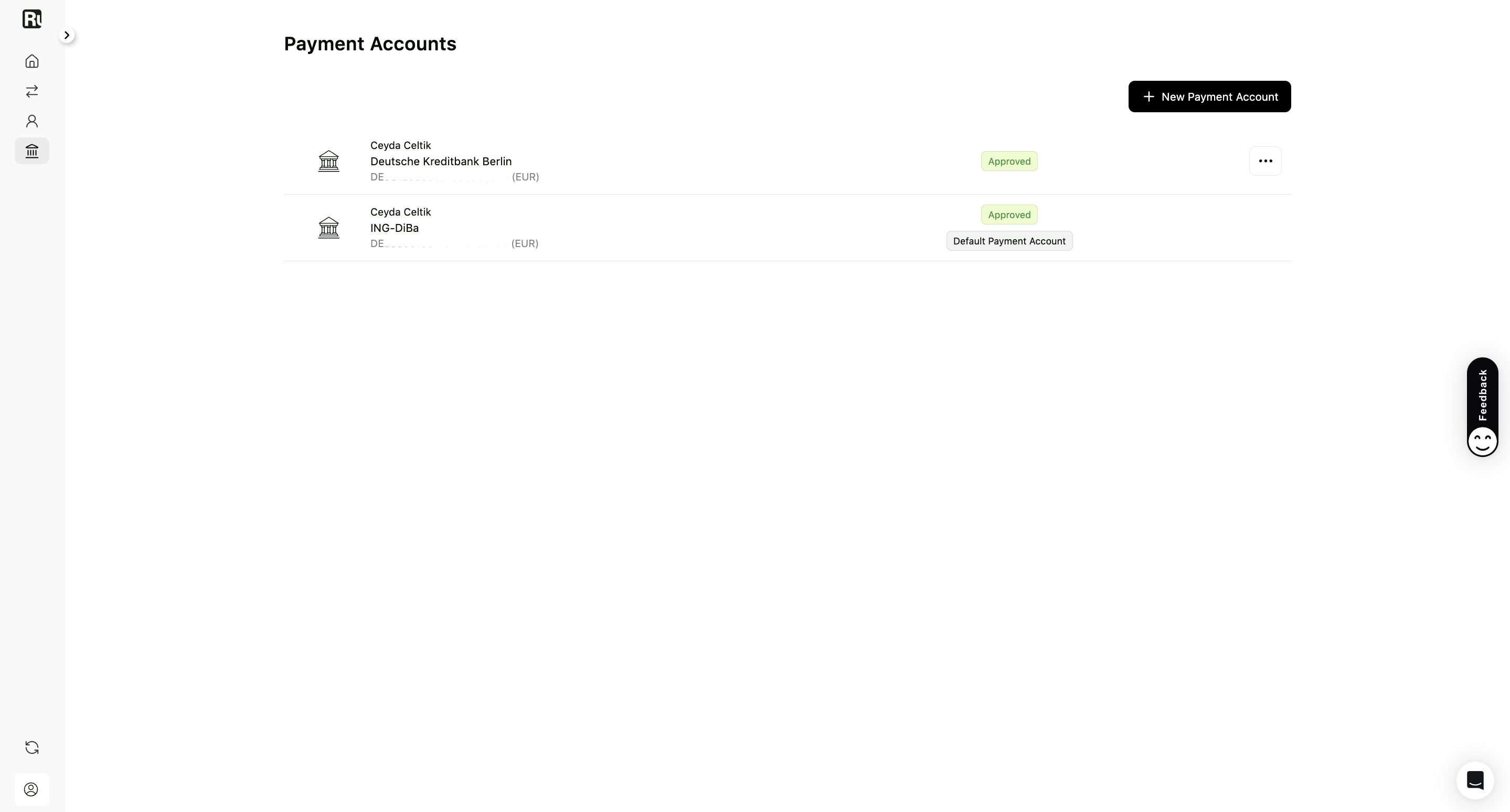
The account appears under Payment Accounts. It shows as In Progress while Ruul verifies it, then Approved once it’s ready to receive payouts.
Good to know
- The account must be in your own name, matching your verified identity.
- Paying into an account in a different currency than the invoice goes through SWIFT, which takes a few business days longer. See how you receive your money.
- Which currencies are supported is listed in supported countries and currencies.
Frequently asked questions
Does the bank account have to be in my own name?
Yes. Payouts go to an account held in the name on your verified identity.
What if my country doesn't use IBAN?
You'll be asked for whatever your country uses instead. The form changes to match the country you selected.
Can the account currency be different from the invoice currency?
Yes. If they differ, the payment is converted at real-time exchange rates, and there is no separate foreign-exchange fee.
The details Ruul filled in look wrong. Can I fix them?
Yes. Click No, edit on the confirmation screen and correct them before confirming.
Was this article helpful?
Thanks for the feedback! 🙌