

Ruul keeps your company’s paper trail in two places: the agreements your company signed with Ruul, and the documents issued for each payment.
Your agreements
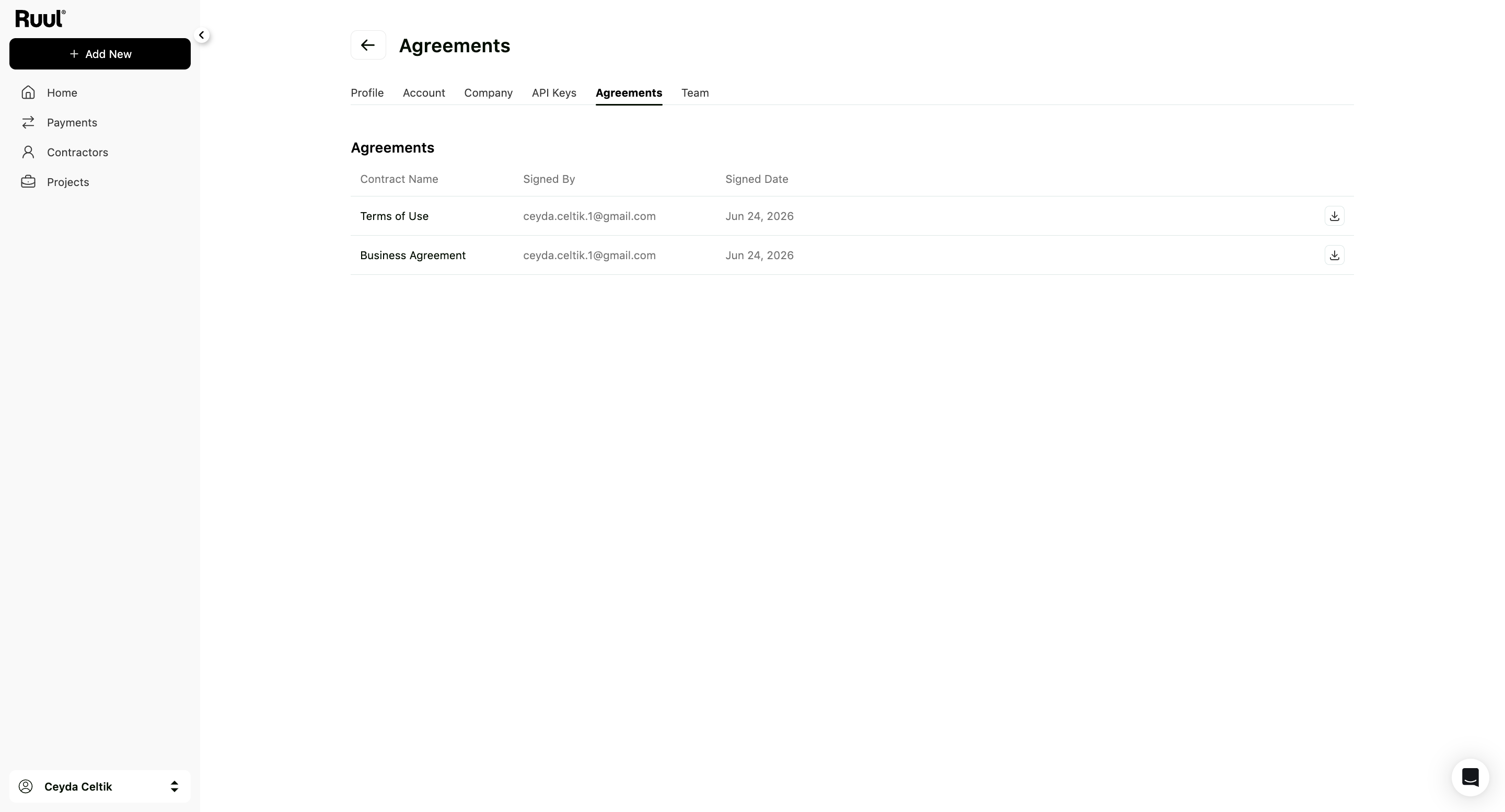
Open Settings by clicking your name in the bottom-left corner, then go to Agreements.
Every contract your company has accepted is listed here, typically the Terms of Use and the Business Agreement. Each row shows who signed it, the date it was signed, and a download icon.
That “who signed it” column matters when more than one person in your company has an account. It’s the record of who accepted what on the company’s behalf.
Payment documents
The document for an individual payment isn’t here. It lives with the payment.
Open the payment from your Payments list and download it from the details page. See how to manage contractor payments.
Good to know
- Nothing here is deleted. Agreements are legal records, so your history stays complete.
- If someone leaves the company, the agreements they signed stay valid and their name stays on the record.
- Having the whole trail in one account is what makes year-end straightforward. See tax and compliance basics.
Frequently asked questions
Which agreements will I see there?
The ones your company accepted, typically the Terms of Use and the Business Agreement, each with the name of the person who signed and the date.
Where do I find the invoice for a payment?
With the payment itself. Open it from your Payments list and download the document from its details page. Agreements and payment documents are kept in different places.
Can I delete an agreement?
No. They are legal records, so they stay in your account.
Someone left the company. Are the agreements they signed still valid?
Yes. The agreement is with your company, and the signer's name stays on the record.
Was this article helpful?
Thanks for the feedback! 🙌