

Getting your company set up on Ruul takes only a few minutes. The flow walks you through a few short steps: choosing your account type, entering your details, confirming your email, and adding your company details. Here is how to create a business account on Ruul.
1. Create a business account
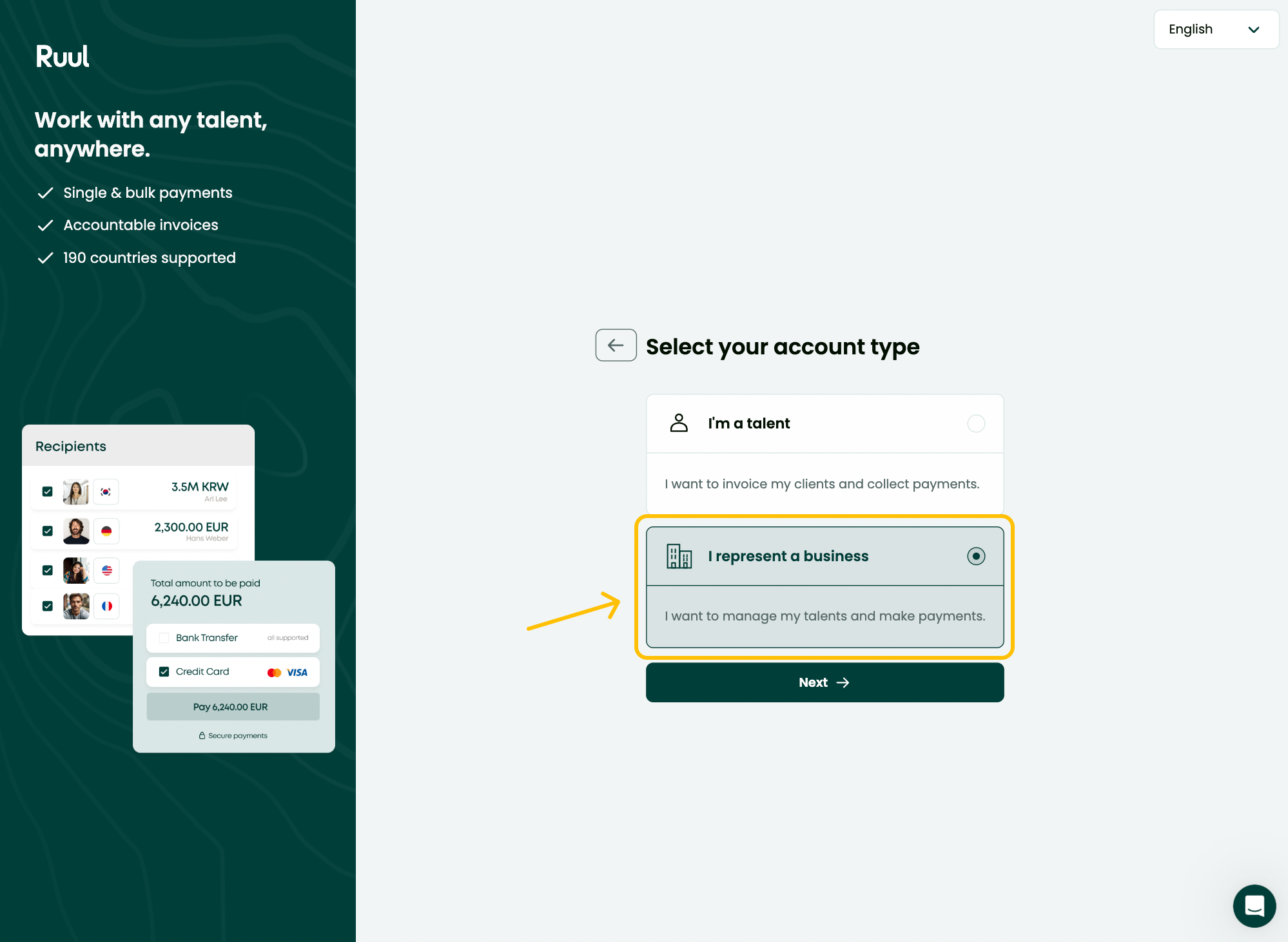
On the sign-up screen:
- Select the Business tab to set the account type.
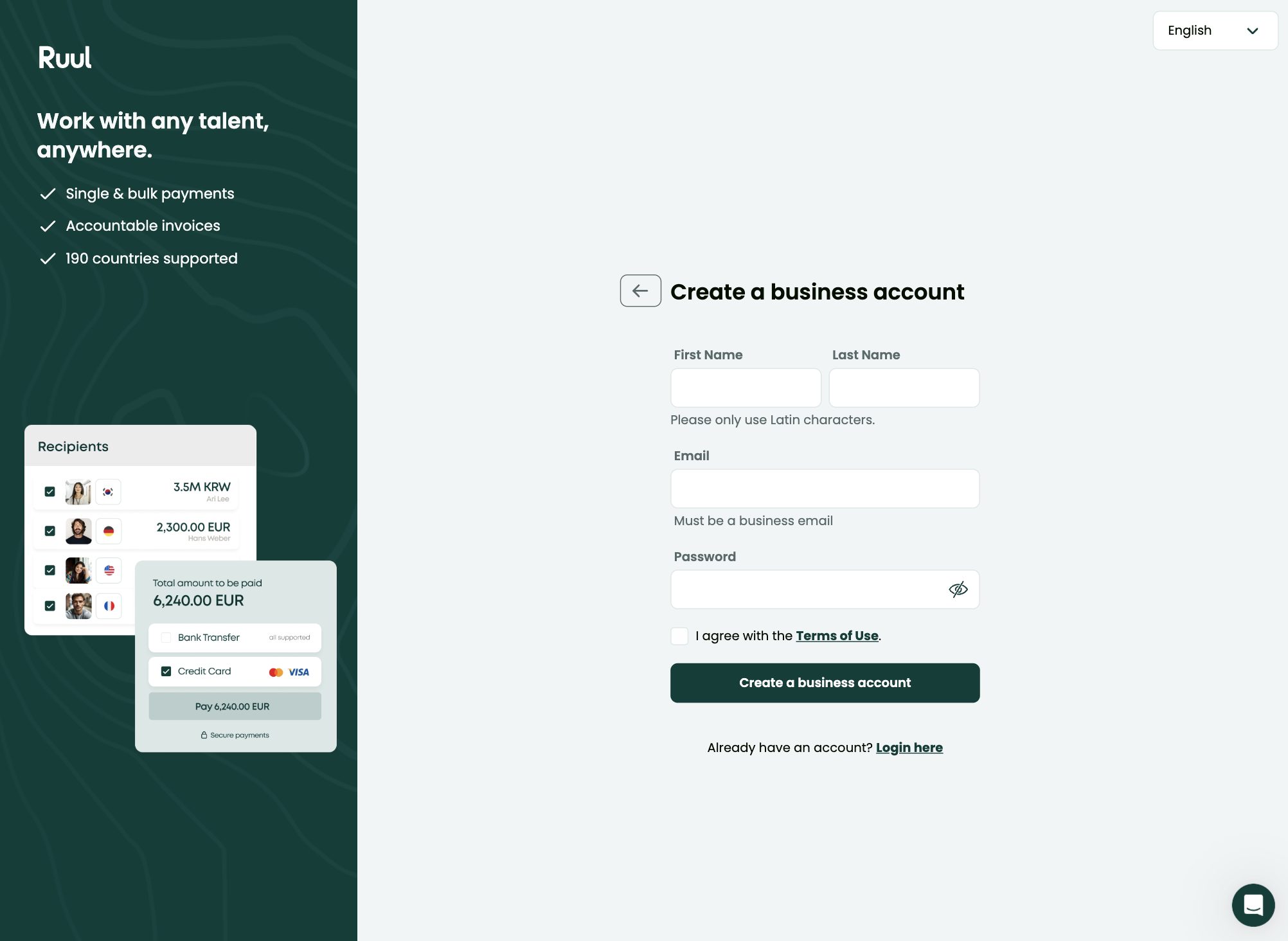
- Enter your First name and Last name.
- Enter your Email (use a business email).
- Choose a strong Password.
- Tick I agree with the Terms of Use.
- Click Create a business account.
You can also choose Continue with Google if you prefer.
2. Verify your email
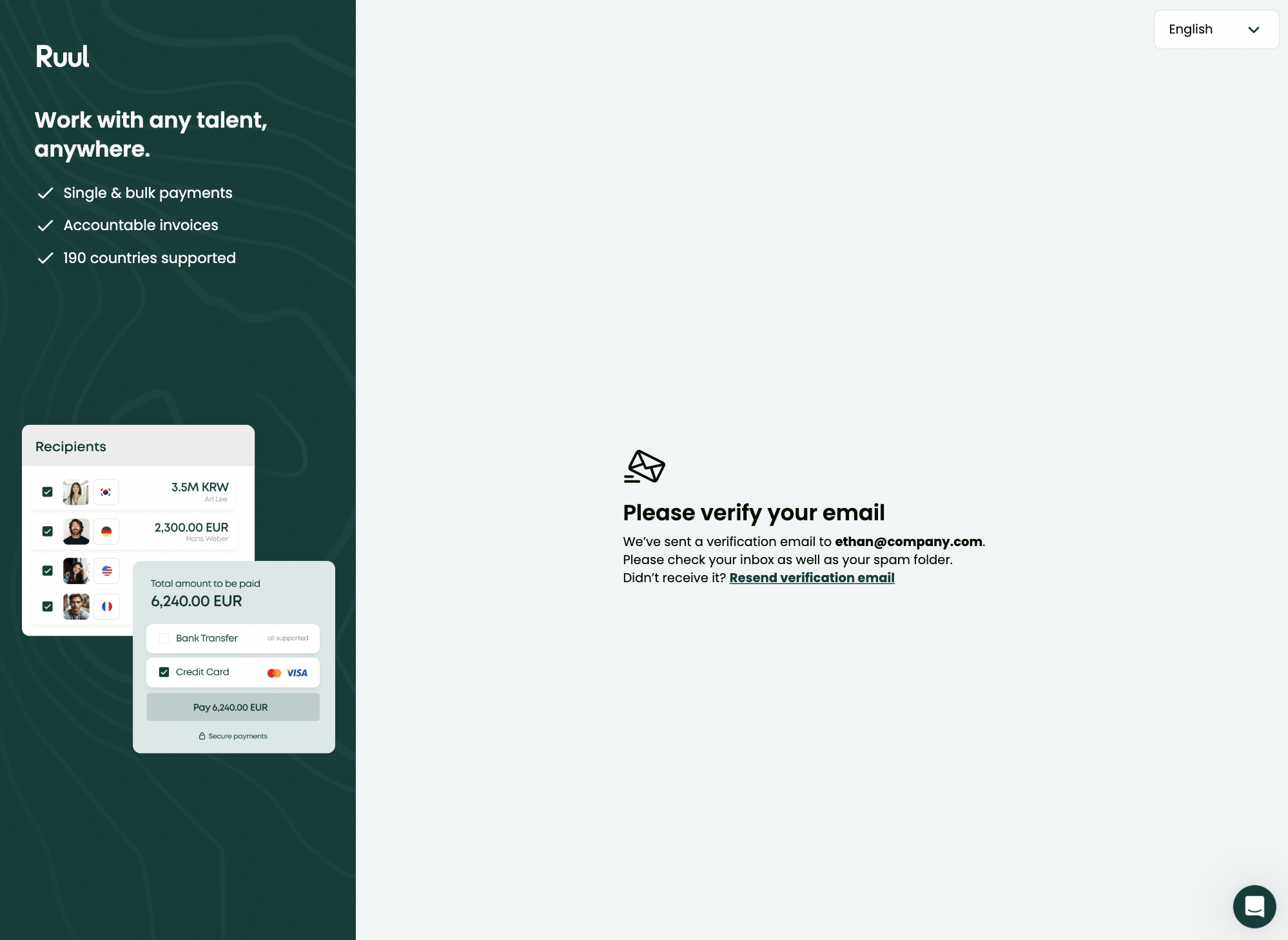
After creating your account, you will see a Please verify your email screen. We send a verification email to the address you entered.
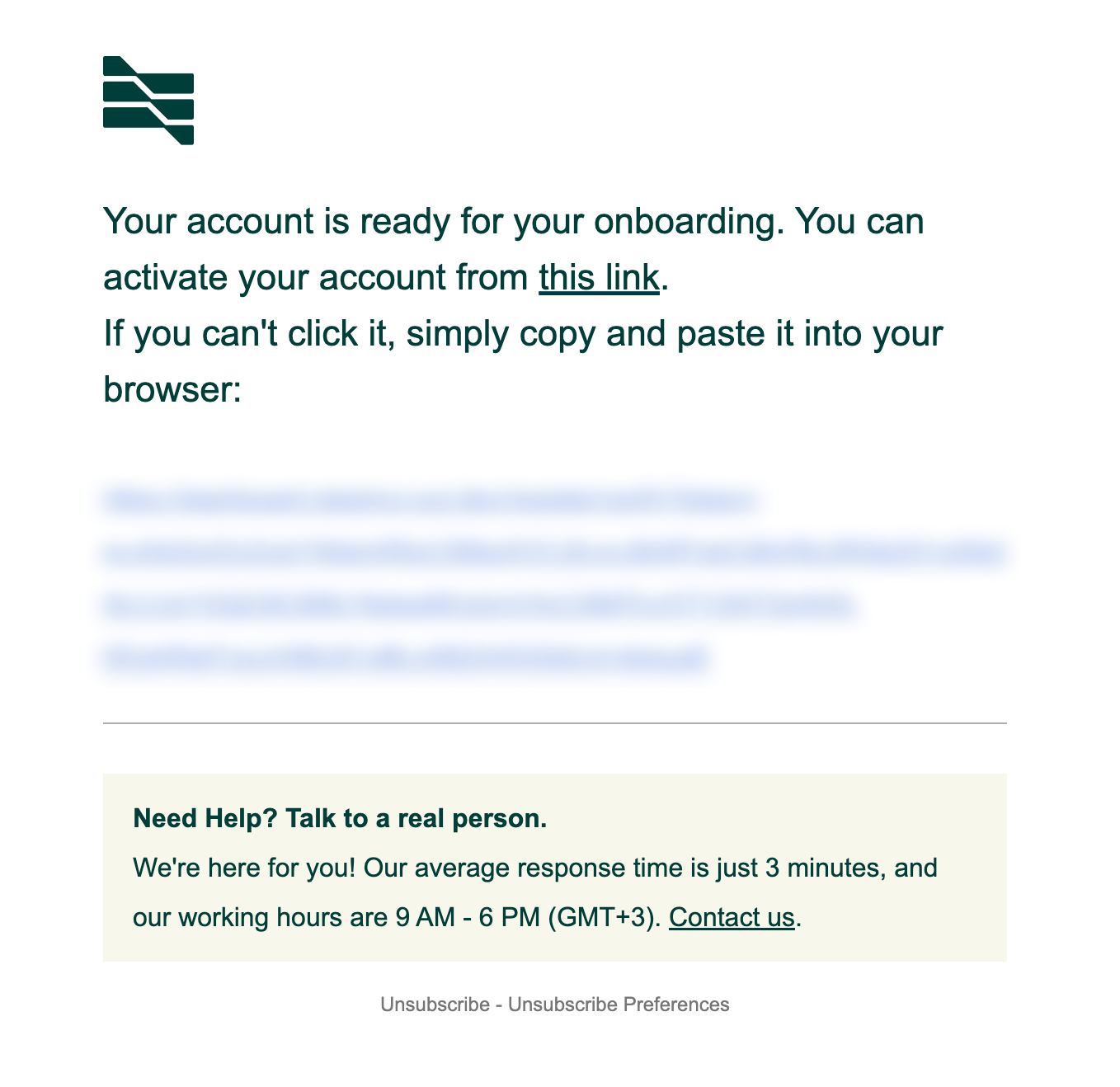
Open the email and click the activation link to confirm your address. If you cannot click it, copy and paste the link into your browser.
Once your email is verified, you will see a short Verified, redirecting… message and be taken to the next step.
If you did not receive the email, check your spam or junk folder and make sure your inbox can receive our emails. If you still cannot find it, click Resend verification email to get a new link.
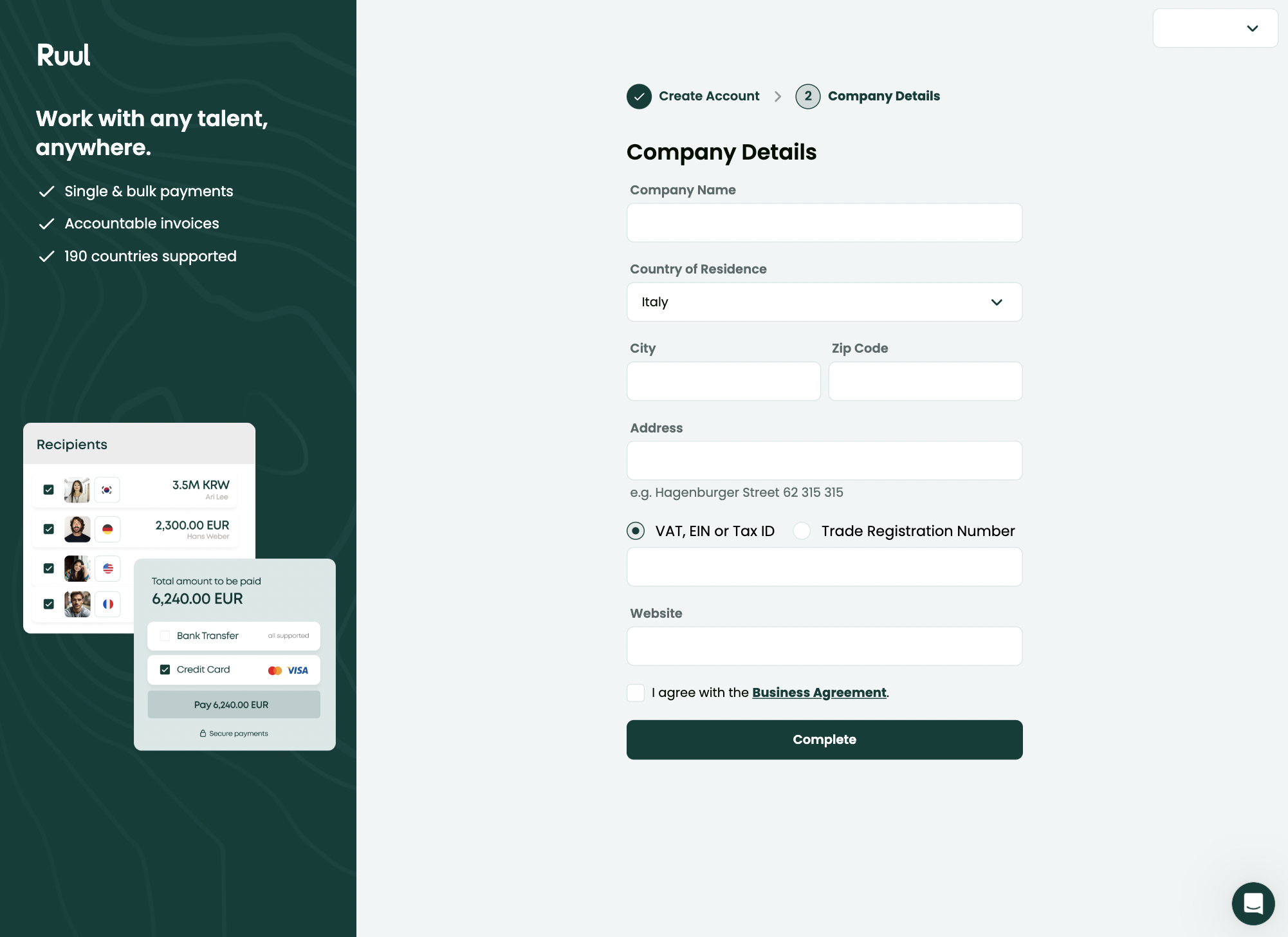
3. Enter your company details
Next, fill in your Company Details. This information is used on invoices, so please make sure it is accurate. Depending on where your company is registered, the required fields may vary.
- Company Name
- Country of Residence
- City and Zip Code
- Address
- VAT, EIN or Tax ID or Trade Registration Number
- Tax Office and Website where applicable
Tick I agree to the Business Agreement, then click Complete.
Done!
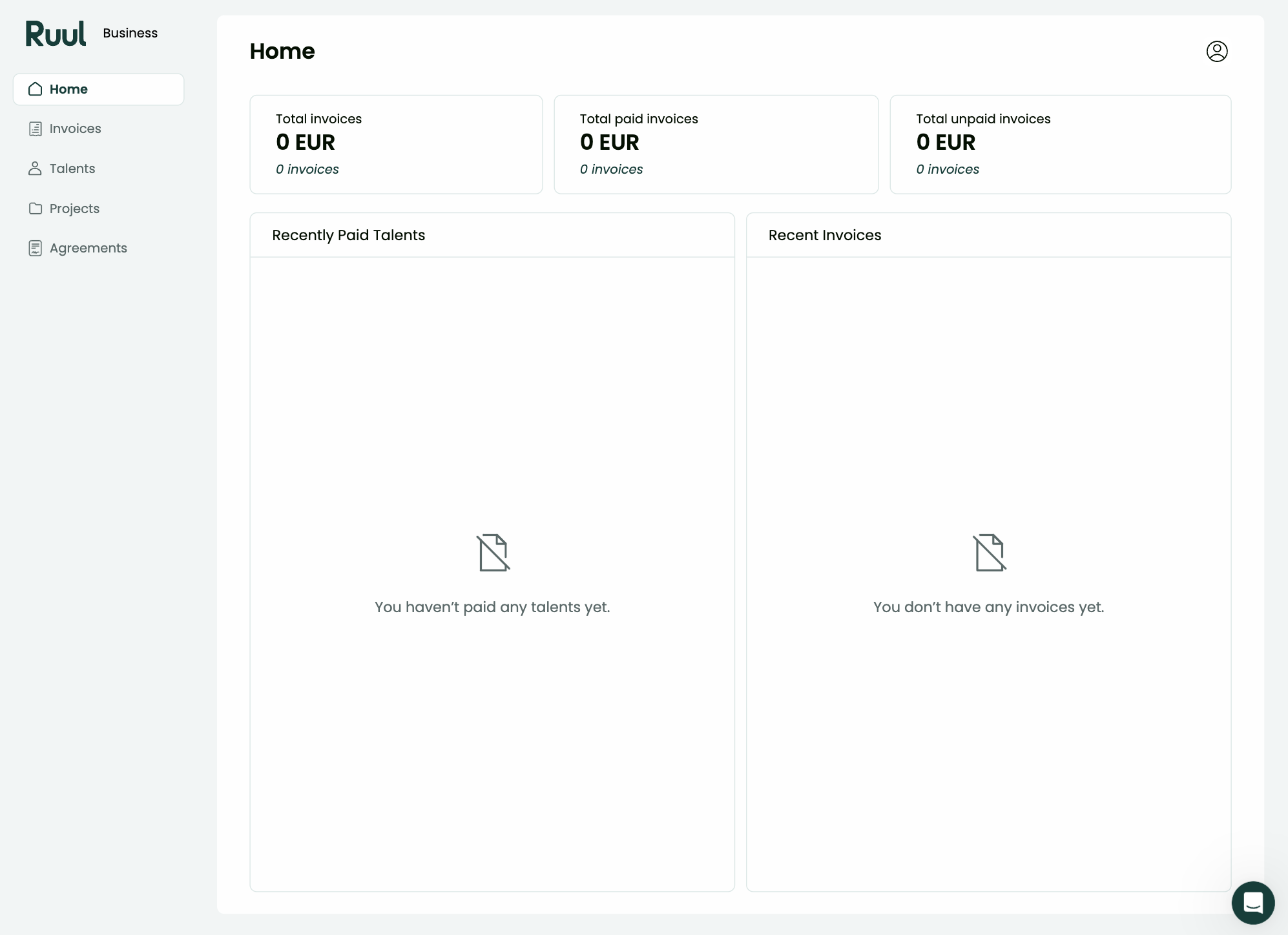
You will land on your dashboard, where you can start right away. From here you can create a new payment, add contractors, and explore your account. The next step is verifying your company so you can pay people. See business verification (KYB).
Because Ruul acts as the Agent of Record for each engagement, your contractor payments stay compliant and you do not need a local entity in every country you pay into.
Good to know
- A business account is for registered companies. You enter company details during sign-up and complete KYB verification before paying contractors.
- The company details you enter appear on invoices, so keep them accurate.
- Required company fields vary by country of registration.
- You can start using your dashboard immediately after sign-up, including adding and managing your talent, even while company verification is in progress.
- If the verification email does not arrive, check your spam folder or use Resend verification email.
Frequently asked questions
Do I need a registered company to sign up as a business?
Yes. A business account is for registered companies. You provide company details during sign-up and complete KYB verification before paying contractors.
How long does it take to create a business account?
The sign-up flow has a few short steps and can be completed in a few minutes. Email verification is instant once you click the link in the email we send you.
Can I start working right after signing up?
Yes. Once your account is created you land on your dashboard and can begin right away, including adding contractors, even while company verification is still in progress.
Was this article helpful?
Thanks for the feedback! 🙌