

Getting started on Ruul takes just a few minutes. The sign-up flow has three short steps, and you don’t need a registered company to begin - Ruul acts as your Agent of Record so you can invoice and get paid as an individual. Head to the create an account page to start.
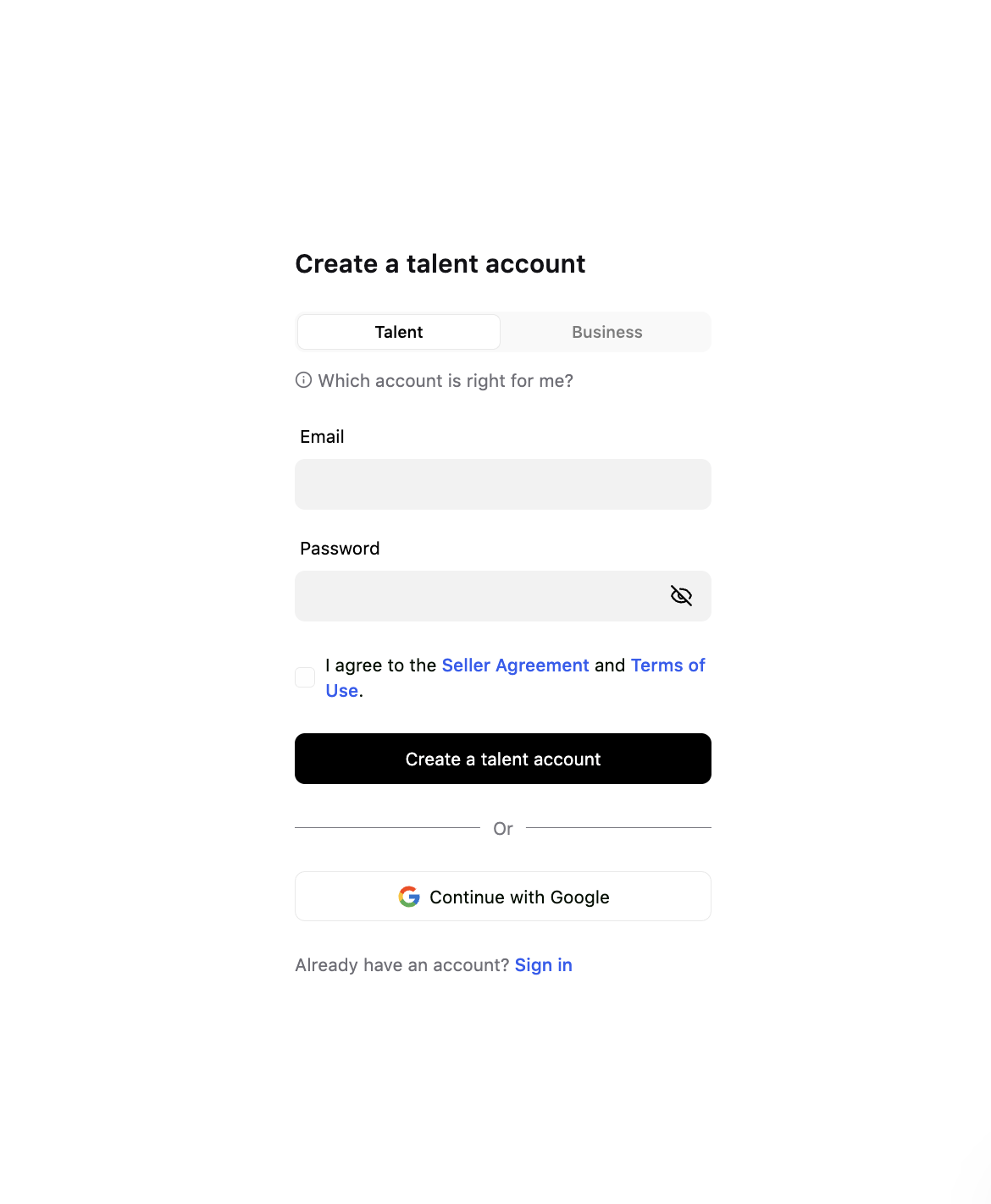
1. On the Create an account screen:
- Enter your Email and Password.
- Tick the box I agree to the Seller Agreement and Terms of Use.
- Click Create a talent account.
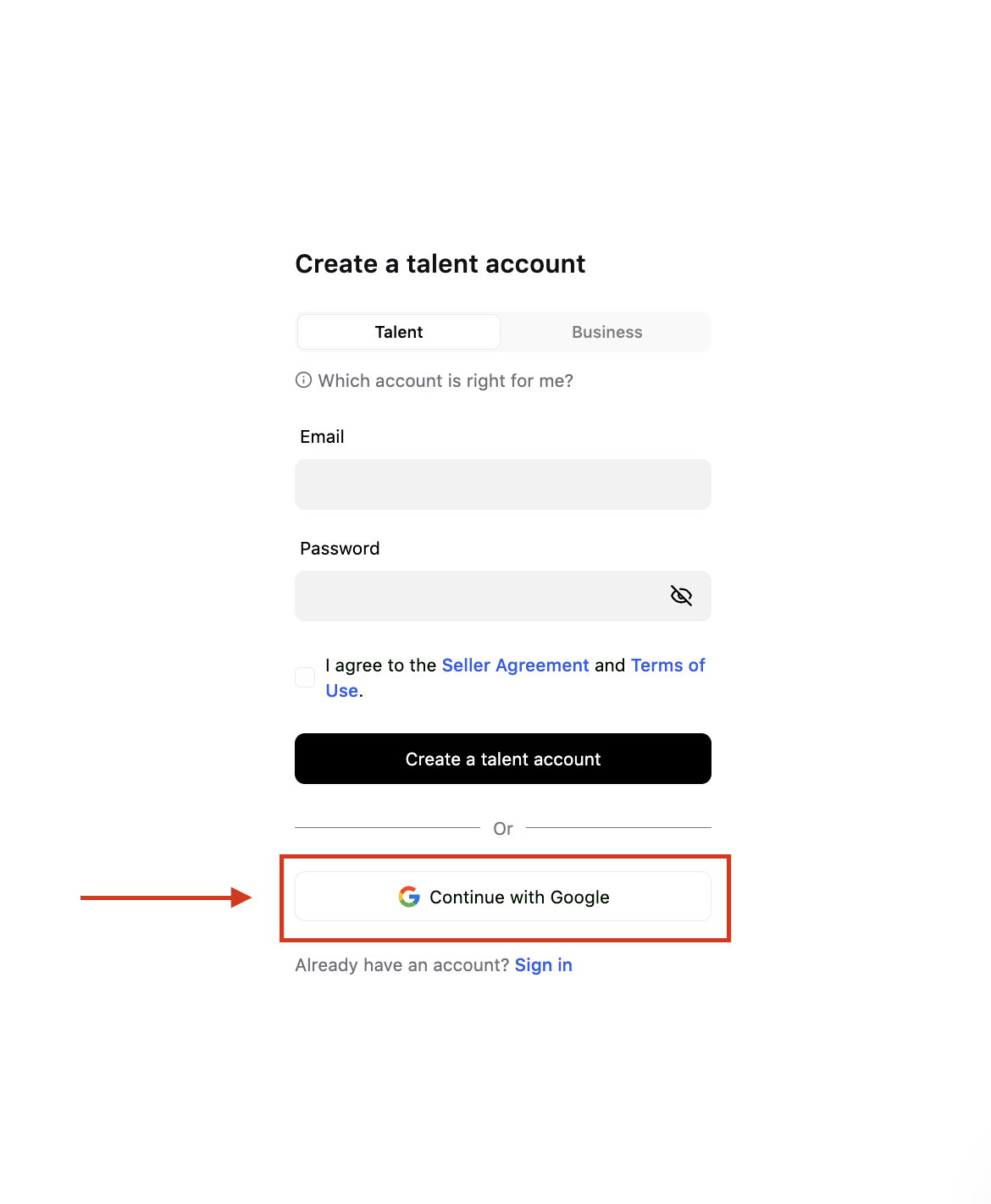
Alternative: Choose Continue with Google to sign up using your Google account.
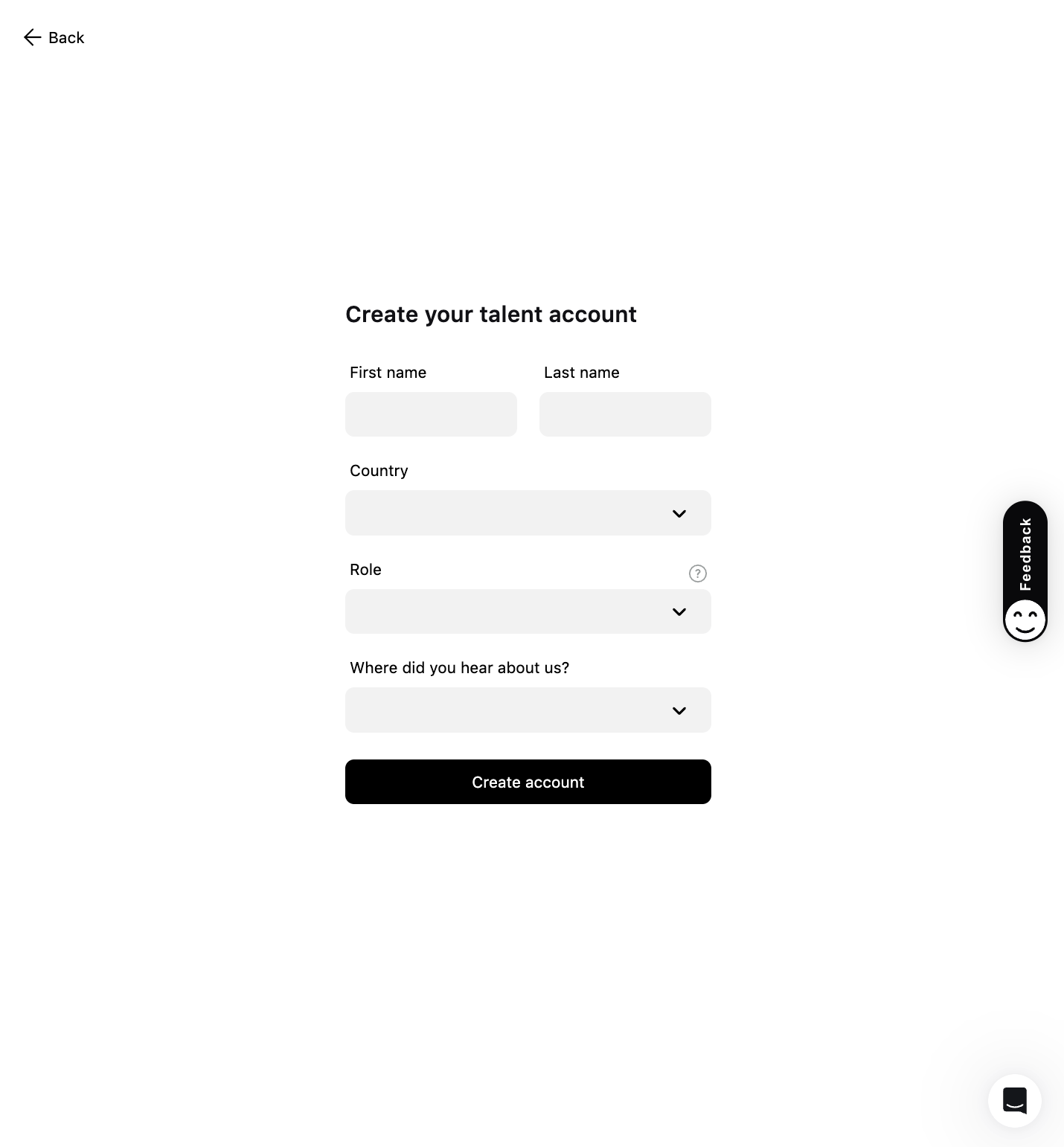
2. On the Claim your username screen:
- Fill in your First name and Last name.
- Select your Role and answer Where did you hear about us?
- Click Create account.
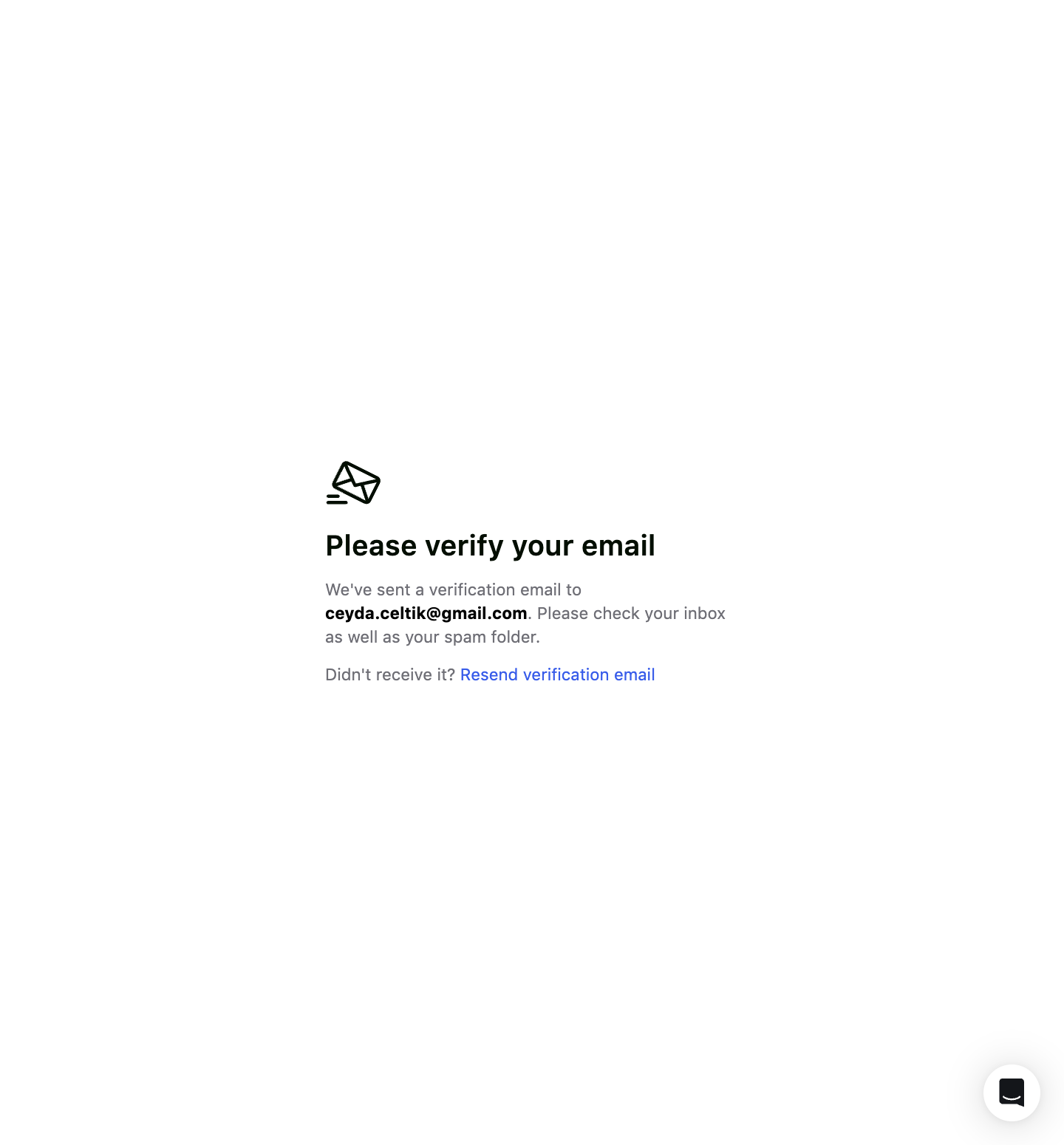
3. Email Verification
Users who register with Google accounts skip this step.
- Check your inbox for a Please verify your email message.
- If you don’t receive the email, use Resend verification email.
Open the email and click the link to verify your email address and get started.
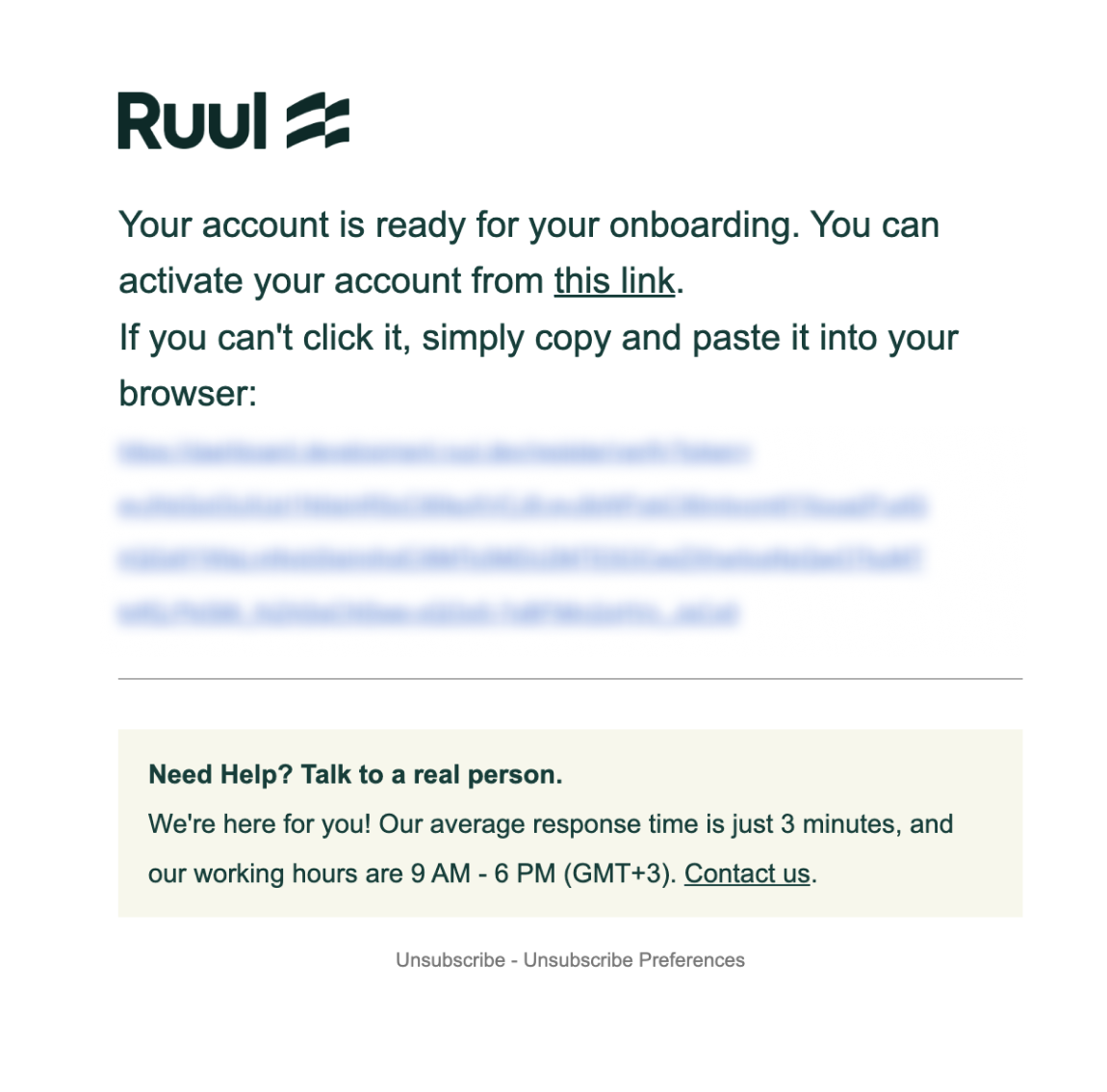
If you did not receive the email, check your spam/junk folder and ensure that your inbox is set up to receive emails. If you still cannot locate the email, click “Resend verification email” to receive a new verification link.
After successful registration, the Ruul Dashboard opens automatically. Welcome to Ruul! 🥳
Good to know
Before you can invoice clients or receive payouts, you’ll need to complete identity verification (KYC) and add a payment account. It’s a quick, one-time step that keeps every transaction compliant and secure - you can do it whenever you’re ready to get paid.
Frequently asked questions
Do I need a registered company to open a Ruul account?
No. Ruul acts as your Agent of Record, so you can invoice clients and get paid as an individual without setting up a company.
I didn't get the verification email. What should I do?
Check your spam or junk folder first and make sure your inbox can receive new emails. If it still hasn't arrived, click Resend verification email to get a new link.
Does signing up cost anything?
No. There are no setup or monthly fees. Ruul charges a flat 5% commission only when you get paid.
Was this article helpful?
Thanks for the feedback! 🙌