

Signing back in to Ruul is quick: use the email and password you registered with, or sign in through your Google account. For added security, you’ll also enter a verification code sent to your email.
Sign in with Email & Password
Go to the sign in page, enter your registered email and password, then click Sign In.
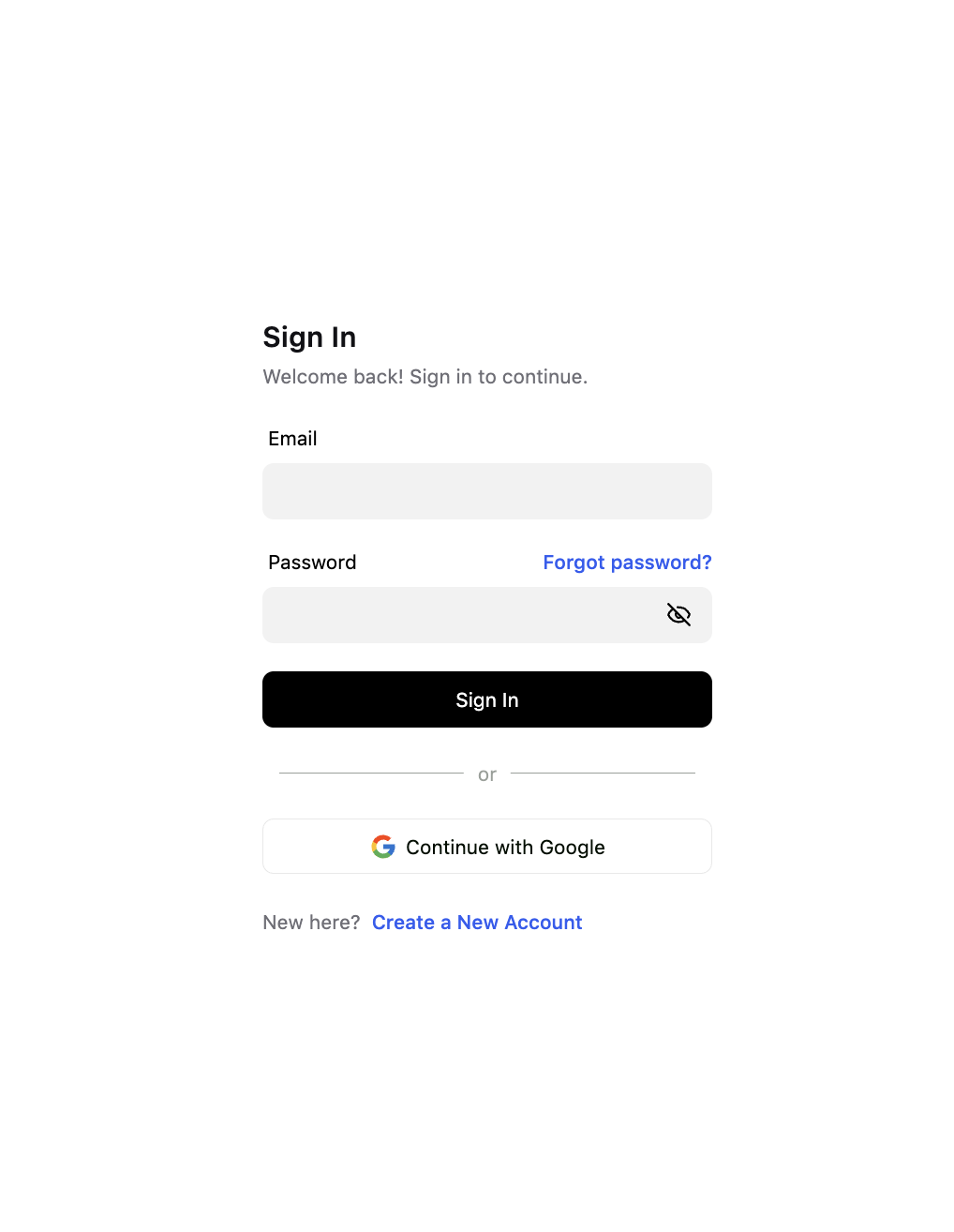
If you’ve forgotten your password, click the Forgot password? link to reset it.
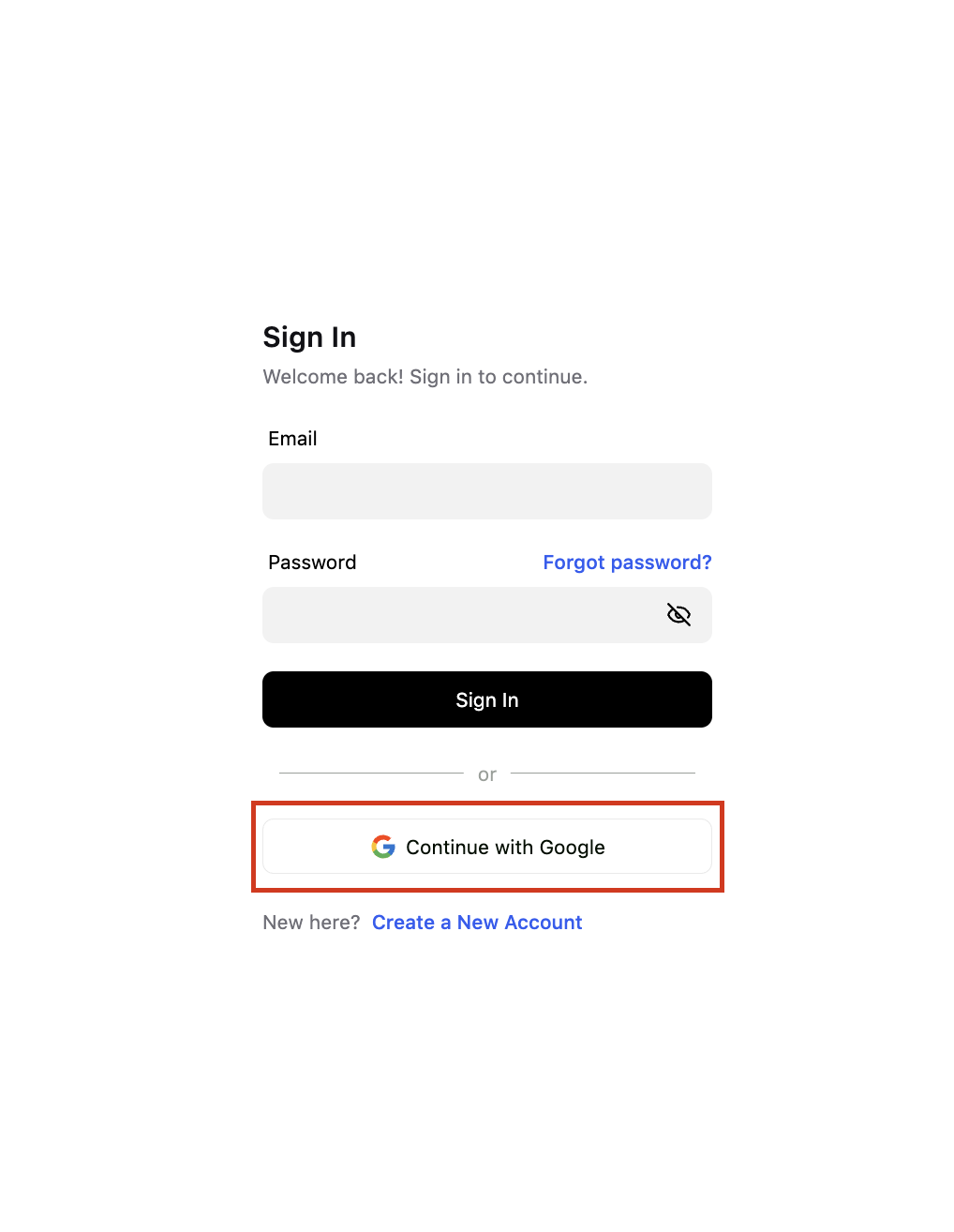
Continue with Google
If you’ve registered with your Google account, you can sign in without entering a password. Simply click Continue with Google.
Resetting your password
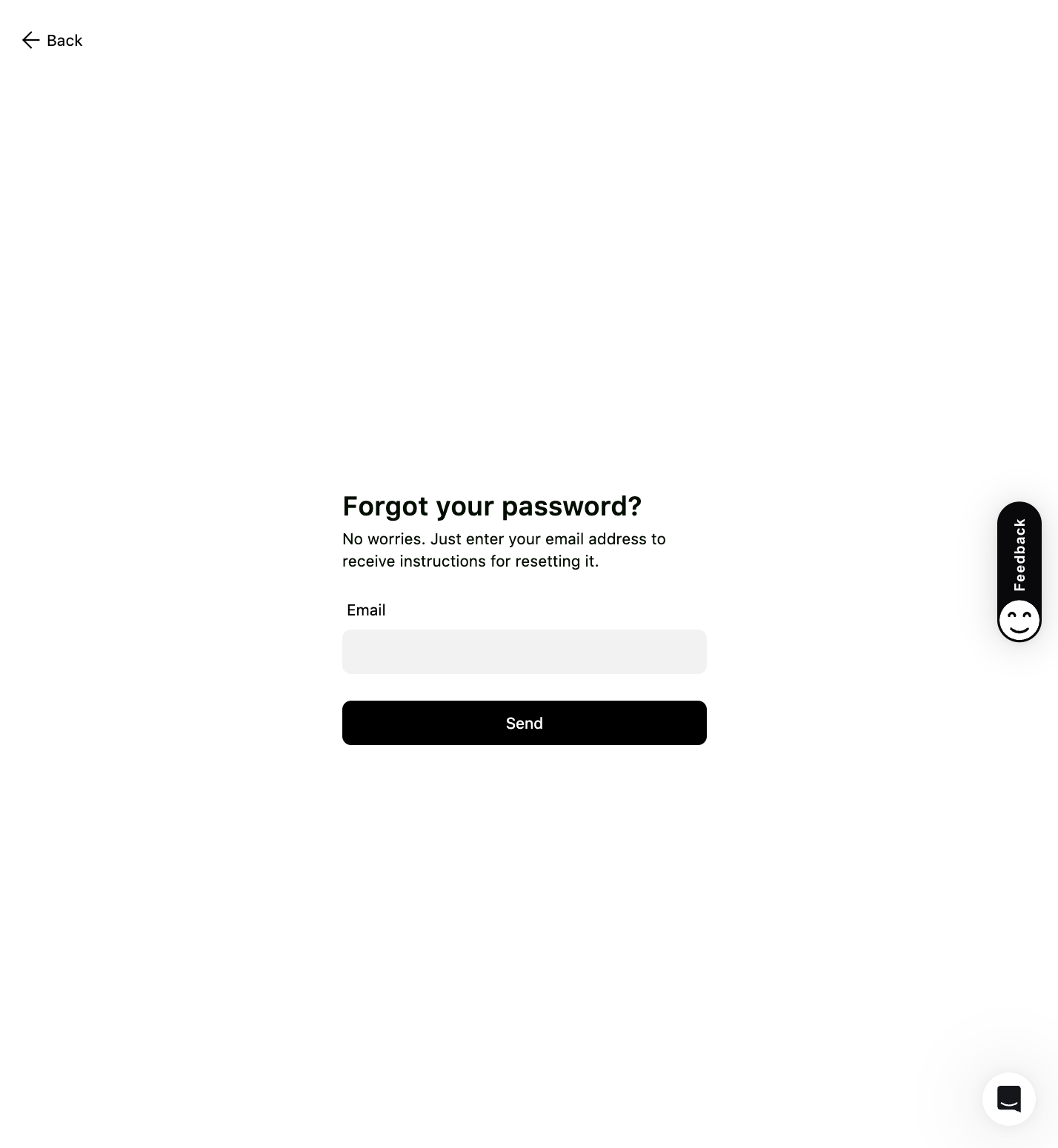
If you’ve forgotten your password, click Forgot password? on the sign-in page.
Enter your email address to receive instructions for resetting it.
Frequently asked questions
I forgot my password. How do I reset it?
On the sign-in page, click Forgot password?, enter your email, and you'll receive instructions for setting a new one.
I signed up with Google. Do I still need a password?
No. If you registered with Google, just click Continue with Google to sign in - there's no separate password to remember.
Was this article helpful?
Thanks for the feedback! 🙌